
Ready to get started?
Easily integrate next-generation payments and financial data into any app. Build powerful products your customers love.
SHARE ARTICLE


 Share link copied!
Getting an invoice paid should be the easy part. The work is done, the invoice is sent but the speed at which cash actually arrives depends heavily on what happens next. If the customer has to leave the invoice, log into their bank, copy account details, type a reference, and hope it arrives with something recognisable attached, that is a lot of steps between you and your money.
What a Xero payment app does
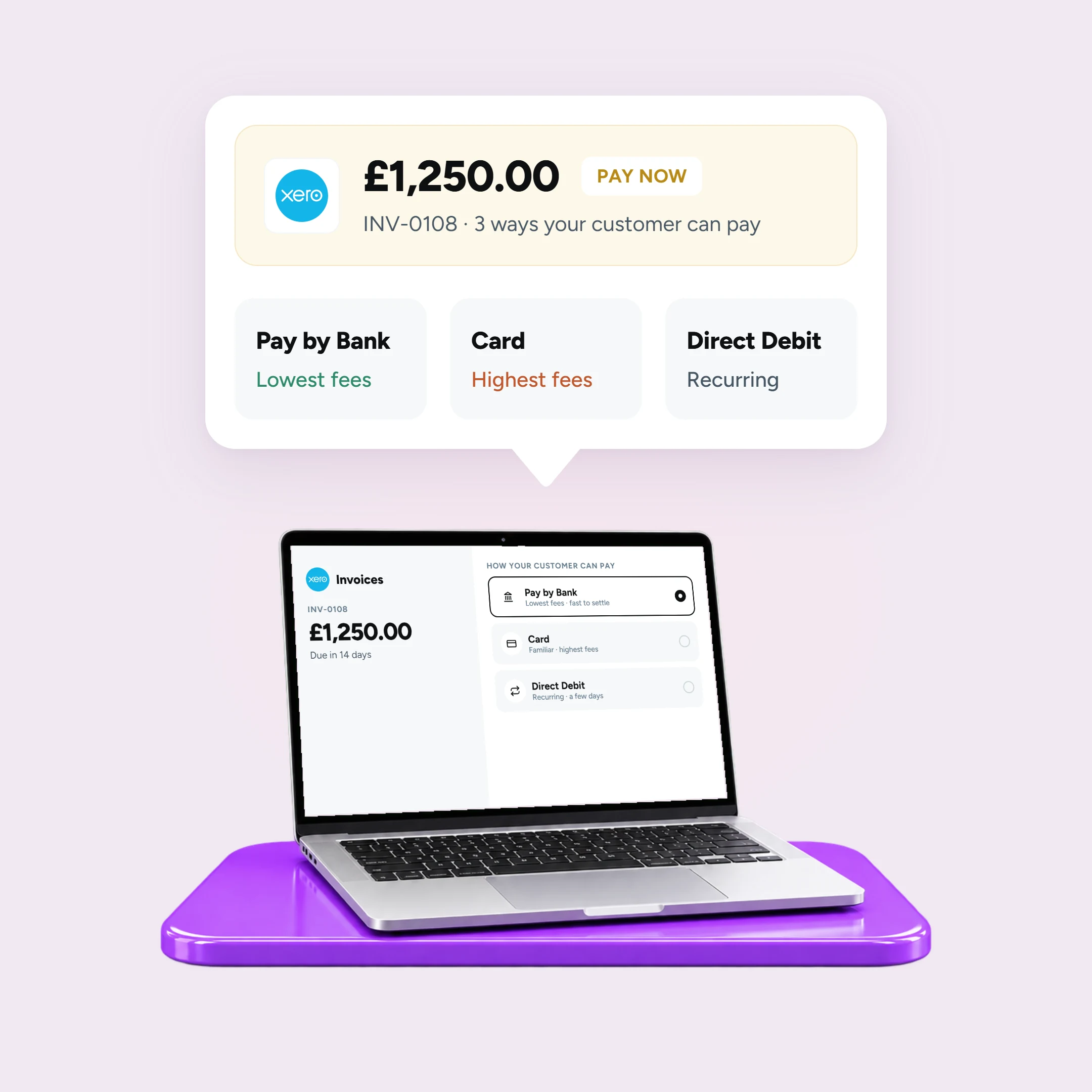
Xero does not take payments itself. What it does is, it adds a ‘Pay Now’ button or link to every invoice you send. The customer clicks it, pays, and the transaction flows back into Xero and reconciles against the right invoice. The right app turns an invoice from a request into something payable in a couple of taps and that single change is probably the biggest lever most businesses have on how quickly they get paid.
The question is which app to connect. There are meaningful differences in fees, settlement speed, payment method, and how cleanly each one reconciles. This guide covers the main options available to UK businesses in 2026.
Why the right app matters
Late payment is a persistent problem for UK businesses, and most of it comes down to friction. A manual bank transfer puts the work on the customer: leave the invoice, log into banking, copy details, type a reference, hope it arrives with one you can match. A ‘Pay Now’ link removes that entirely.
But the method behind that link matters too. The fee you pay and how quickly cash lands in your account varies significantly depending on whether you are collecting by card, Direct Debit, or Pay by Bank. It is worth comparing properly rather than defaulting to whatever Xero suggests first.
What to compare
Before looking at individual apps, these are the things worth weighing up:
- Fees, and whether pricing is published: A percentage plus a fixed fee, and any monthly or chargeback fees underneath.
- Payment method: Card, Direct Debit, and Pay by Bank each carry different costs, different settlement speeds, and a different experience for the customer.
- Settlement speed: Pay by Bank settles in seconds. Direct Debit typically takes a few working days. Card sits somewhere in between depending on the provider.
- Chargebacks: Card and some wallet payments can be charged back; Pay by Bank cannot.
- Reconciliation: Whether the payment carries the invoice reference and matches cleanly in Xero.
- Contract and lock-in: Most apps are pay-as-you-go, but it is worth checking before you connect anything.
The Xero payment apps compared
Fees are indicative UK figures as of July 2026. Confirm each provider’s live pricing before you decide.
| App | Method | Fee (as of 2026) | Settlement | Chargebacks | Best for |
|---|---|---|---|---|---|
| Atoa | Pay by Bank, card and BNPL | Pay by Bank from 0.7% + VAT; card from 1.3%* | Pay by Bank in seconds, next day for larger businesses | None on Pay by Bank, card chargebacks may apply | Omni-channel, lower-fee one-off invoices, any size |
| Stripe | Cards, Apple Pay, Google Pay | From 1.5% + 20p (UK cards) | A few working days | Yes | Card-led customers |
| GoCardless | Direct Debit | 1% + 20p, capped £4 | A few working days | Indemnity claims | Recurring and retainer billing |
| PayPal | Wallet and cards | Around 2.9% + 30p | To PayPal balance | Yes | Buyer familiarity |
The apps in detail
Atoa and open-banking Pay by Bank
Open-banking apps add Pay by Bank to your invoices: the customer approves the payment in their own banking app, and the money movesstraight to the business account. Atoa takes Pay by Bank from 0.7% + VAT and cards from 1.3%*, settles Pay by Bank in seconds and next day for larger businesses. It carries no chargebacks on Pay by Bank payments. Because the payment can carry the invoice reference, it also reconciles cleanly. It suits one-off invoices of any size where you want the lowest fee and the fastest cash, while still offering card for customers who prefer it.
*Card rates vary based on card type, business size and average transaction value. Business cards and American Express typically attract higher rates.
Stripe
Stripe is Xero’s built-in card integration and the most established pay-now option. It puts a “Pay now” button on every invoice and accepts credit and debit cards plus Apple Pay and Google Pay, with automatic reconciliation in Xero. UK consumer card fees start from around 1.5% + 20p, rising for EU and international cards. It suits businesses whose customers expect to pay by card, and whose margins can absorb card fees. Card payments can be charged back.
GoCardless
GoCardless handles Direct Debit rather than cards, with fees from 1% + 20p per domestic transaction, capped at £4. It is the natural fit for retainers, subscriptions and any regular billing, because once a customer sets up a mandate you can collect automatically on each due date. The trade-offs: the customer has to set up a mandate first, payments take a few working days to clear, and Direct Debit can be reversed through an indemnity claim. Less suited to one-off project invoices where you want paying today.
PayPal
It can be offered on Xero invoices and benefits from strong buyer recognition, but at around 2.9% + 30p per transaction it is usually the most expensive option on this list. It can make sense where customers specifically want to pay with a PayPal balance, but on fees alone it rarely wins.
Card vs Pay by Bank vs Direct Debit
The payment method matters as much as the provider name. A quick summary:
- Card is familiar and instant to the customer, but it is the highest-fee option and may incur chargebacks in case of disputes.
- Direct Debit is built for scheduled, recurring amounts. Once a mandate is in place, collection is automatic and predictable. It takes a few days to clear and is not well suited to one-off or urgent invoices.
- Pay by Bank is usually the lowest-fee and fastest to settle, with no chargeback exposure. It is well suited to one-off and ad-hoc invoices. For the recurring version, see Pay by Bank vs Direct Debit for Xero users.
Which app suits which business
Choosing the right setup comes down to how invoices are structured and what the business is optimising for.
- Freelancers and one-off invoices: A Pay by Bank and card app like Atoa gets you paid fastest at a lower fee.
- Professional services with retainers: pair Direct Debit (GoCardless) for the recurring clients with a Pay by Bank app for one-off work. Running the two together covers most firms well and keeps fees down.
- Card-heavy or consumer-facing: keep a card option (Stripe, or Atoa’s card) so nobody is turned away, and add Pay by Bank to lower the average fee.
- Higher-value invoices: Pay by Bank avoids a percentage fee ballooning on a large amount and removes chargeback risk.
How to choose the right Xero payment app
- Match the method to your invoices (one-off vs recurring).
- Compare the total fee on your typical invoice size, not just the headline rate.
- Check settlement speed against your cash-flow needs.
- Confirm it reconciles automatically in Xero.
- Consider chargeback exposure and any contract.
- Do not assume one app must do everything: many firms combine two.
How to connect a payment app to Xero
Payment apps connect to Xero through the Xero App Store at apps.xero.com. You will need a standard or advisor user role to do this. If you have a cashbook client or managed user role, your advisor will need to connect the app on your behalf.
But if you already have an account with the payment provider, log in to their website directly and connect your Xero organisation from there. If you are setting up a new account:
- Log in to the Xero App Store using your Xero credentials
- Find the app you want to connect and click Get this app
- Follow the prompts to allow access to your Xero organisation and set up your plan
Once connected, payments made through the app will appear in Xero’s transaction history marked as System Generated. Clicking Show History on any transaction shows which app it came from, which keeps reconciliation clean and auditable.
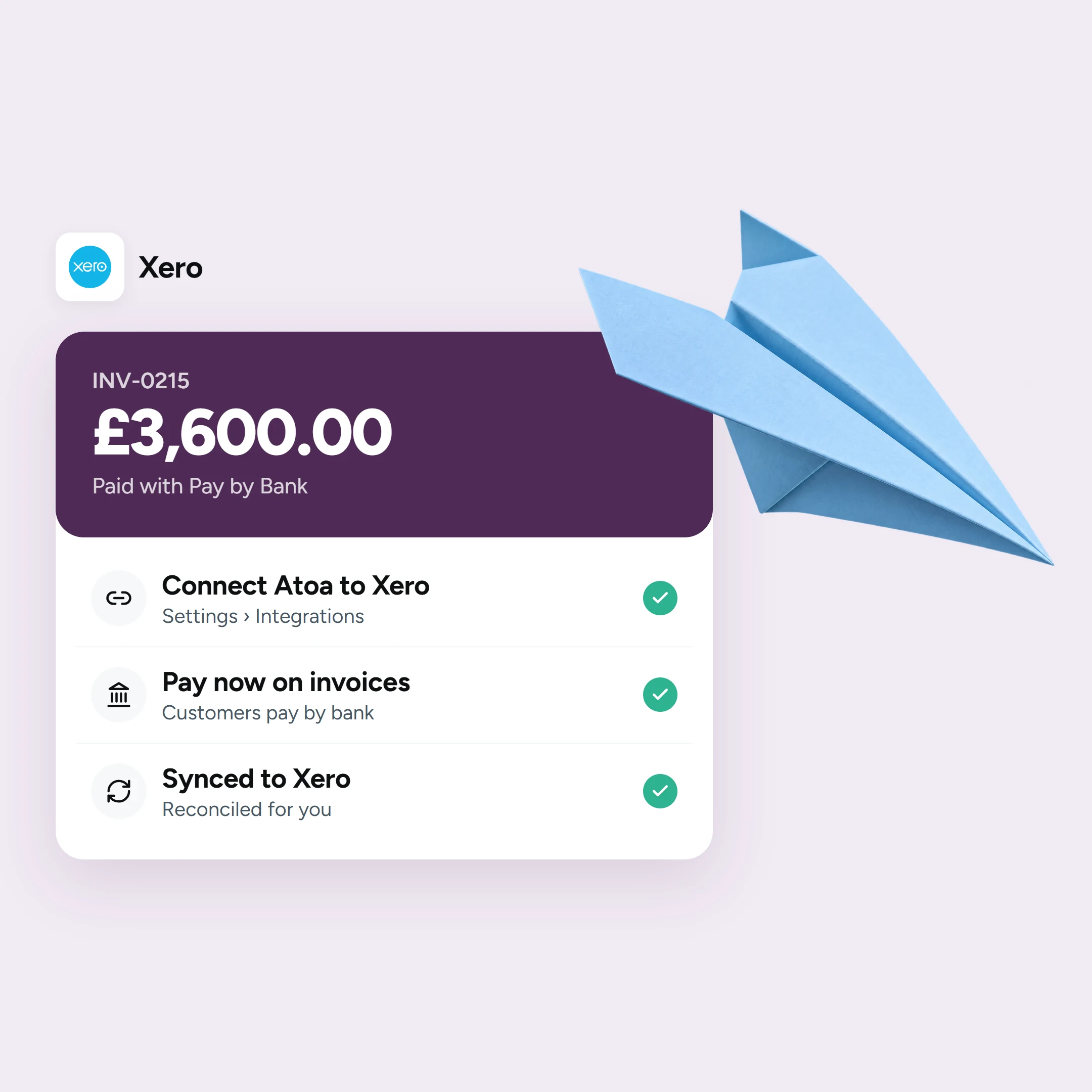
So, connecting Atoa to Xero is quick and straightforward. Follow our step-by-step guide, learn how to reconcile payments automatically. You can also explore Atoa for Xero, pricing and add ‘Pay Now’ links through invoice payments. Don’t miss our wider guide to the best Xero payment integrations.
Frequently asked questions
What is the best payment app for Xero?
It depends on how you invoice. For instance, for the lowest fees and fastest settlement on one-off invoices, a Pay by Bank and card app like Atoa is a strong fit. For scheduled recurring billing, GoCardless Direct Debit is well suited. Many firms run both.
How do I add a pay-now button to Xero invoices?
Add a payment service in Xero’s invoice or payment settings, connect your provider account, and enable it. New invoices then carry a pay-now link.
Which Xero payment app has the lowest fees?
Pay by Bank is usually the lowest-cost method, at around 0.7% + VAT with Atoa. Compare on your typical invoice size.
Does Atoa work with Xero?
Yes. Atoa connects to Xero so invoices carry a ‘Pay Now’ link for Pay by Bank and card payments, and they feed back for reconciliation.
GoCardless or Stripe for Xero?
GoCardless (Direct Debit) suits recurring and retainer billing; Stripe (cards) suits one-off card payments. They solve different jobs, and some businesses use both alongside a Pay by Bank app.
Can customers pay a Xero invoice by bank transfer?
Yes. With an open-banking app like Atoa, the ‘Pay Now’ link lets the customer approve a Pay by Bank payment in their Bank app, which is faster and has lower fees than cards and reconciles instantly.
Sources
- Stripe UK card fees (from 1.5% + 20p): Stripe pricing; Connect Stripe to Xero (Xero Central).
- GoCardless fees (1% + 20p, capped £4): GoCardless for Xero; About GoCardless (Xero Central).
- PayPal (~2.9% + 30p) and market overview: Mobile Transaction, invoice apps for UK small business.
- Xero invoice payments overview: Xero UK, invoice payments.
- Atoa: Pay by Bank from 0.7% + VAT; card from 1.3%: Atoa pricing.
SHARE ARTICLE
Share link copied!