


Pay by Bank and card payments, one free WooCommerce plugin
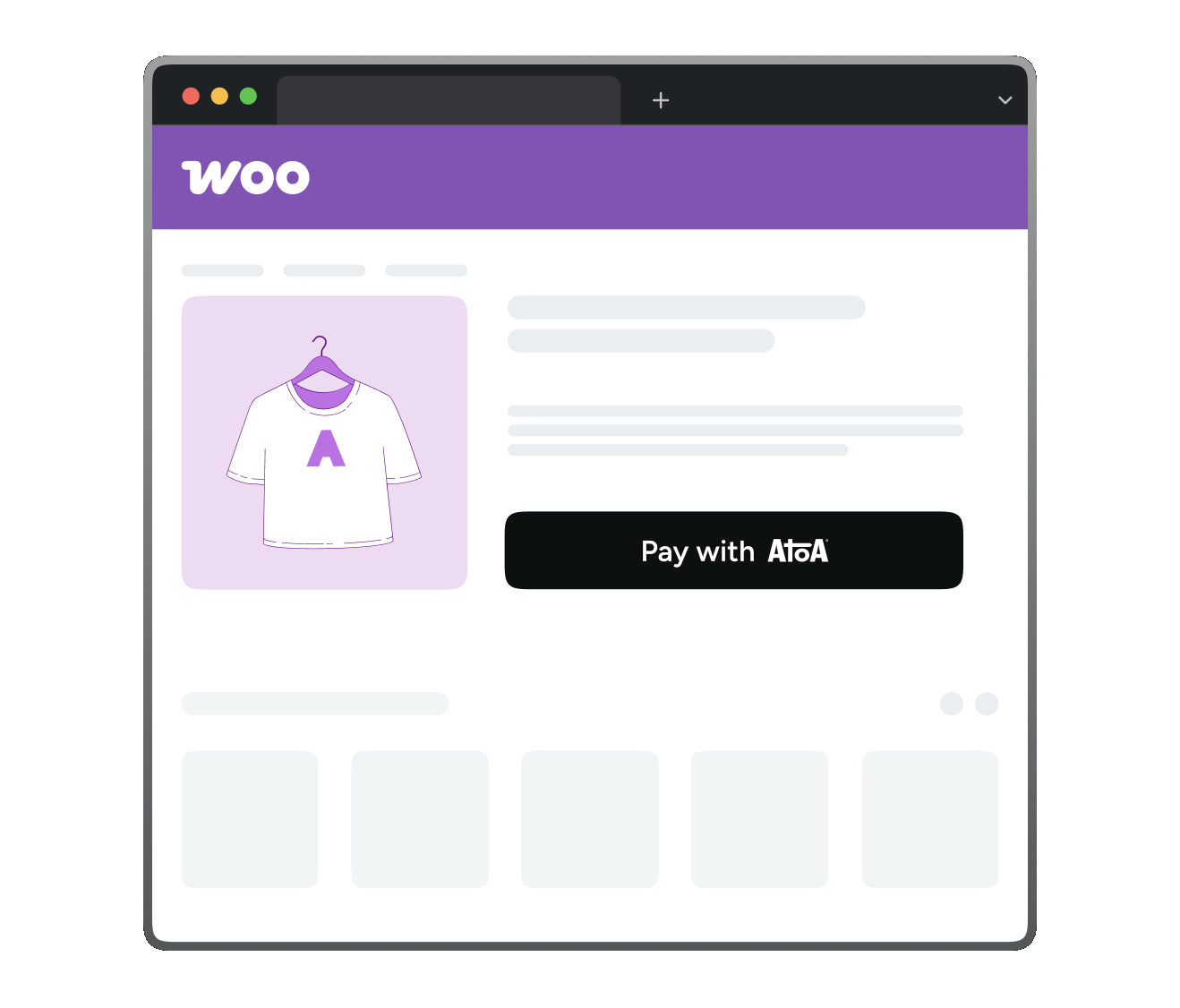
How customers pay with
Atoa on WooCommerce
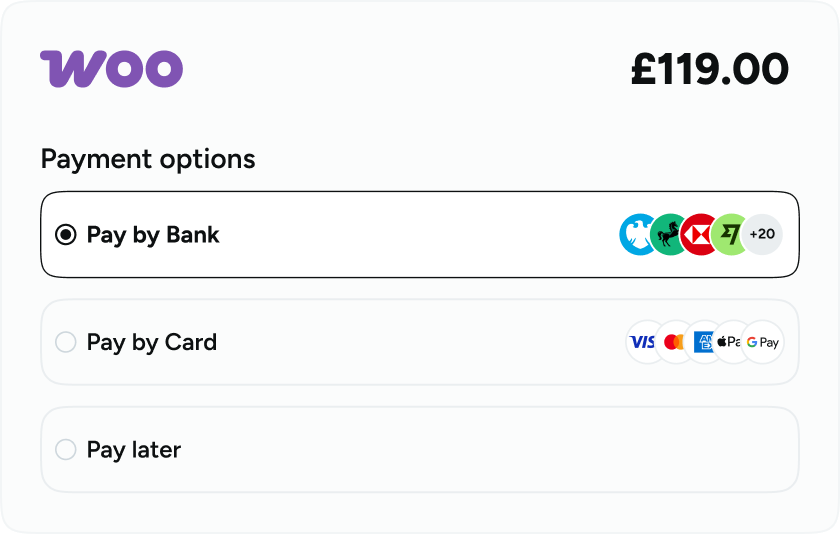
Choose how to pay
At checkout, the customer sees two options: Pay by Bank or card.
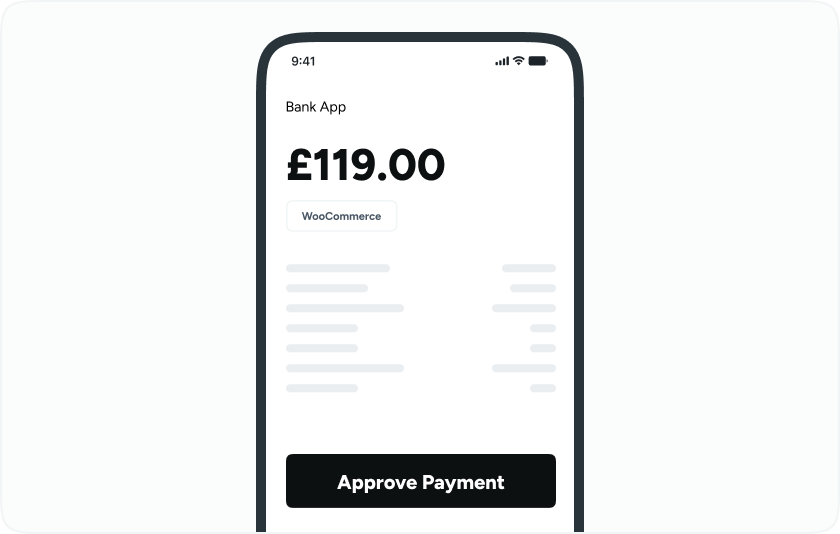
Complete the payment
If they choose Pay by Bank, they select their bank and approve in their Bank app. If they choose card, they enter their card details as normal.
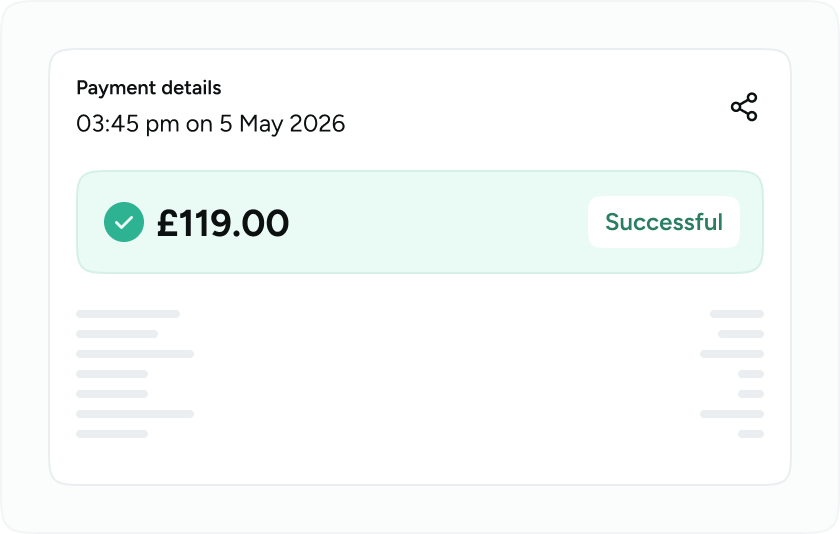
You get paid
Either way, the payment is confirmed and synced to your Atoa dashboard instantly.
Choose how to pay
At checkout, the customer sees two options: Pay by Bank or card.
Complete the payment
If they choose Pay by Bank, they select their bank and approve in their Bank app. If they choose card, they enter their card details as normal.
You get paid
Either way, the payment is confirmed and synced to your Atoa dashboard instantly.



















Set up in 5 steps
Get started- Step 1
Sign up on Atoa, complete your business verification, then open API Access in Settings to generate your Production or Sandbox key. Paste your homepage URL into the Redirect URL field.
- Step 2
Install the Atoa Pay plugin from the WordPress plugin directory and activate it on your site.
- Step 3
Go to WooCommerce, then Payments, then Atoa Pay and click Manage. Paste your API access key and save.
- Step 4
If you have V2 webhook signing enabled in the Atoa Dashboard, paste your webhook signing secret into the Webhook Signing Key field and save.
- Step 5
Test the full payment flow in Sandbox mode, then switch to Production when you are ready. Full steps are in the Atoa WooCommerce docs.
Already have an Atoa account? Steps 2 to 5 take a matter of minutes. Login →
Keep more of every order

Every payment type in one plugin
Pay by Bank, Visa, Mastercard, Google Pay and Apple Pay, all under one account, one dashboard, one API key. Card rates vary based on card type, business size and average transaction value. Business cards typically attract higher rates.

No chargebacks on Pay by Bank
Pay by Bank payments are approved by the customer directly in their Bank app using Strong Customer Authentication. Once approved, there is nothing to dispute.

UK-based support from day one
Our UK care team handles onboarding, training and account support from the moment you sign up. Technical specialists are on hand for custom integrations with your eCommerce platform. Whatever your setup, we help you get there.

Lower fees on every order
Pay by Bank starts at 0.7% + VAT with custom pricing for larger businesses, well below typical card processing fees, with no monthly or setup fees.

Settlement next day
All Pay by Bank payments settle the next day, every day. So you don’t have to wait days. Cards generally settle within two business days.

Works with all major UK banks
Live bank logos are shown at checkout automatically. Customers pay from the Bank app they already use, with nothing extra to download.

Quick, free install
Add the plugin, paste your key, and go live the same day. Works with both Classic and Block checkout on WooCommerce.

Multi-store ready
Manage multiple store locations from one Atoa account.

FCA authorised
Atoa is an Authorised Payment Institution (FRN #1007647), ISO 27001 and SOC 2 certified.
Simple, lower fees
- Pay by Bank starts at 0.7% + VAT per transaction with custom pricing for larger businesses. There are no monthly fees and no setup fees. Card payments are available from 1.3%* for UK cards.
- See the pricing page for current rates or reach out to us at hello@paywithatoa.co.uk for a direct quote.
* Card rates vary based on card type, business size and average transaction value. Business cards and American Express typically attract higher rates.
Built for WooCommerce

Sandbox mode
Test the full payment flow, successful payments, failed payments and pending payments, before going live. No real transactions, no risk.

One dashboard
Every order syncs to your Atoa Business app automatically. Track transactions, reconcile payments and manage your account in one place.

Refunds
Atoa supports full and partial refunds and can be done from the Atoa dashboard easily.

Automatic payment status checks
The plugin checks payment status at 5 minutes, 30 minutes, 1 hour, 4 hours and 24 hours after checkout. Orders are always updated correctly, even if there is a temporary connection issue.

Failed or expired payments
If a payment fails or expires, the customer is redirected back to checkout to try again. The order status updates automatically.

Webhook signing
The plugin supports V2 webhook signing, so every payment notification can be verified as coming from Atoa and not a third party.
A trusted partner
for businesses in the UK
See how much you can save with Pay by Bank
- Up to 50% lower payment fees
- Faster access to funds
- One platform for modern payments

ISO-27001 and SOC2 Secure

Security backed by UK banks

Authorised by the FCA

Schedule a quick chat with our team!
Select your preferred time, and our team will give you a short demonstration of how Atoa can work for your business. Book a call
Book a callDownload the Atoa Business app, complete onboarding and generate an API access key in Settings. Install the Atoa Pay plugin from the WordPress plugin directory, then go to WooCommerce, Payments, Atoa Pay, click Manage and paste your key. Most stores go live the same day.
Yes. The Atoa Pay plugin is free on the WordPress plugin directory. It adds Pay by Bank, card payments, Google Pay and Apple Pay to your checkout.
Pay by Bank starts at 0.7% + VAT per transaction with custom pricing for larger businesses. Card payments are available from 1.3% for UK cards. Card rates vary based on card type, business size and average transaction value.
Yes, Atoa supports full and partial refunds and can be easily done from the Atoa dashboard.
All major UK banks. The customer selects their bank from a list shown at checkout and approves the payment in their own Bank app. Live bank logos are displayed automatically at the checkout.
Pay by Bank settles instantly for most small businesses, or the next working day for larger businesses. Visa and Mastercard settle within two working days; American Express within three. Card settlement excludes weekends and public holidays; Pay by Bank settles every day.
