


One payment APIfor Pay by Bank and card


















Take payments
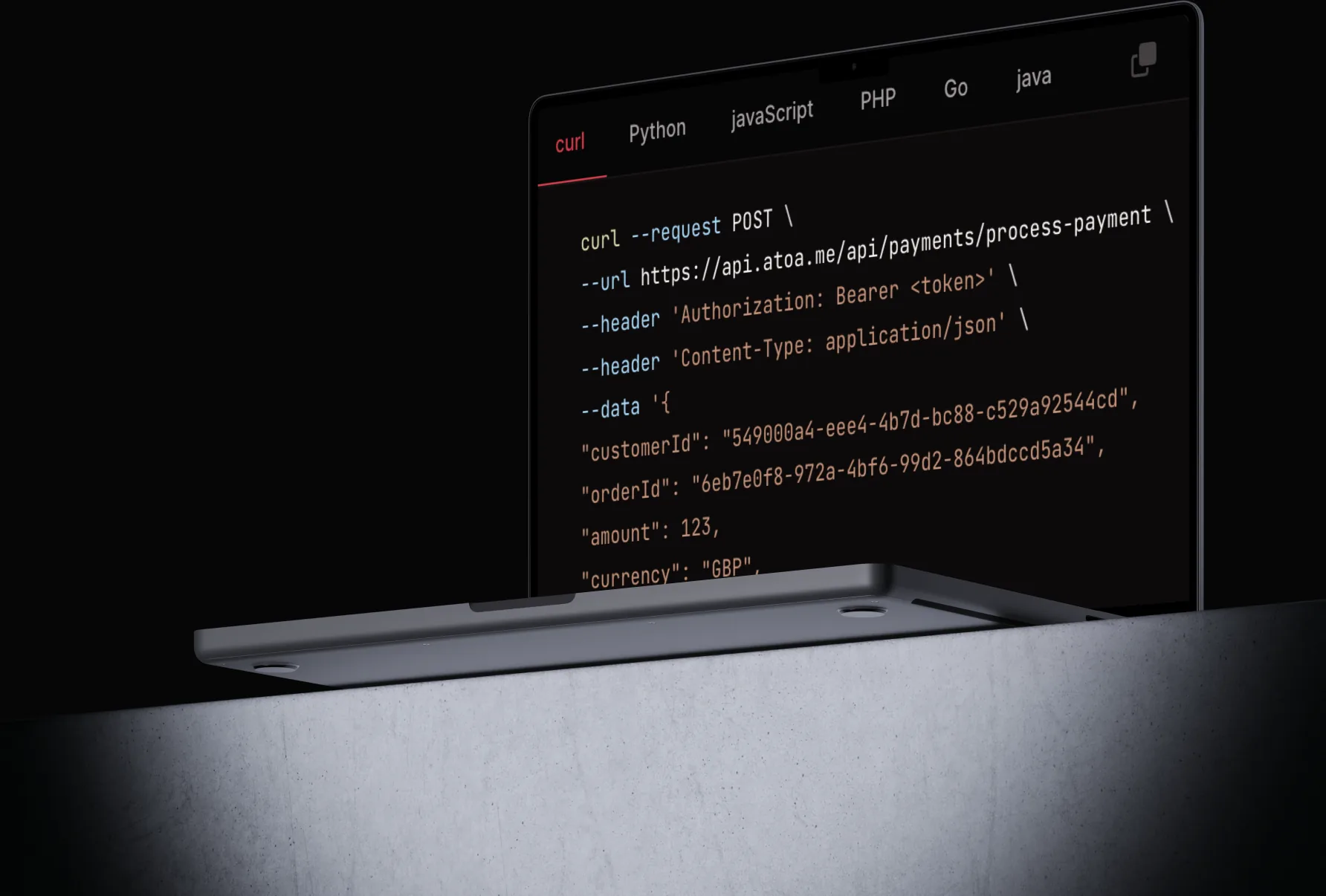
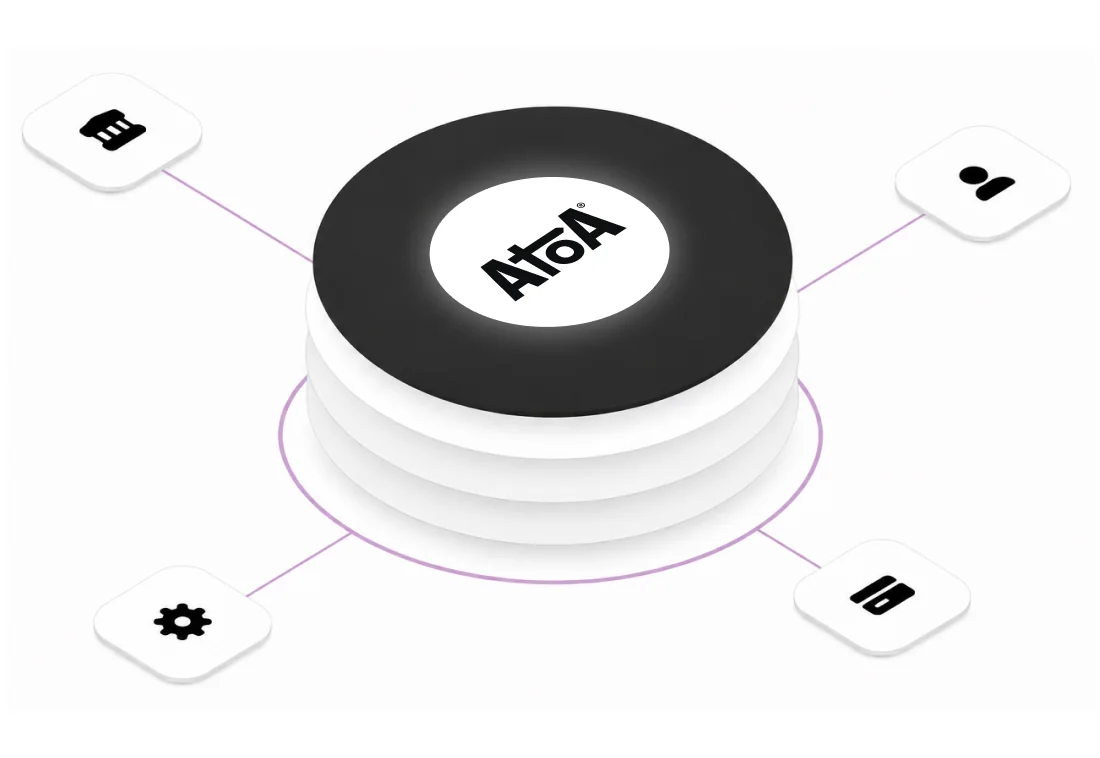
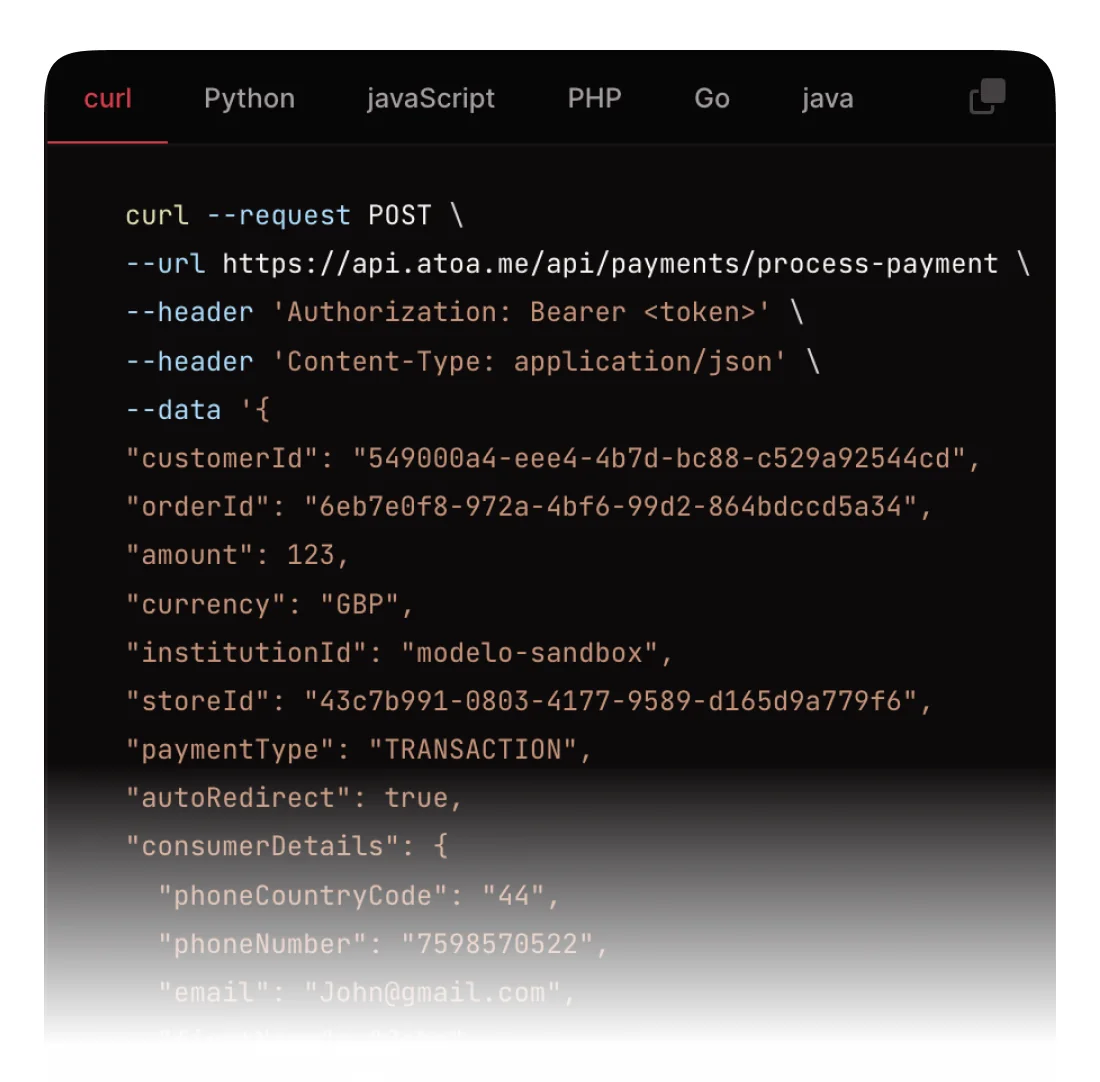
Create Pay by Bank and card payments, get a payment link and QR code back, and confirm status.

Bank feed (open banking)
Read authorised account balances and transactions through Atoa’s UK open banking API.

Customers and card on file
Create customers, save cards securely, and charge saved cards for repeat or subscription billing.

Webhook
Subscribe to payment and refund events, and trigger synthetic events in sandbox to test your handler.

Refunds
Issue full or partial refunds, with idempotency built-in.

Payouts
List payouts and the transactions that make for clean reconciliation.

Lower fees
Pay by Bank from 0.7% + VAT and cards from 1.3%*, so you pass on lower costs to your customers.

Pay by Bank and card in one
A single integration covers UK open banking and cards. Customers choose how to pay; you handle it all in one place.

No chargebacks on Pay by Bank
Pay by Bank payments are approved in the customer’s Bank app using Strong Customer Authentication, so they can’t be disputed.

Test before you ship
A full sandbox, synthetic webhook events, and –dryRun on the CLI.

Safe by default
Idempotency keys on every write, so retries never double-charge.

FCA authorised
Atoa is an Authorised Payment Institution (FRN 1007647), ISO 27001 and SOC 2 certified.
A trusted partner
for businesses in the UK
See how much you could save with Atoa
- Up to 50% lower payment fees
- Faster access to funds
- One platform for modern payments

ISO-27001 and SOC2 Secure

Security backed by UK banks

Authorised by the FCA

Schedule a quick chat with our team!
Select your preferred time, and our team will give you a short demonstration of how Atoa can work for your business. Book a call
Book a callThe Atoa CLI is a command-line tool for the Atoa payment API. It lets you sign up, create payments, issue refunds, manage customers and saved cards, and test webhooks from your terminal, and it is scriptable for CI/CD. Install it with npm install -g @atoapayments/atoa-cli.
Yes. With the Atoa CLI you can create a payment, check its status, and issue refunds straight from the terminal, for example atoa payments create –amount 25.00 –orderId order-001 –customerId cust_123. It is handy for support workflows, testing and one-off operations.
Yes. Atoa has a UK payment API for Pay by Bank and card, with SDKs and webhooks, plus a command-line tool (the Atoa CLI) and an MCP server for AI assistants. You can build with the API and operate or test with the CLI.
Yes. The CLI is free to install and open source on GitHub. You only pay Atoa’s standard transaction fees when you take real payments.
Yes. The CLI is built for automation, with machine-readable –output json, a –dryRun flag, POSIX exit codes, and stable idempotency keys for safe retries. Because login is browser-based, you provision credentials once and point your runner at them.
Sign up for developer access, install the CLI with npm install -g @atoapayments/atoa-cli, and follow the docs. Start in sandbox, then use the go-live checklist. See the CLI docs at docs.paywithatoa.co.uk/cli and the API reference.
Atoa has three SDKs: Web Client, Flutter and React Native. You can also use the REST API directly, or the CLI for terminal-based operations.
