
Ready to get started?
Easily integrate next-generation payments and financial data into any app. Build powerful products your customers love.
SHARE ARTICLE


 Share link copied!
Magento, and its commercial edition Adobe Commerce, is one of the most flexible ecommerce platforms available to UK merchants. That flexibility extends to payments, rather than locking you into one provider, Magento lets you choose the methods you offer, configure how they appear at checkout, and run several side by side.
Getting that setup right matters more than it might seem. The payment methods you offer shape your transaction fees, your cash flow, your exposure to chargebacks, and how smoothly customers make it through checkout. This guide covers every category of Magento payment methods, the pros and cons of each, and how to configure them.
What payment methods does Magento support?
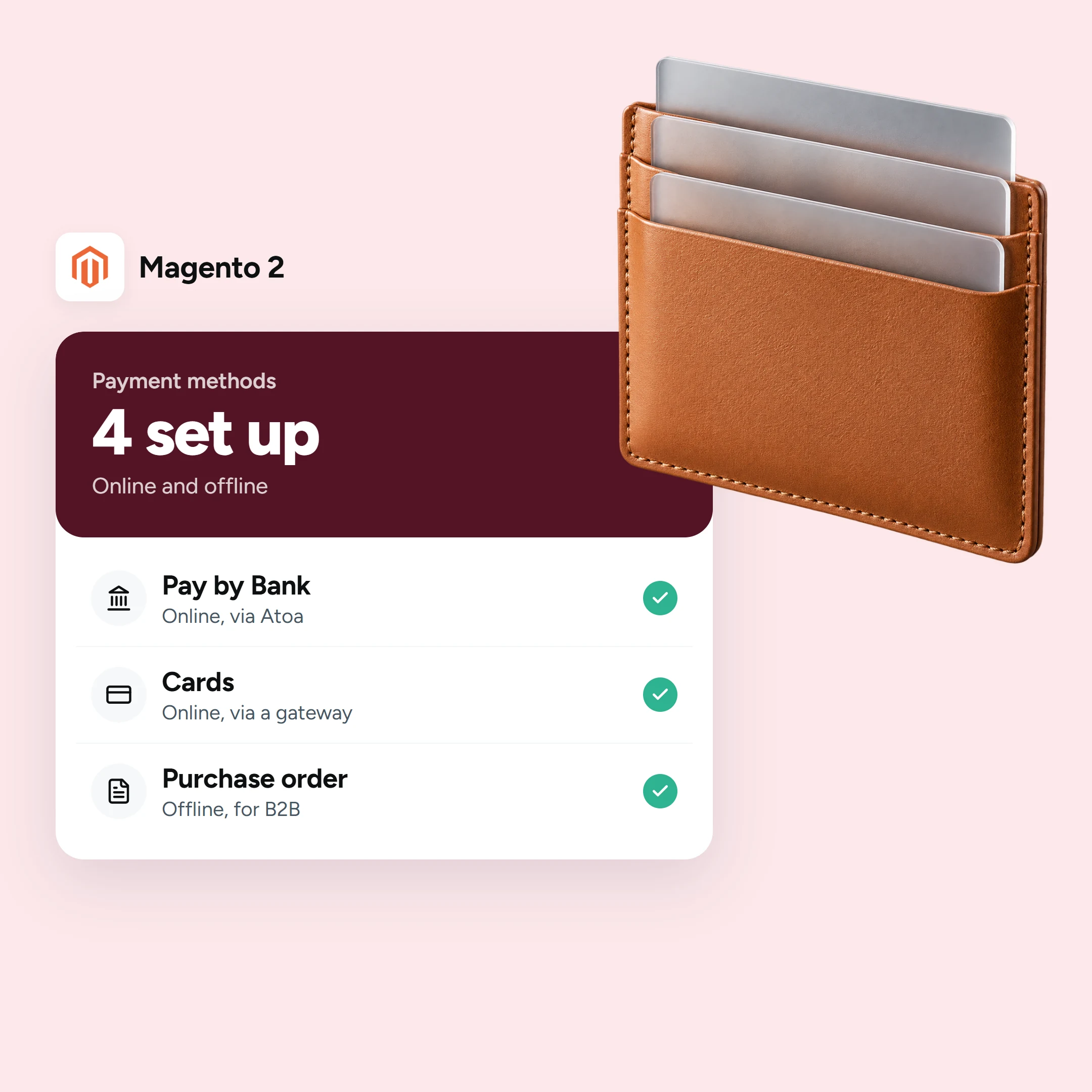
Magento supports four broad categories of payment method. Most UK stores use a combination of two or three.
Offline methods
These ship with Magento by default and require no payment provider account to switch on. They take no card details and settle outside the store.
- Bank transfer: The customer transfers the amount manually. Simple and free to run, but payments often arrive without a clear reference, and you fulfil only once the money lands.
- Cheque or money order: Still useful to a small number of customers. You can restrict it by country or order value.
- Cash on delivery: The customer pays when the goods arrive. Common in some markets and delivery models.
- Purchase order (payment on account): A B2B method where a trade customer buys against a purchase-order number and pays your invoice later. Well suited to wholesale and account customers.
- Zero subtotal checkout: Completes an order with nothing to pay, for example a fully discounted or free order.
Offline methods cost nothing to run but require manual reconciliation. They suit B2B and trade customers well, and less so consumers who expect to pay instantly.
Built-in card gateways
Magento includes out-of-the-box integrations for PayPal and Braintree, enabling card payments without a separate extension. Both are configured in the same Payment Methods area in the admin, and each carries its own fees, which you should confirm directly with the provider.
Adobe Commerce Payment Services
For a quicker route to cards, Payment Services is Adobe’s own turnkey solution for Adobe Commerce and Magento Open Source. It accepts PayPal and card payments including Apple Pay and Google Pay from a single setup, with sandbox testing included. You can connect an existing PayPal account or create one during onboarding. It is the simplest option if you want cards live quickly without evaluating and integrating a separate gateway.d integrating a separate gateway.
Methods added via an extension
Beyond the built-ins, the Adobe Commerce Marketplace carries extensions for most UK payment providers and methods.
- Cards through another PSP: If you want a specific card processor, most major UK providers offer a Magento extension. A hosted or redirect checkout keeps card data off your servers and reduces your PCI compliance burden.
- Digital wallets: Apple Pay and Google Pay speed up checkout for returning customers and reduce cart abandonment, particularly on mobile.
- Buy Now Pay Later: Letting customers spread the cost can lift conversion and average order value on higher-value baskets, with the lender carrying the credit risk once the customer is approved.
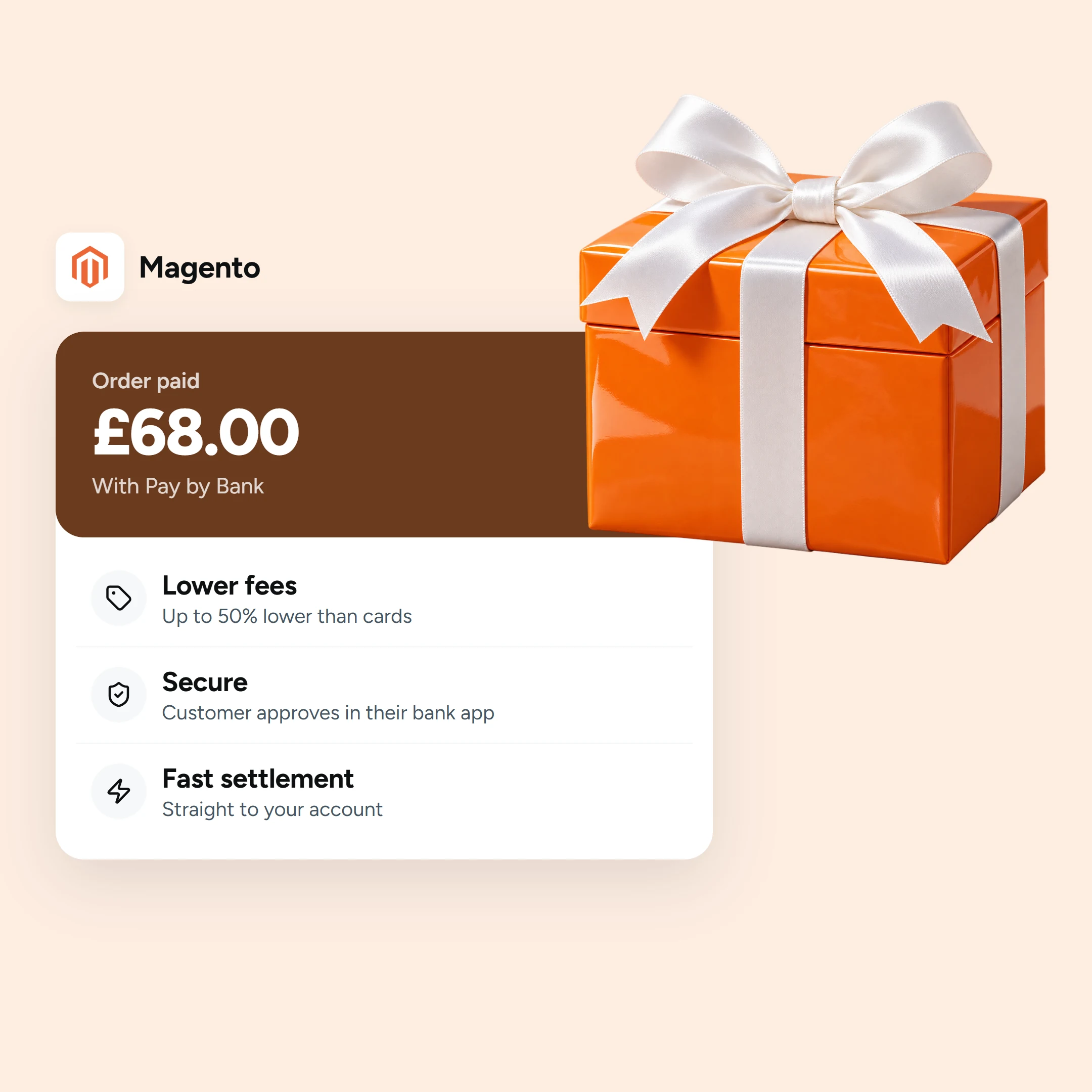
- Pay by Bank. With open banking, the customer approves an account-to-account payment directly in their banking app using Face ID, fingerprint, or passcode. The money settles fast, there are no card details to enter, and there are no card-style chargebacks. Atoa offers a Pay by Bank extension for Magento 2 and Adobe Commerce, available on the Adobe Commerce Marketplace, starting at 0.7% + VAT plus 20p per online transaction.
For how an online method stacks up against the built-in card gateways on cost, settlement and chargebacks, see Pay by Bank versus traditional card gateways on Magento.
Pros and cons of each method
No single method wins on every measure. The right mix depends on your margins, customer expectations, and how much chargeback exposure you are comfortable carrying:
| Method | Strengths | Trade-offs |
|---|---|---|
| Offline (bank transfer, cheque, purchase order) | No processing fee, suits B2B and trade accounts | Manual to reconcile, slow to confirm, not suited to consumer checkouts |
| Cards (built-in gateways or a PSP) | Familiar, expected by most UK shoppers | Highest fees, chargeback exposure, PCI scope |
| Digital wallets (Apple Pay, Google Pay) | Fast one-tap checkout, lower abandonment | Fees similar to cards, setup required per wallet |
| Pay by Bank (open banking) | Lower fees, fast settlement, no chargebacks | Needs an open-banking provider like Atoa |
| Buy Now Pay Later | Lifts conversion on higher-value orders | Regulated consumer credit, provider fees apply |
| Adobe Commerce Payment Services | Quick to set up, covers cards and wallets | Tied to PayPal infrastructure |
Offline vs online, and B2B vs B2C
The practical approach for most UK Magento stores is to run both. Offline methods like bank transfer or purchase order, cover trade and account customers who pay on invoice. Online methods like cards and Pay by Bank, cover consumers who expect to pay immediately and move on. The combination keeps the checkout clean and the average transaction fee as low as possible.
For consumer-facing stores, offering cards alongside Pay by Bank is the combination that works best in 2026: nobody is turned away, and a meaningful share of transactions shift to the lower-fee bank payment method over time.
How to configure payment methods in Magento 2
All payment methods are managed in the same place. In the Magento admin, go to Stores, Settings, Configuration, then expand Sales and choose Payment Methods. Open the method, set it to Enabled, and give it a title (what the customer sees at checkout), a sort order in the checkout list, and any allowed countries or order-value limits. For an online method, connect the provider account or extension, place a test order in sandbox mode, and only then switch to live. Adobe’s own payment methods documentation details every field.
Choosing the right mix for your store
You do not need to offer every method, and too many options at checkout can slow customers down. A practical starting point for most UK Magento stores:
- One offline method for trade and account customers
- A card option for consumers who expect it
- Pay by Bank alongside cards to reduce the average transaction fee and remove chargeback exposure
Order the checkout list so lower-cost methods appear near the top. Atoa lets you set Sort Order to 1, so Pay by Bank is the first e-commerce payment option customers see, without removing the card fallback for those who prefer it.
Frequently asked questions
What payment methods does Magento support?
Offline methods including bank transfer, cheque, purchase order, and cash on delivery. Built-in card gateways including PayPal and Braintree. Adobe Commerce Payment Services for a turnkey card and wallet setup. And extension-based methods including additional card processors, digital wallets, Buy Now Pay Later, and Pay by Bank.Pay Later and Pay by Bank through Payment Services or extensions. The same applies to Adobe Commerce.
How do I enable a payment method in Magento 2?
Go to Stores, Settings, Configuration, Sales, Payment Methods. Open the method, enable it, set its title, sort order, and any allowed countries or order-value limits. Test in sandbox before going live.
What is Adobe Commerce Payment Services?
Adobe’s own payment solution for Adobe Commerce and Magento Open Source, accepting PayPal and cards including Apple Pay and Google Pay from a single setup.
Which card gateways are built into Magento?
PayPal and Braintree are available out of the box; others are added via extensions.
Can I add Pay by Bank to Magento?
Yes. Atoa’s extension for Magento 2 and Adobe Commerce adds Pay by Bank to your checkout alongside cards. Fees start at 0.7% + VAT plus 20p per online transaction, with fast settlement and no chargebacks on bank-approved payments.
Is Adobe Commerce the same as Magento?
Adobe Commerce is the commercial edition of Magento. The payment methods and configuration are the same across both.
Sources
- Magento / Adobe Commerce payment methods, offline options and configuration path: Adobe Commerce, Sales > Payment Methods; Payments overview.
- Adobe Commerce Payment Services (PayPal and card payments, turnkey): Payment Services configuration; Payment Services on the Commerce Marketplace.
SHARE ARTICLE
Share link copied!