
Ready to get started?
Easily integrate next-generation payments and financial data into any app. Build powerful products your customers love.
SHARE ARTICLE


 Share link copied!
Most UK Magento stores accept card payments as standard. Cards work, customers expect them, and the setup is straightforward. But for stores looking to reduce transaction fees and remove chargeback risk, Magento Pay by Bank is worth adding alongside. This guide explains what Magento open banking payments are, how they work at checkout, and how to set them up with Atoa.
What is Pay by Bank?
Pay by Bank is an account-to-account payment method that leverages the open banking technology. Instead of entering card details at checkout, the customer approves the payment directly inside their own Bank app. The money moves from their account to yours without passing through any card network, which is what removes card fees and eliminates chargebacks.
Open banking is regulated by the FCA in the UK and has become firmly mainstream. As of early 2026, open banking had reached over 17 million active user connections in the UK, a 36% increase year on year, according to Open Banking Limited. So, it is no longer a niche payment method.
How Pay by Bank works on a Magento checkout
At checkout, Pay by Bank appears as a payment option alongside your existing methods. The customer selects it, chooses their bank from a list, is securely redirected to their banking app or scans a QR code, and approves the payment using Face ID, a fingerprint, or a passcode. They are then returned to a confirmed order page.
For the customer, it is fewer steps than typing a card number. For the merchant, it means no card details are handled on your site, no chargeback risk on bank-approved payments, and funds that settle quickly without card processing delays.
Why UK Magento merchants are adding Pay by Bank
Here is what changes when you add it to your checkout.
Lower fees on every order
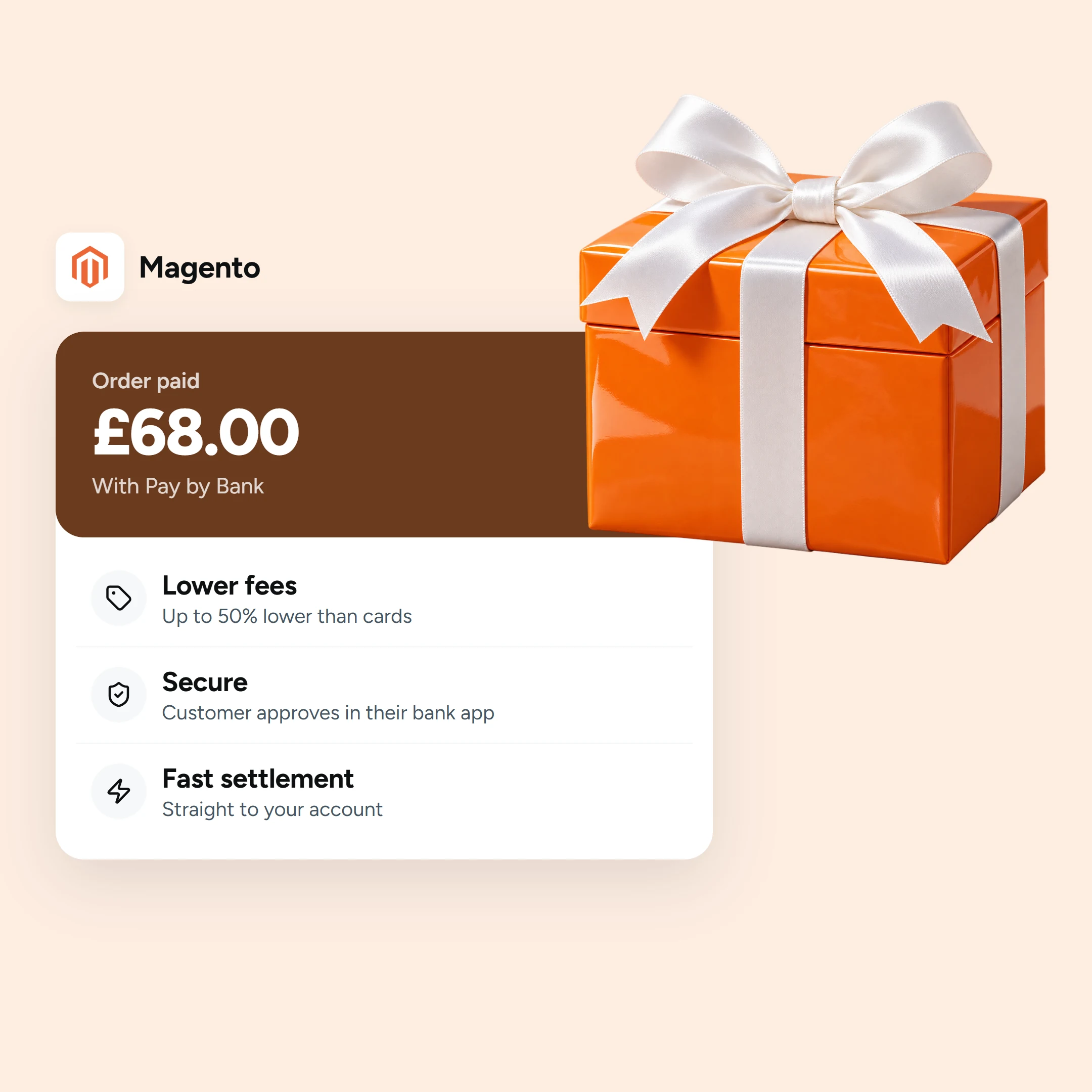
Card acceptance carries interchange, scheme and acquirer costs, so a percentage of every sale leaves your margin. Pay by Bank is usually lower cost, up to 50% lower than cards, which directly reduces your Magento transaction fees. On higher-value baskets, where a card percentage climbs quickly, the saving is largest.
No chargebacks on Pay by Bank
Because a Pay by Bank payment is a bank-authorised push from the customer, there is no card-style chargeback to dispute later. So, that cuts both the direct cost of chargeback fees as well as the admin of fighting them. (This applies to Pay by Bank, not to card payments.)
Faster access to funds and fewer failed payments
Pay by Bank settles quickly over the banking rails, so cash reaches you sooner than a card payout. And because there is no stored card to expire, be blocked or fail a renewal, there are fewer failed payments to chase.
Automatic reconciliation
Payments sync automatically to the Atoa dashboard and match against orders, reducing manual checking at the end of the day.
Pay by Bank vs card gateways on Magento
Indicative, as of 2026.
| Pay by Bank | Card gateways | |
|---|---|---|
| Fees | Lower, up to 50% below cards | Card rates plus scheme and acquirer fees |
| Chargebacks | None | Possible |
| Settlement | Instant or next day | Often a few working days |
| Checkout | Approve in the Bank app | Enter card details |
| PCI scope | Reduced (no card data on site) | Applies |
The practical approach is to offer both so customers can choose. Keep cards for customers who prefer them, and add Pay by Bank to bring the average transaction fee down and remove chargeback exposure. Most customers see both options at checkout and choose based on preference.
For the full side-by-side, see Pay by Bank vs traditional Magento gateways, and for the wider platform view, all the payment methods Magento supports and our overview of e-commerce payment solutions.
Is Pay by Bank secure?
Yes. Open banking is regulated by the FCA, and every payment is approved with bank-grade Strong Customer Authentication inside the customer’s own app. Atoa is an FCA-authorised payment institution (FRN 1007647), ISO 27001 and SOC 2 certified.
How to add Pay by Bank to Magento through Atoa
Step 1: Choose an FCA-authorised open banking provider
Open banking payments must be initiated by an FCA-authorised provider. Atoa is a UK FCA-authorised payment institution offering Pay by Bank for Magento 2 and Adobe Commerce, available on the Adobe Commerce Marketplace.
Step 2: Create your Atoa account
Sign up at paywithatoa.co.uk, complete business verification, and generate your API access key in Settings.
Step 3: Install the extension
Install the Atoa Payments extension from the Adobe Commerce Marketplace, or connect through the Atoa API and SDKs for a custom or headless build. The extension is compatible with Adobe Commerce Cloud v2.4 and Magento v2.4.
Step 4: Configure in the Magento admin
In the Magento admin, go to Stores, Configuration, Sales, Payment Methods, Atoa Payment. Paste your API access key, choose the type and colour of the payments banner for your storefront, and save. If V2 webhook signing is enabled in your Atoa dashboard, paste the webhook signing secret into the Webhook Signing Key field.
Step 5: Set sort order and activate
Set Sort Order to 1 so Pay by Bank appears at the top of the checkout list. Then select Enabled, Yes, and save.
Step 6: Test in sandbox, then go live
Contact hello@paywithatoa.co.uk if you need a sandbox account. Test the full payment flow before switching to Production. Don’t forget to run one small real transaction to confirm everything works end to end.
Full developer documentation is Magento integration docs.
Takeaway
With Pay by Bank, you get fees up to 50% lower than cards, no chargebacks, and faster access to funds. Atoa’s extension for Magento 2 and Adobe Commerce is available on the Adobe Commerce Marketplace and takes most stores from installation to live in a single session. Also, Cards, Apple Pay, and Google Pay are included in the same integration.
Book a demo to see Atoa Pay by Bank on your checkout, and add Pay by Bank to your checkout alongside the cards you already take.
FAQs
What is Pay by Bank / open banking on Magento?
An account-to-account payment method where the Magento customer approves the payment in their own Bank app through open banking, with no card details and no card network in the picture.
How do I add open banking payments to Magento?
Choose an FCA-authorised provider such as Atoa, install the extension from the Adobe Commerce Marketplace, configure it under Stores, Configuration, Sales, Payment Methods, test in sandbox, then go live.
How much can Pay by Bank save on Magento transaction fees?
Up to 50% versus typical card rates, with the largest saving on higher-value orders.
Are there chargebacks with Pay by Bank?
No. Pay by Bank is a bank-authorised push payment using Strong Customer Authentication. There are no card-style chargebacks.
Is open banking secure and FCA-regulated?
Yes. Open banking is FCA-regulated, every payment uses bank-grade authentication in the customer’s own app. And Atoa is FCA-authorised (FRN 1007647), ISO 27001 and SOC 2 certified.
Does Pay by Bank work on Adobe Commerce as well as Magento?
Yes. Adobe Commerce is the commercial edition of Magento and the integration is set up in the same way on both.
Does Atoa support card payments on Magento too?
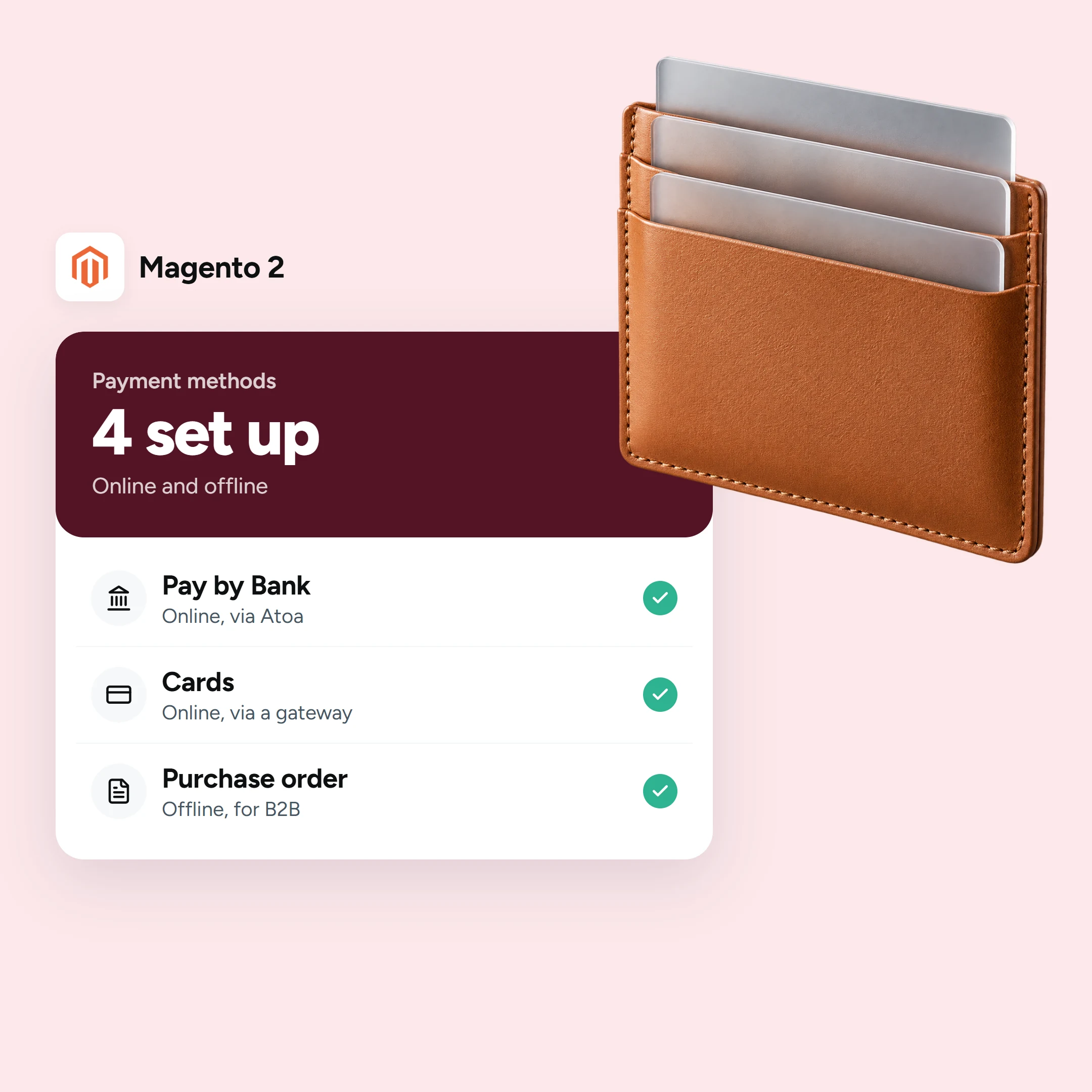
Yes. Atoa supports Visa, Mastercard, American Express, Apple Pay, and Google Pay alongside Pay by Bank, all managed from one dashboard.
Sources
- Magento / Adobe Commerce payment method configuration: Adobe Commerce, Payment Methods
- Open banking and payment initiation (regulation, adoption): Open Banking Limited; FCA, open banking
- Atoa FCA authorisation (FRN 1007647) and product facts: FCA Register
SHARE ARTICLE
Share link copied!