
Ready to get started?
Easily integrate next-generation payments and financial data into any app. Build powerful products your customers love.
SHARE ARTICLE


 Share link copied!
Choosing how you get paid on Magento or Adobe Commerce is a bigger decision than it looks. The platform is flexible enough to run several payment methods at once, so the real question is not which single gateway to pick, but which mix of methods keeps fees affordable, settles quickly, and matches how your customers want to pay. This guide surveys the gateway options open to Magento and Adobe Commerce stores, explains how integration works, breaks down what processing actually costs, and compares account-to-account Pay by Bank with traditional card gateways so you can decide with the full picture in front of you.
Magento payment gateway options overview
Magento and Adobe Commerce do not process payments themselves. The platform hands that job to a gateway you connect, which is where your per-transaction fee comes from. There are three broad types of Magento payment gateway to weigh, and each trades off fees, settlement speed, chargeback exposure, and checkout friction differently.
Card gateways and payment service providers
These process credit and debit cards and are what most shoppers expect to see at checkout. They are familiar and instant for the customer, but they carry the highest fees of any method, expose you to chargebacks, and taking card data brings PCI compliance scope into play. Popular gateways connect to Magento through official or third-party extensions from the Adobe Commerce Marketplace.
Digital wallets
Apple Pay and Google Pay turn checkout into a single tap for returning shoppers, which reduces abandonment particularly on mobile. They run on the same card rails as standard card gateways, so the fees are broadly similar.
Account-to-account payments, or Pay by Bank
With open banking, the shopper approves a payment directly from their bank account inside their own banking app. The money lands in seconds, there is no card number to enter or store, and there are no card-style chargebacks. It is typically the lowest-fee way to get paid, which is why more UK Magento stores are now offering Pay by Bank alongside cards.
For a full survey of what you can switch on, see the Adobe Commerce payments overview.
No single Magento payment gateway wins on every measure, which is why most stores offer two or three methods and let the customer choose at checkout.
How Magento payment integration works
Magento payment integration happens in one of three ways, and most merchants use a combination depending on their stack.
Built-in payment methods
Magento and Adobe Commerce ship with offline methods such as bank transfer, cheque or money order, cash on delivery, and purchase order, plus built-in gateway integrations for providers like PayPal and Braintree. These need no extra code and are configured directly in the admin panel.
Marketplace extensions or modules
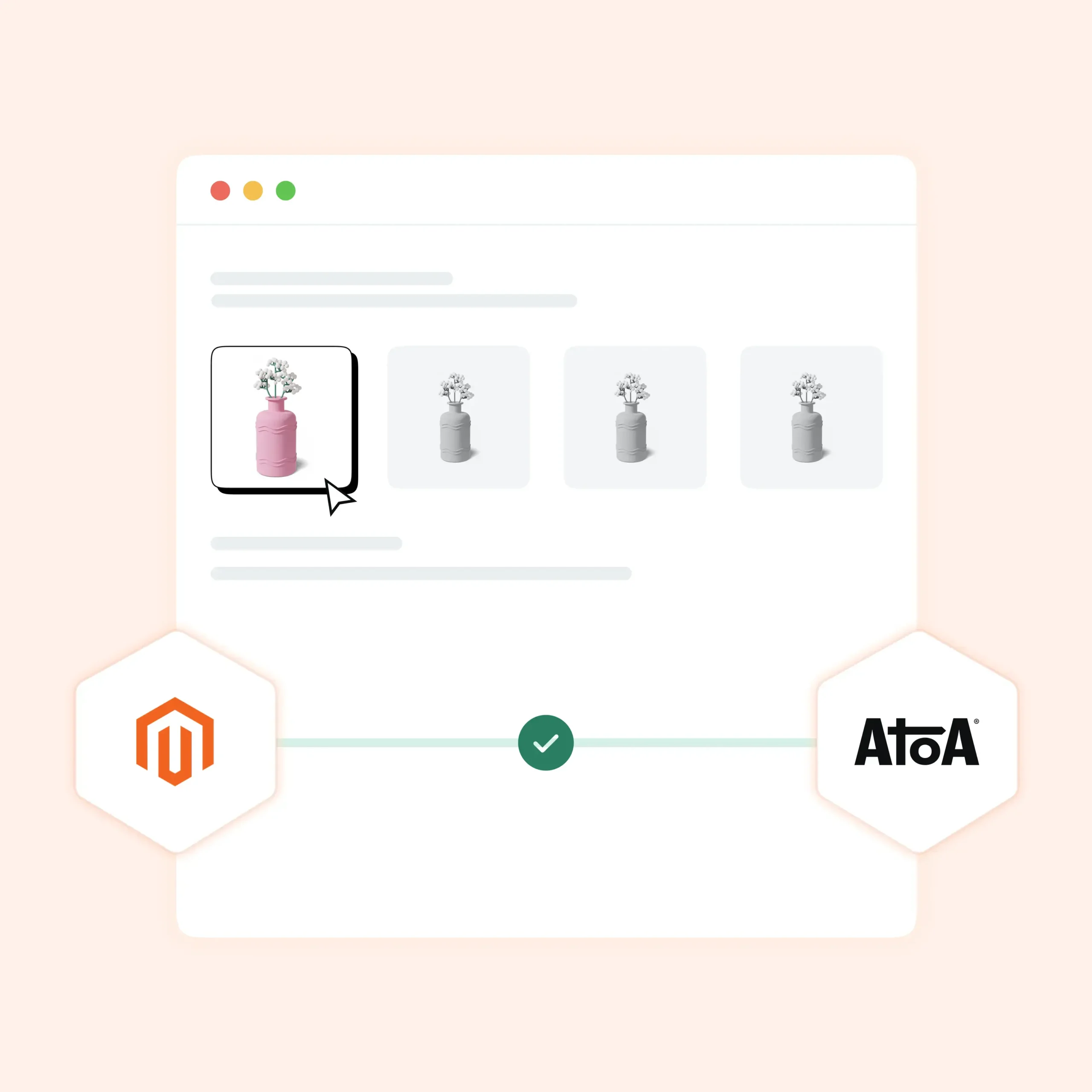
Most gateways are added by installing the provider’s extension from the Adobe Commerce Marketplace, then configuring it in the admin. This is the standard route for adding a specific card processor, a wallet, or Pay by Bank.
API-based integration
For custom checkouts or headless builds, gateways connect through their API and SDKs, giving developers full control over the payment flow. This takes more build time but suits stores with bespoke architectures.
Whichever route you take, the method gets enabled and managed in the same place in the admin panel once it is installed.
Magento 2 payment gateway setup
In the Magento 2 and Adobe Commerce admin, payment methods are managed under Stores, Configuration, Sales, Payment Methods. To bring a Magento 2 payment gateway live, open the method, set it to enabled, give it a title that appears at checkout, a sort order in the payment list, and any allowed countries or minimum order-value thresholds.
Once configured, connect the provider account or install the extension, use sandbox or test mode to place a test order and confirm it completes and reconciles correctly in Magento, then switch to live. Always run one small real transaction after going live to verify the full flow end-to-end.
For Atoa Pay by Bank specifically, the setup path is:
- Create an Atoa account, complete business verification, and generate an API access key in Settings
- Install the Atoa Payments extension from the Adobe Commerce Marketplace, or connect through the Atoa API and SDKs for a custom or headless build
- In the admin, go to Stores, Configuration, Sales, Payment Methods, Atoa Payment
- Paste your API access key and save
- Set Sort Order to 1 so Pay by Bank appears at the top of the checkout list
- If V2 webhook signing is enabled in your Atoa dashboard, paste the webhook signing secret into the Webhook Signing Key field
- Test in sandbox mode, then switch to Production
The extension is compatible with Adobe Commerce Cloud v2.4 and Magento v2.4. Full documentation is available here.
Pay by Bank vs traditional gateways: A direct comparison
| Category | Pay by Bank (Atoa) | Traditional Gateways (Stripe, PayPal, etc.) |
|---|---|---|
| Payment route | Direct bank-to-bank transfer | Gateway, card network, issuing and acquiring banks |
| Authentication | Approved in customer’s Bank app | Card checks, 3D Secure, fraud screening |
| Transaction fees | Lower, with no card network markup | Percentage-based, often with fixed fee per transaction |
| Settlement speed | Instant or near-instant | Typically 2-7 working days |
| Chargeback risk | None | Merchant responsible for disputes |
| International payments | UK bank accounts required | Broad international card support |
| Customer familiarity | Growing rapidly in the UK | High, widely expected at checkout |
The last two rows matter. Traditional gateways still have the edge on international reach and consumer recognition, which is why most Magento merchants should run both, not choose between them.
Which is right for your Magento store?
There is no single best answer, only the best fit for how your store trades. Four things are worth weighing:
Basket size. On higher-value orders, the percentage fee dominates, so a lower-fee method like Pay by Bank saves the most. On smaller baskets, fixed per-order fees have more impact.
Margin. Stores operating on thin margins feel every fee. Protecting margin with a lower-cost method on even a proportion of orders has a compounding effect over time.
Dispute volume. If your store sees frequent chargebacks, a method that carries none of them removes both the direct cost and the admin overhead of managing disputes.
Developer resource. A marketplace extension is quick to configure; a fully custom API integration needs build time. Match the route to the team you have.
For most UK Magento and Adobe Commerce stores, the pragmatic answer is to keep a card gateway for familiarity and add Pay by Bank to bring the average fee down and reduce chargeback exposure. Offer both and let the customer choose at checkout.
See how Atoa Pay by Bank works alongside cards on your Magento store, with fees up to 50% lower and no chargebacks on Pay by Bank, or book a demo.
FAQs
What payment gateways does Magento support?
Magento and Adobe Commerce support built-in offline methods and built-in card gateways such as PayPal and Braintree, plus any provider added through a marketplace extension or the API, including additional card processors, digital wallets, and account-to-account Pay by Bank.
How do I add a payment gateway to Magento 2?
Install the provider’s extension from the Adobe Commerce Marketplace, then enable and configure it under Stores, Configuration, Sales, Payment Methods. Set the title, sort order, and allowed countries, test in sandbox mode, then switch to live.
What are typical Magento transaction fees?
Magento charges no transaction fees. Your gateway does. Expect a percentage plus a fixed fee per transaction, with possible monthly and chargeback fees on top. Card rates often run from around 1.3% and above all-in, while Pay by Bank through Atoa starts at 0.7% + VAT as of 2026.
Is Pay by Bank available on Magento and Adobe Commerce?
Yes. You can add account-to-account Pay by Bank provider such as Atoa, so customers approve payment in their own Bank app at checkout.
Does Pay by Bank reduce chargebacks compared with card gateways?
Yes. Because a Pay by Bank payment is approved by the customer in their own Bank app as a push payment, there are no card-style chargebacks, unlike card gateways where disputes are possible.
What is the difference between Magento and Adobe Commerce?
Adobe Commerce is the commercial edition of Magento. The payment methods, configuration path, and integration approach are broadly the same across both.
SHARE ARTICLE
Share link copied!