
Ready to get started?
Easily integrate next-generation payments and financial data into any app. Build powerful products your customers love.
SHARE ARTICLE


 Share link copied!
Choosing accounting software is one of those decisions that feels small until you are three years and thousands of transactions into the wrong one. Xero, QuickBooks and Sage cover the core accounting needs of most UK businesses, including invoicing, bank reconciliation, VAT returns and Making Tax Digital. The differences become clearer when you compare user access, payroll, inventory, reporting and integrations.
Xero is well suited to businesses that need broad app connectivity and flexible user access. QuickBooks offers plans that scale from sole traders to larger finance teams, with useful project and inventory tools on higher tiers. Sage combines accounting and payroll more closely and provides stronger features as businesses move through its plans.
This Xero vs QuickBooks vs Sage comparison looks at the practical differences and explains how Atoa can support invoice collection and reconciliation alongside each platform.
The Quick Verdict
There is no single best accounting software for every UK business.
- Choose Xero if you need multiple people to access the accounts or want a large choice of connected business apps.
- Choose QuickBooks if you want a structured range of plans with options for time tracking, projects, inventory and advanced reporting.
- Choose Sage if you want accounting and payroll managed within the same product, particularly as your team grows.
All three support UK VAT and Making Tax Digital. Before choosing, check whether the plan you are considering includes the specific features, users and payroll capacity your business needs.
Xero vs QuickBooks vs Sage Comparison
Indicative comparison, as of 2026. Confirm current plans and prices on each vendor’s own pricing page, since they change regularly.
| Feature | Xero | QuickBooks | Sage |
|---|---|---|---|
| VAT and MTD | HMRC-recognised support | HMRC-recognised support | HMRC-recognised support |
| Invoicing | Limited on entry plan | Included across plans | Unlimited across plans |
| Users | No per-user licence fee | 1 to 25 users | 1 to unlimited users |
| Payroll | Allowance varies by plan | Available as paid add-on | Allowance varies by plan |
| Advanced features | Apps and multi-currency | Projects and inventory | Payroll and inventory |
| Best suited to | Integration-heavy teams | Growing small businesses | Payroll-focused businesses |
Features can vary by plan and change over time. Check the provider’s current pricing and feature page before subscribing.
Xero
Xero is cloud accounting software designed for sole traders, small businesses and growing companies. Its UK plans currently run from Ignite through to Ultimate, with a pared-back Simple plan below these for sole traders..
The platform covers invoicing, quotes, bank reconciliation, bill management, VAT submissions and financial reporting. Higher plans add features such as multi-currency accounting, expenses, projects, budgeting and longer cash-flow forecasts.
One of Xero’s clearest advantages is its approach to user access. Xero advertises no per-user licence fees for its core accounting plans, making it easier to give access to employees, accountants and bookkeepers. Usage charges or limits can still apply to features such as expenses, projects, payroll and bill payments.
Xero also advertises connections with more than 1,000 apps. This makes it a strong option for businesses that rely on ecommerce, expense-management, payment or reporting software.
Its entry-level Ignite plan has limits, including 20 invoices and 10 bills. Businesses processing higher volumes will need Grow or above. Payroll is available across the current plans, although the number of people included and additional charges vary.
Xero may suit your business if:
- Several employees or advisers need access to the accounts
- You rely on multiple third-party business applications
- You want a broad choice of plans and add-ons
- You expect your accounting requirements to grow
Businesses should check the complete plan cost rather than looking only at the base subscription. Payroll, expenses, projects and other usage-based features may increase the monthly amount.
QuickBooks
QuickBooks Online offers separate products for sole traders and VAT-registered businesses. Its business plans include Simple Start, Essentials, Plus and Advanced.
Simple Start supports one user plus accountant access. Essentials increases this to three users and adds multi-currency accounting and employee time tracking. Plus supports five users and introduces inventory, budgeting, project profitability, and class and location tracking. Advanced supports up to 25 users and adds custom reporting, workflow automation, batch invoicing, role-based access and backup tools.
This structure makes QuickBooks useful for businesses that want to start with basic bookkeeping and add operational features later. The mobile app also supports tasks such as invoicing, recording expenses and reviewing reports away from the office.
Payroll is available as a paid add-on rather than part of the main accounting subscription. Businesses comparing prices should therefore include payroll and any payment-related charges in the calculation.
QuickBooks also connects with hundreds of third-party apps and supports bank feeds, recurring invoices, receipt capture and VAT submissions.
QuickBooks may suit your business if:
- You want accounting software with a clear progression between plans
- Time tracking, projects or inventory are important
- You manage finances regularly from a mobile device
- You need more detailed permissions and reporting as the team grows
User limits are an important consideration. A business that needs more than five users will generally need the Advanced plan, while Xero and Sage Plus take different approaches to user access.
Sage
Sage is a UK-headquartered software provider with a long history in accounting and payroll. Its current cloud accounting plans are Start, Standard and Plus.
Start supports one user and covers the core requirements of a small business. Standard supports three users and adds functionality for businesses working with suppliers, CIS or accrual accounting. Plus provides unlimited users and is aimed at businesses that need inventory or multi-currency features.
Sage now includes payroll within its accounting plans. The number of employees included varies by tier, with additional employees charged separately. This may make Sage attractive to businesses that want accounting, payroll and basic workforce management in one system.
The platform also includes invoicing, invoice chasing, bank reconciliation, VAT submissions, cash-flow forecasting and Sage Copilot. Receipt and invoice capture allowances depend on the chosen plan.
Sage may suit your business if:
- You want payroll closely connected to your accounts
- You need telephone support
- Your business uses CIS or accrual accounting
- You expect to need inventory or multi-currency accounting
- You prefer a provider with a long-standing UK accounting presence
Sage Plus is the most capable of its small-business plans, but businesses should confirm whether its inventory and reporting tools meet their requirements before moving from a specialist or desktop system.
Comparing Pricing
Introductory discounts can make accounting software prices difficult to compare. A large first-year discount may be attractive, but the regular price after the offer ends gives a better view of the ongoing cost.
Following a price change on 1 September 2026, Xero’s standard monthly prices range from £18 for Ignite to around £70 for Ultimate, excluding VAT. Confirm current figures on Xero’s pricing page.. Sage lists standard prices of £20 for Start, £43 for Standard and £59 for Plus, excluding VAT. Both currently advertise substantial introductory discounts.
QuickBooks also uses introductory offers, and its displayed price can depend on the product, selected plan and promotion. Its plans should therefore be compared using the current checkout price and the rate that applies after the offer.
When comparing the total cost, include:
- The regular monthly subscription
- The number of users required
- Payroll charges
- Receipt or document-capture allowances
- Payment-processing fees
- Inventory, project or multi-currency requirements
- Any migration or training costs
The cheapest entry plan may become poor value if essential features require an early upgrade.
How Atoa Works With Xero, QuickBooks and Sage
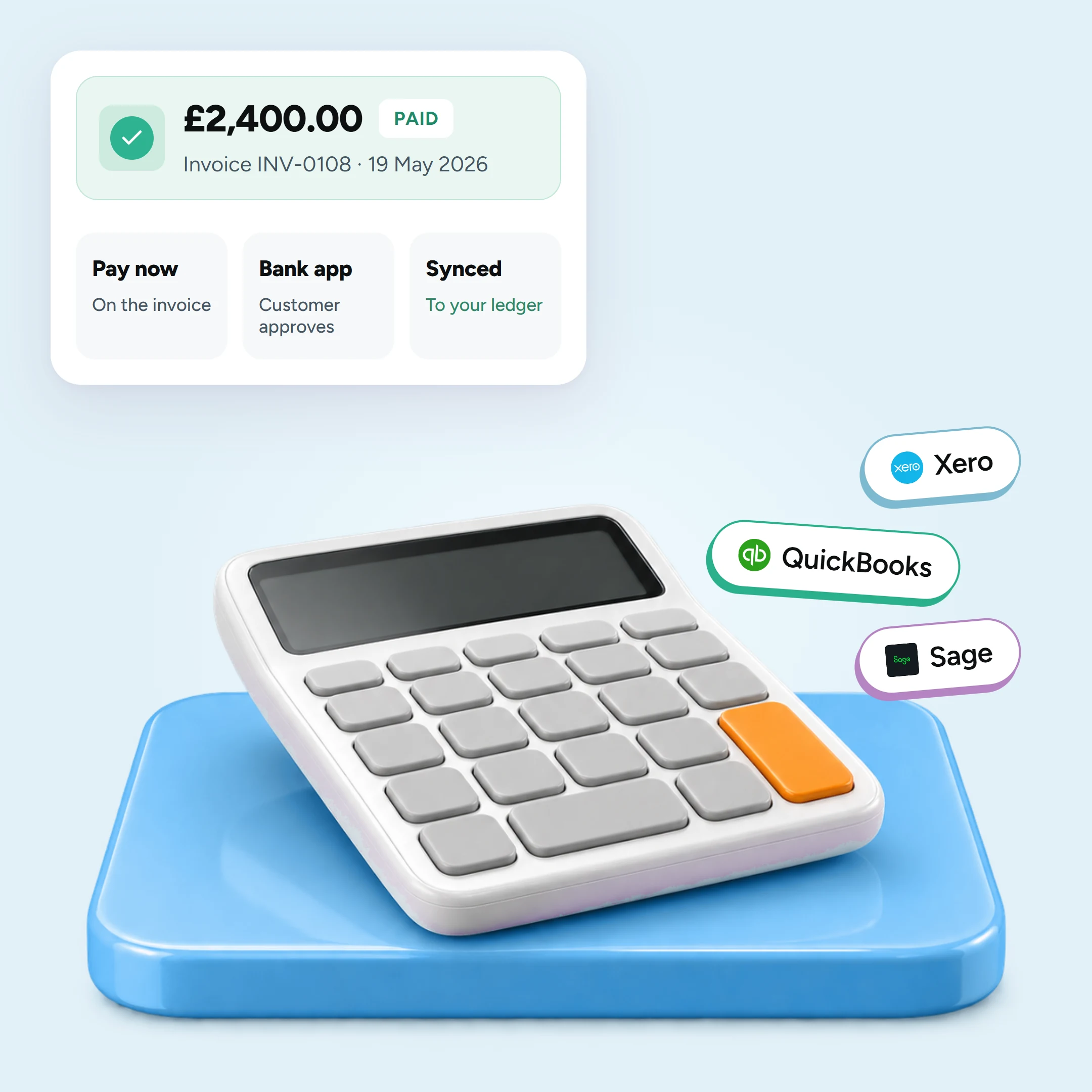
Accounting software records invoices and payments, while a payment provider gives customers a way to complete the transaction. Atoa can add Pay by Bank to an invoice so that the customer can approve payment through their banking app.
The precise setup depends on the accounting platform.
Atoa and Xero
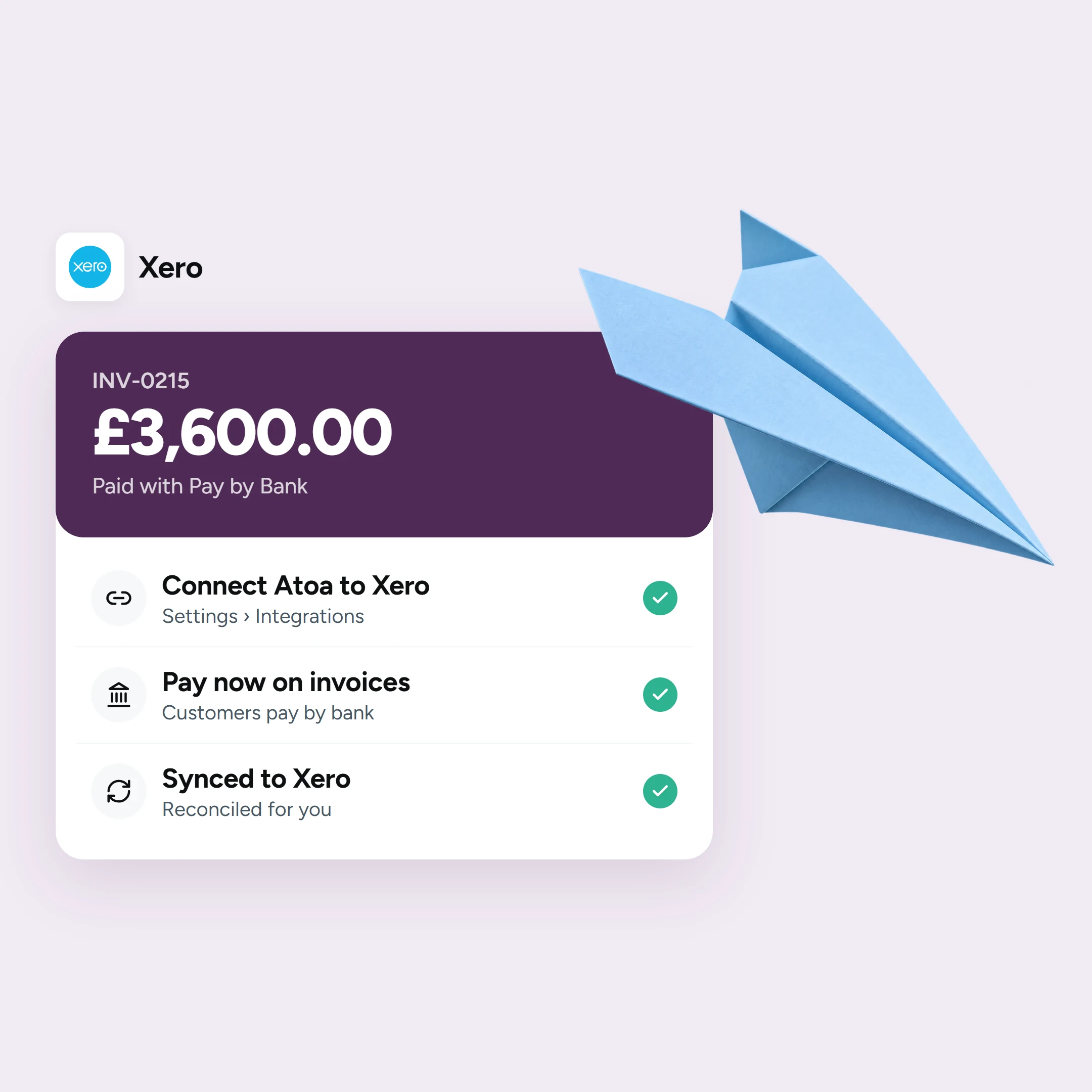
Atoa has a Xero integration listed in the Xero App Store.. Once connected, an Atoa “Pay now” option can be added to Xero invoices. When the customer completes the payment, the invoice and payment information are synchronised with Xero for reconciliation.
The customer chooses their bank and approves the transaction through their banking app or online banking. Atoa then confirms the payment to the business.
Atoa and QuickBooks
Atoa also provides a direct connection for QuickBooks Online. The payment link appears in the invoice email and PDF sent from QuickBooks.
After a successful payment, the QuickBooks invoice status updates to paid. The business can choose whether Atoa transactions are treated as deposits or undeposited funds, depending on its reconciliation process.
Note: QuickBooks Desktop is currently outside the scope of this connection.
Atoa and Sage
Atoa payments can appear in Sage through the bank account and bank feed connected to the accounting software. A business may also add an Atoa payment link or QR code to an invoice so that the customer can pay through their banking app.
The reconciliation workflow differs from the direct Xero and QuickBooks connections. Businesses using Sage should confirm their preferred setup with Atoa and their accountant, particularly where they use bank rules or separate settlement arrangements.
For all three platforms, Atoa works alongside the accounting software rather than replacing it. The accounting platform creates and records the invoice; Atoa provides an additional route for collecting the payment.
Which Should You Choose?
Choose the platform that matches your current workflow and the complexity you expect over the next few years.
Xero is a strong fit when collaboration and app connectivity are the priorities. Its user model is useful for businesses that need several employees and external advisers in the system.
QuickBooks works well for businesses that want plan-based progression from basic bookkeeping to projects, inventory and more advanced financial controls. Pay close attention to the user limit and payroll cost.
Sage deserves consideration when payroll, UK support, CIS or established accounting processes matter. Standard and Plus bring accounting and payroll together, while Plus also provides unlimited users.
Ask your accountant which platforms they support before deciding. The cost of changing later can include data migration, staff training, rebuilt integrations and changes to invoicing or reporting processes.
The best accounting software for a UK business is therefore the one that fits its people, processes and connected systems, rather than the product with the longest feature list.
Frequently Asked Questions
Is Xero or QuickBooks better?
Xero may be better for businesses that need flexible user access and a broad app ecosystem. QuickBooks may be better where projects, inventory, time tracking or a structured plan upgrade path are more important.
Is Sage better than Xero?
Sage may suit businesses that want payroll included within the accounting product or need features associated with CIS, inventory and established UK accounting processes. Xero offers a larger advertised app ecosystem and no per-user licence fee for core access.
Which accounting software is cheapest?
The answer depends on the required plan, promotional price and additional charges. Compare regular prices after any introductory offer, then include payroll, users, payments and other add-ons.
Which platform is best for multiple users?
Xero charges no per-user licence fee for core plan access. Sage Plus includes unlimited users. QuickBooks supports between one and 25 users depending on the plan.
Do Xero, QuickBooks and Sage support Making Tax Digital?
Yes. All three offer HMRC-recognised options for Making Tax Digital and support digital VAT records and VAT submissions. Check that the specific product and plan cover your business type and filing obligations.
Can Atoa collect payments from accounting invoices?
Yes, although the workflow varies. Xero and QuickBooks Online have documented direct Atoa connections for invoice payments and status updates. Sage users can take Atoa payments alongside their accounting workflow through payment links and bank-feed reconciliation.
Does Atoa replace accounting software?
No. Atoa handles payment collection and payment tracking, while Xero, QuickBooks or Sage remains the accounting system used for bookkeeping, VAT, reporting and financial records.
See how Atoa works with Xero, explore invoice payments or book a demo to discuss your accounting setup.
Atoa Payments Limited is authorised by the Financial Conduct Authority under the Payment Services Regulations 2017 as an Authorised Payment Institution to provide account information services and payment initiation services (FRN 1007647).
Sources
Information checked in September 2026. Plans, prices, promotions and features can change.
SHARE ARTICLE
Share link copied!