
Ready to get started?
Easily integrate next-generation payments and financial data into any app. Build powerful products your customers love.
SHARE ARTICLE


 Share link copied!
Key Takeaways
- Tap to Pay on iPhone turns a compatible iPhone into a contactless payment device.
- Customers can use contactless cards, Apple Pay and other supported digital wallets.
- Businesses need an iPhone XS or later and a supported payment app.
- Payment providers set their own fees, accepted cards and settlement schedules.
- A mobile card reader may suit teams that prefer a dedicated payment device.
- Atoa offers phone-based checkout through QR codes and payment links.
Imagine an installation team has just finished fitting a new kitchen. The customer is happy, and the final invoice is ready to be paid. However, there is no card machine in the van, and a bank transfer may take time to confirm. One practical alternative is Tap to Pay on iPhone, which allows the customer to make a contactless payment using the installer’s iPhone. This guide explains how the service works, which devices support it, what UK providers charge, and how it compares with a mobile card reader and other ways to accept payments on the move.
What is Tap to Pay on iPhone?
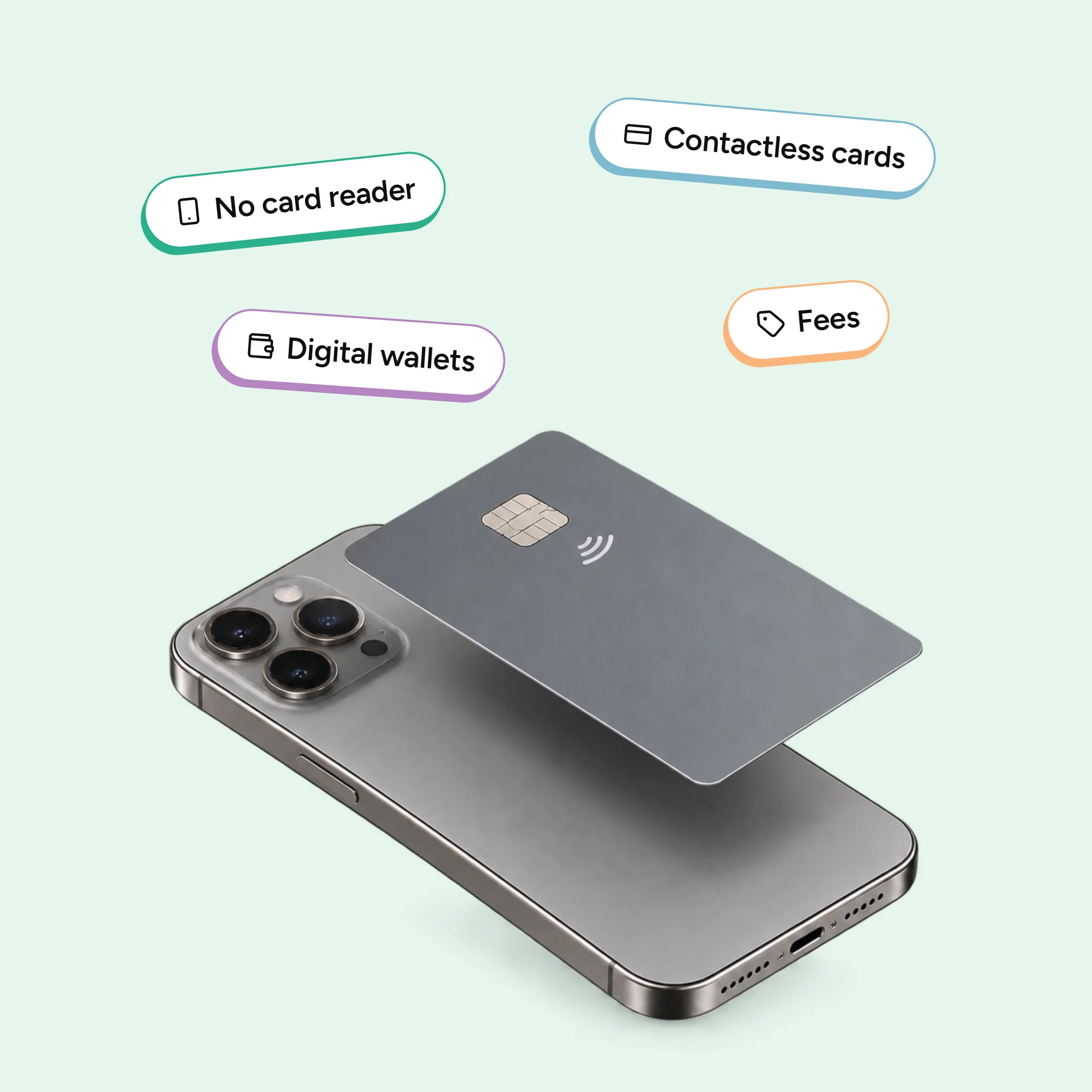
Tap to Pay on iPhone is Apple’s contactless payment acceptance service for businesses. It uses the iPhone’s built-in near-field communication technology, usually called NFC.
NFC allows two nearby devices to exchange encrypted payment information. The same technology supports contactless cards, Apple Pay and other digital wallets, whether a business reads them on its own iPhone or takes NFC payments on a card terminal.
The phrase “tap to pay” can describe two sides of a transaction. Customers tap their card or wallet to pay. Businesses use Tap to Pay on iPhone to accept that payment through their own handset.
You may also see similar services referred as Tap on Phone or SoftPOS. These names usually refer to software that turns a compatible smartphone into a payment acceptance device.
How Does Tap to Pay Work?
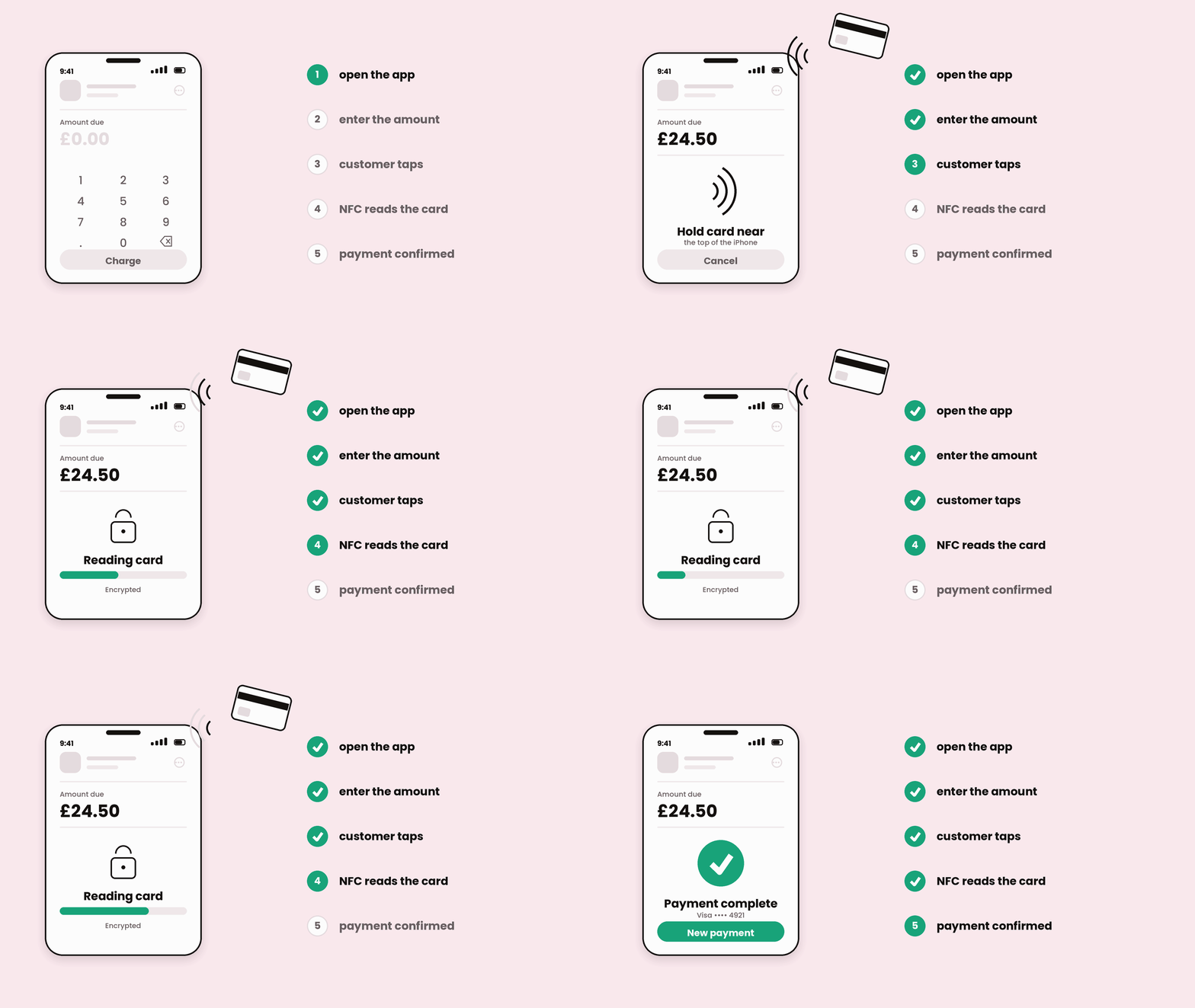
The payment process usually follows five simple steps:
- The business opens a supported payment app on its iPhone.
- The business enters the amount due in the app.
- The customer holds their card or device near the contactless symbol.
- The iPhone reads the encrypted payment details through NFC.
- The app confirms whether the payment has completed.
Customers can pay with an eligible contactless debit or credit card. They can also use Apple Pay or another supported digital wallet.
Apple states that card numbers and PINs stay away from its servers. The iPhone also blocks screenshots and camera access during sensitive payment steps.
What Do UK Businesses Need?
Apple lists two core device requirements for Tap to Pay on iPhone:
- An iPhone XS or a later model
- A recent version of iOS
The business also needs an account with a supporting payment provider. Tap to Pay is enabled inside that provider’s payment app.
Compatibility can vary between apps, industries and card brands. Businesses should check the provider’s eligibility rules before opening an account.
A reliable internet connection also helps the payment app request authorisation promptly. Mobile data can support businesses working away from fixed premises.
Which Payments Can Customers Use?
Tap to Pay on iPhone can accept supported contactless debit and credit cards. It can also accept Apple Pay and other digital wallets, including Android wallets.
The payment provider decides which card brands it supports. Many UK apps accept Visa and Mastercard, while support for American Express can vary.
Some transactions may request additional cardholder verification. Where supported, the customer can enter a PIN through Apple’s secure PIN screen.
Tap to Pay on iPhone fees in the UK
Each payment provider sets the merchant’s transaction rate and any account charges.
Many UK providers include Tap to Pay within their payment app. Some charge a simple percentage for every transaction. Others combine a percentage with a fixed charge or monthly plan.
The following table reflects the pricing structures reviewed in September 2026. Rates can change, so check the provider’s website before applying.
| Provider | Typical in-person rate | Monthly fee | Notes |
|---|---|---|---|
| SumUp | around 1.69% | None on the standard plan | A higher-volume plan can lower eligible transactions |
| Square | around 1.75% | None | No contract |
| Zettle by PayPal | around 1.75% | None | Taken in the Zettle Go app |
| Dojo | around 1.40% plus 5p | around £20 | Monthly fee applies |
| Revolut Business | around 0.8% plus 10p on Visa and Mastercard, more on Amex | from around £10 | Inside Revolut Business |
| myPOS | around 1.6% plus 7p on the free plan | None on the free plan | A paid plan lowers the rate |
Atoa is not in this table, because Atoa does not offer merchant-side tap; where Atoa fits is covered further down.
The total annual cost matters more than the headline percentage alone. Monthly fees and fixed transaction charges can change the result.
For example, a 1.7% rate on £200,000 of annual card sales equals £3,400. A provider charging 1.3% would charge £2,600 on the same sales volume. Card mix, fixed charges and monthly fees also affect the final amount.
Tap to Pay on iPhone versus a mobile card reader
Both options accept contactless payments, but they support different working styles. Tap to Pay uses an existing iPhone, while a mobile card reader provides dedicated hardware.
| Feature | Tap to Pay on iPhone | Mobile card reader |
|---|---|---|
| Payment device | Compatible iPhone | Separate card reader or terminal |
| Initial hardware | Uses an existing phone | Reader purchase or rental |
| Customer interaction | Customer taps the iPhone | Customer taps or inserts on the reader |
| PIN entry | Secure on-screen PIN where supported | Dedicated keypad or touchscreen |
| Battery | Uses the iPhone battery | Uses its own battery |
| Receipts | Usually sent digitally | Digital, with printing on some devices |
| Best suited to | Mobile work, events and flexible checkout | Regular counter, table or team use |
Tap to Pay can be convenient for sole traders and mobile teams. A dedicated reader can suit businesses with several employees or a fixed checkout.
Staff may also prefer keeping personal phones separate from business systems. A shared card machine can make handovers and access control easier.
Businesses should compare transaction fees alongside hardware and rental costs. The more payments a business takes, the more the processing rate matters.
For a wider comparison, read Atoa’s guide to card payments for businesses.
Apple Pay for business: what is the difference?
Apple Pay for business usually means accepting a customer’s Apple Pay wallet. Tap to Pay adds payment acceptance to the business owner’s iPhone.
With Tap to Pay on iPhone, the business accepts payments on its iPhone. The customer can then tap their own iPhone, Apple Watch or contactless card.
A standard card machine can also accept Apple Pay. Atoa’s card terminal supports Apple Pay, Google Pay and major card brands. It also accepts Pay by Bank on the same device.
Can Atoa accept payments on a phone?
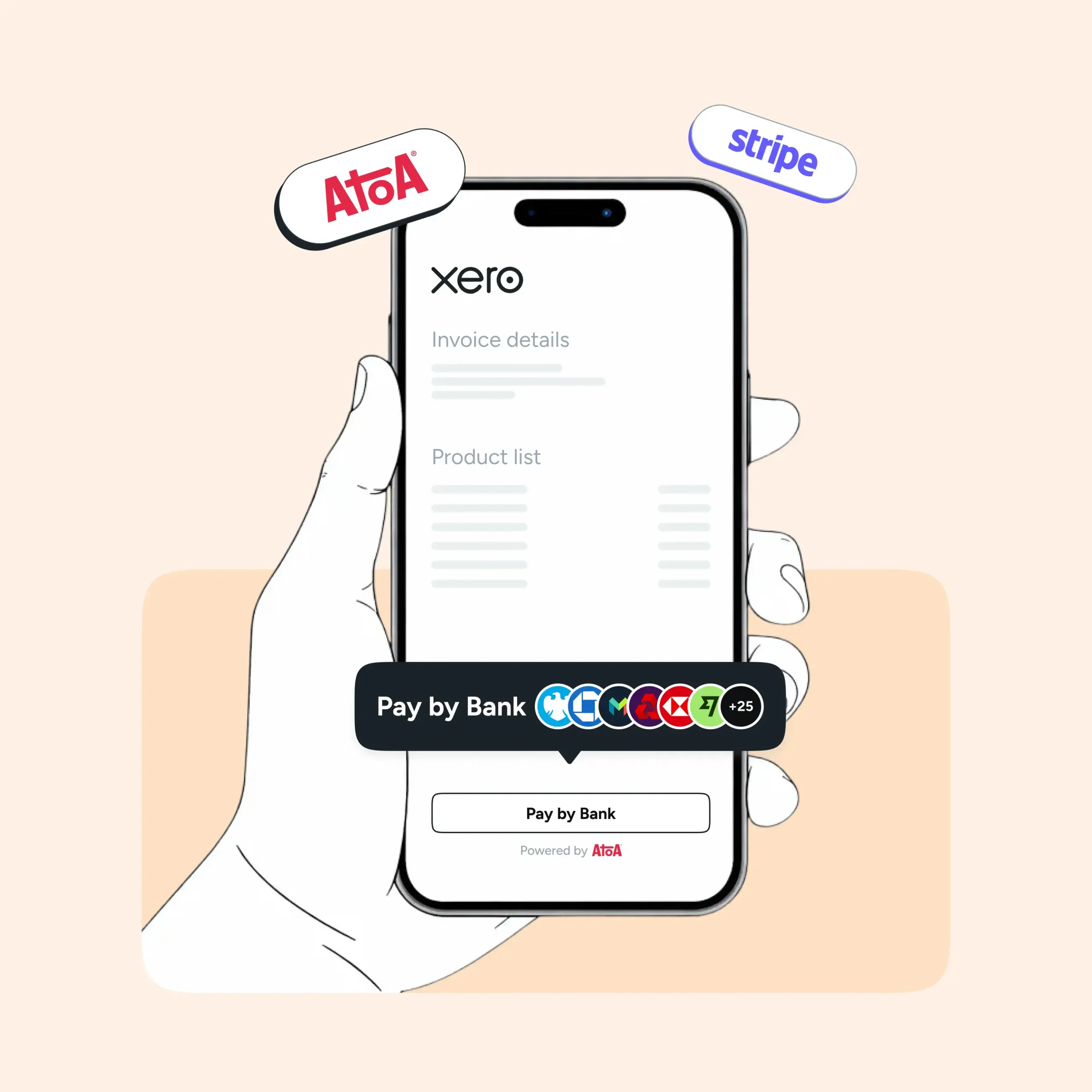
Atoa supports phone-based payments through QR codes and payment links. This gives businesses another way to collect payments through smartphones.
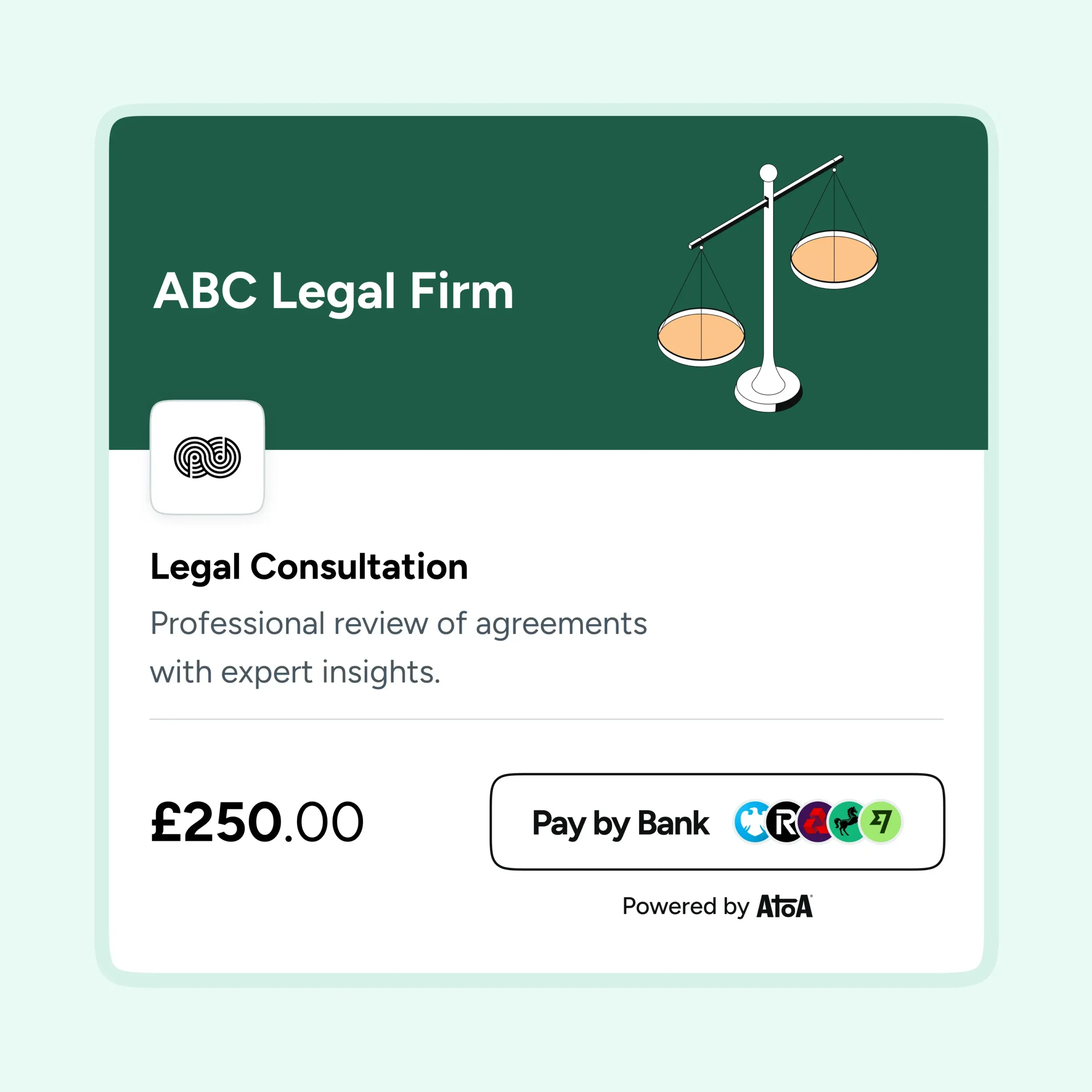
For an in-person payment, the business displays an Atoa QR code on a phone. The customer scans it and chooses an available payment method. Pay by Bank opens the customer’s banking app for secure approval.
Businesses can also send a payment link by text, email or messaging app. This approach works for deposits, invoices and remote sales.
Atoa’s phone-based checkout uses a different payment journey. The customer completes checkout on their own device after scanning or opening a link. Their phone handles the approval through the selected payment method.
Pay by Bank pricing starts from 0.7% plus VAT for in-store transactions. Card payments start from 1.3%, subject to card type and business details.
Frequently asked questions
Can any UK business use Tap to Pay on iPhone?
Many UK businesses can apply through a supporting payment provider. Eligibility depends on the provider, business type and account checks. The business also needs a compatible iPhone with current iOS software.
Which iPhones support Tap to Pay?
Apple says Tap to Pay on iPhone requires an iPhone XS or later. Using the latest available iOS version provides the best compatibility.
Does Tap to Pay require a mobile card reader?
Tap to Pay uses the iPhone’s built-in NFC technology. The payment app turns the compatible phone into the contactless acceptance device.
Can customers use Apple Pay?
Yes. Customers can use Apple Pay, supported contactless cards and other eligible digital wallets. The payment provider can confirm the card brands available through its app.
How much does Tap to Pay cost?
Each payment provider sets its own transaction rates and account charges. Compare the complete cost at your expected monthly sales volume.
Can I take payments on a phone with Atoa?
Yes. Atoa lets businesses display a QR code or send a payment link from a phone. Customers complete payment on their own device using Pay by Bank or an available card option.
Is Tap to Pay the same as Apple Pay?
They serve different roles. Apple Pay is a digital wallet used by customers. Tap to Pay on iPhone lets a business accept contactless payments through its iPhone.
Sources
SHARE ARTICLE
Share link copied!