
Ready to get started?
Easily integrate next-generation payments and financial data into any app. Build powerful products your customers love.
SHARE ARTICLE


 Share link copied!
Running a salon involves more than keeping the appointment diary full. A client might book online, pay a deposit, buy a haircare product after their appointment, and leave a tip for their stylist. Each transaction needs to appear in the right records, particularly when several staff members or salon locations are involved.
A good salon POS system connects bookings, payments, customer records, stock, and staff reporting. Without that connection, receptionists can end up checking deposits manually, managers may struggle to calculate commission, and finance teams can spend hours matching payments to appointments.
This article compares seven salon POS systems for UK businesses, including Booksy, Fresha, Phorest, SalonIQ, Square Appointments, Treatwell, and Zenoti. It covers their features, published pricing, payment processing arrangements, and suitability for salons operating from one or multiple locations.
What to Look For in a Salon POS System
Most salon management software can handle appointments and basic checkout. The noticeable differences appear when you’re managing several stylists, accepting advance payments, selling retail products, or opening another location.
Here are the features you should evaluate before choosing a salon POS software.
- Appointment booking and diary management: Look for online booking, individual staff calendars, service durations, and the ability to allocate chairs or treatment rooms. Hair salons should also be able to account for processing time during colour treatments so stylists can take other appointments without double-booking.
- Client records and consultation forms: A salon POS system should keep appointment histories, treatment notes, colour formulas, and relevant consultation records together. For beauty and aesthetics businesses, check how the software manages patch test records, consent forms, and access to sensitive customer information.
- Deposits and no-show protection: Some salon booking systems allow customers to pay a deposit, prepay for a service, or provide card details when booking. Check whether deposits are automatically deducted from the final bill and whether cancellation charges follow your published policy.
- Integrated payments and checkout: When an appointment finishes, the correct service, products, discounts, and tips should transfer to checkout. An integrated card terminal can reduce manual entry, although payment features and provider choice vary between systems.
- Retail inventory management: Salons selling shampoos, conditioners, and styling products need accurate stock counts. Multi-site businesses should be able to track inventory by location and record stock transfers. Professional products used during treatments may require separate stock controls.
- Staff scheduling and commission: Check whether the software supports rotas, different commission structures, individual sales reporting, and tips. Under UK tipping legislation, qualifying tips must be passed to workers without unlawful deductions, making accurate records particularly important.
- Gift cards, memberships, and loyalty: A salon offering prepaid treatment packages or memberships needs to track what customers have paid for and what remains available. For salon groups, check whether vouchers and memberships can be used at different branches.
- Multi-location management: If you operate several salons, look for centralised reporting, location-specific stock, shared customer records where appropriate, and staff access across branches. Confirm which features require higher-tier subscriptions.
The right choice depends on how your salon operates. A self-employed hairstylist may need little more than online booking, reminders, and a simple checkout. A group with several branches will need stronger controls over staff, payments, stock, and reporting.
Salon POS Systems Compared: Pricing, Features, and Payments
Salon POS software varies considerably in how it charges businesses. Some providers use a monthly subscription, others charge per bookable team member or location, and several offer custom pricing. Payment processing and marketplace booking commissions can add to the total.
The comparison below covers seven salon POS systems available to UK businesses, with their main strengths, published software pricing, payment arrangements, and multi-location capabilities.
| Salon POS system | Best for | Software pricing | Payment options | Multi-location support |
|---|---|---|---|---|
| Booksy | Barbers and independent salons wanting booking and marketing tools | £40/month + VAT; £5/month per additional user | Booksy payment processing | Confirm group features and pricing |
| Fresha | Salons wanting online booking and marketplace visibility | Per bookable team member; Enterprise pricing for larger teams | Fresha Payments, optional for some workflows | Multi-location features available |
| Phorest | Established salons and beauty clinics | Custom quote | PhorestPay | Yes |
| SalonIQ | UK salons wanting local support and management tools | From £47/month for solo stylists; setup costs extra | IQ Pay | Group and Enterprise features |
| Square Appointments | Small salons wanting flexible subscriptions | Free plan; Plus £29/month; Premium £69/month per location | Square Payments | Paid multi-location plans |
| Treatwell | Salons seeking new bookings through a marketplace | Subscription terms depend on plan; marketplace commissions apply | Treatwell Pay | Confirm plan and account setup |
| Zenoti | Larger salon groups and chains | Custom quote | Provider-specific payment arrangements | Yes; centralised multi-location tools |
Pricing is based on the provider information recorded in the source October 2026.
A lower subscription doesn’t necessarily mean a cheaper system. A salon with ten bookable staff members could pay more under a per-person plan than a flat subscription. Similarly, a provider that brings in new clients through a marketplace may charge a commission on those bookings.
1. Booksy: Best for Independent Salons and Barbers
Booksy combines appointment booking, client management, payments, and marketing in one platform. It also has a consumer booking app where customers can discover participating businesses and arrange appointments.
For barbers and smaller salons, having appointments, reminders, and customer records in one place can reduce the amount of administrative work between clients.
Its UK pricing page lists a subscription of £40 per month plus VAT, with an additional £5 per month for each extra user. The platform also provides gift cards, memberships, packages, reporting, and no-show management features.
Booksy’s published card processing rate in the source material is 1.29% plus 20p and VAT, although the applicable rate and conditions should be confirmed directly.
One cost worth investigating is Booksy Boost, its optional customer acquisition feature. Marketplace promotion can involve additional charges, so businesses should distinguish between customers they attract themselves and those acquired through paid marketplace activity.
What to test: Create a booking requiring a deposit, reschedule it, then process the final payment with a tip. Check how each transaction appears in the appointment history and daily sales report.
Best suited to: Independent hair salons, barbershops, and small teams that want booking, customer management, and marketing tools without managing several separate systems.
2. Fresha: Best for Salons Wanting Online Booking and Marketplace Reach
Fresha combines salon booking software with a customer marketplace, POS checkout, client records, consultation forms, inventory, and marketing tools.
It is particularly relevant for businesses that want customers to discover and book their services online, while managing appointments and transactions from the same platform.
Fresha’s subscription structure is based on bookable team members, with Enterprise arrangements for larger businesses. Its pricing page also lists a one-time 20% commission for qualifying new clients acquired through the Fresha marketplace.
That distinction matters. A salon receiving most of its appointments from existing customers may have a different cost profile from one relying heavily on marketplace bookings.
Fresha Payments is optional for certain uses, but features such as deposits and no-show protection may depend on its payment service. Before signing up, establish which booking and cancellation workflows remain available if you use another payment provider.
Its broader feature set includes staff permissions, commission, timesheets, gift cards, and packages, although access varies by plan.
What to test: Compare a booking made through your own website with one acquired through the Fresha marketplace. Check the booking charges, payment fees, cancellation rules, and customer records for both.
Best suited to: Beauty salons, hairdressers, and growing businesses that want appointment management alongside online customer acquisition.
3. Phorest: Best for Established Salons and Beauty Clinics
Phorest focuses on salon and spa management, with tools for appointments, client retention, marketing, consultations, staff management, and payments.
Its features include digital consultation forms, patch test records, loyalty programmes, stock management, and commission tracking. These can be useful for businesses offering several treatment categories or managing a larger team.
Phorest also supports multiple locations, making it worth considering for salon groups that want shared reporting and customer management.
Unlike providers with published monthly subscription prices, Phorest requires businesses to request a quote. Its payment service, PhorestPay, supports integrated payment workflows, but processing rates are not published in the source material.
This means a meaningful cost comparison requires a proposal covering software, onboarding, payments, hardware, and any additional services.
What to test: Follow a client’s full journey, from online booking and consultation forms to deposit, treatment, checkout, loyalty rewards, and rebooking. Check whether staff can access the right records without unnecessary permissions.
Best suited to: Established hair salons, spas, and aesthetics clinics that need more advanced customer management and staff reporting.
4. SalonIQ: Best for UK Salons Wanting Local Support
SalonIQ is a UK salon management software provider offering appointment booking, customer records, reporting, staff management, and payment tools.
Its Group and Enterprise features support businesses managing multiple salon locations, including central reporting and shared customer information.
SalonIQ’s published starting price in the supplied research is £47 per month for a solo stylist, with setup costs starting at £175 plus VAT. Larger teams and additional features can increase the subscription cost.
The company also offers IQ Pay for integrated card payments and tipping. The payment processing rate is provided on request.
One important detail is that some payment and online booking functions may be upgrades rather than features included in every plan. SalonIQ’s published terms in the source material also refer to a 60-day cancellation notice period.
What to test: Ask for a demonstration of staff commission, online deposits, card tips, and daily reconciliation. If you have several branches, check whether head office can compare sales and staff performance without switching accounts.
Best suited to: UK salons and salon groups that value implementation assistance, local support, and centralised management.
5. Square Appointments: Best for Smaller Salons Wanting Transparent Pricing
Square Appointments combines online booking, staff calendars, payments, and customer management with Square’s broader POS tools.
Its free plan can be attractive for an independent stylist or a small salon that wants to start accepting bookings without a large software subscription.
The UK pricing figures in the supplied research are £29 per month per location for Plus and £69 per month per location for Premium, alongside a free entry plan.
The differences between plans matter. Advanced features such as cancellation fees, resource booking, staff scheduling, and commission tracking may require paid subscriptions.
Square’s published in-person processing rates in the source material range from 1.75% on Free to 1.6% on eligible paid plans. Online payments and card-on-file transactions use different pricing.
That last point is particularly relevant to salons. A payment made at reception may cost a different amount from a deposit paid online or a cancellation fee charged to a stored card.
For three salons on a £69-per-location plan, the software alone would total £207 per month before payment processing, hardware, and additional services.
What to test: Take an online deposit, complete an appointment with a retail product and tip, and then review the payment report. Repeat the process with a cancellation fee to understand the difference in charges.
Best suited to: Independent salons and growing businesses looking for straightforward booking software with integrated payment tools.
6. Treatwell: Best for Salons Seeking New Clients Through a Marketplace
Treatwell combines a consumer booking marketplace with salon management tools.
Its main attraction is customer discovery. People looking for hair, beauty, and wellness appointments can find participating salons, compare services, and book through Treatwell.
The platform also offers tools for managing appointments, checkout, products, and business reporting.
Treatwell’s UK pricing information in the source material lists a 35% commission on the first booking from a new marketplace customer, with no equivalent commission on subsequent bookings from that customer. Online prepayments are listed at 2.5% plus VAT.
These charges make it important to calculate the value of a new customer beyond their first appointment.
For example, if a new customer books a £60 treatment and the applicable marketplace commission is 35%, the commission alone would be £21, before considering any other applicable charges. Whether that acquisition cost makes commercial sense depends on how often the customer returns and the salon’s margins.
Treatwell’s salon software also has integration limitations with other management systems, so switching to it may involve replacing your existing booking diary.
What to test: Calculate the cost of acquiring ten new customers through the marketplace, then compare that with the revenue and margin from their first and repeat visits.
Best suited to: Salons that want additional online visibility and are comfortable paying for qualifying marketplace bookings.
7. Zenoti: Best for Large Salon Groups and Chains
Zenoti is designed for businesses managing more complex salon and spa operations, particularly across several locations.
Its features include online booking, customer management, centralised reporting, staff tools, marketing, and multi-location administration.
For larger salon groups, central oversight can be particularly valuable. Head office may need to compare performance across branches while allowing individual managers to control local schedules, staff, and day-to-day operations.
Zenoti also offers customer-facing and staff-facing applications, which can support more complex appointment and service workflows.
Pricing is available through a custom quote, and the source material does not establish a standard UK card processing rate.
A proper assessment should therefore include implementation, data migration, training, software subscriptions, payments, and ongoing support.
What to test: Ask for a demonstration involving two locations, a shared customer record, a staff member working at both sites, and a central report covering revenue, appointments, and commission.
Best suited to: Larger salon chains and established groups that need consistent processes and reporting across multiple locations.
Salon Payment Processing: Deposits, Card Fees, and No-Shows
Payment processing deserves particular attention because salons collect money at several different stages of the customer journey.
A customer might pay a deposit when booking, settle the remaining balance at reception, add a tip, or buy retail products. Some salons also charge cancellation fees or collect recurring membership payments.
These transactions may not all cost the same amount to process.
Deposits and Cancellation Charges
Deposits can help salons manage the financial impact of missed appointments, especially for services requiring lengthy bookings or advance preparation.
But a deposit system needs to do more than collect money.
The salon should be able to identify which appointment the deposit belongs to, apply it to the final bill, and handle cancellations or refunds according to its published terms.
For example, a customer books a £150 colour treatment and pays a £30 deposit. At checkout, the system should show the deposit already paid and the remaining £120 balance.
If the deposit was collected outside the booking system, reception may need to record it manually. Without a consistent process, staff could accidentally request the full amount again.
Card Payments and Payment Provider Flexibility
Some salon POS systems require their own payment processing service for integrated checkout. Others may allow external terminals or payment methods, although these are not always connected directly to the appointment diary.
This distinction affects both cost and administration.
A standalone card machine can accept payments without being connected to the booking system, but staff may need to enter the amount and record the transaction separately.
An integrated terminal can receive the payment amount from the POS and return the result to the relevant sale.
For salons reviewing hardware, the choice between countertop terminals, portable machines, and mobile readers depends on how customers pay. A reception desk may suit a countertop terminal, while a stylist taking payments away from the till may prefer a portable device.
Modern contactless terminals also support NFC payments, allowing customers to tap eligible cards, smartphones, or wearable devices.
Pay by Bank for Salon Deposits and Balances
Card payments aren’t the only way salons can collect deposits and outstanding balances.
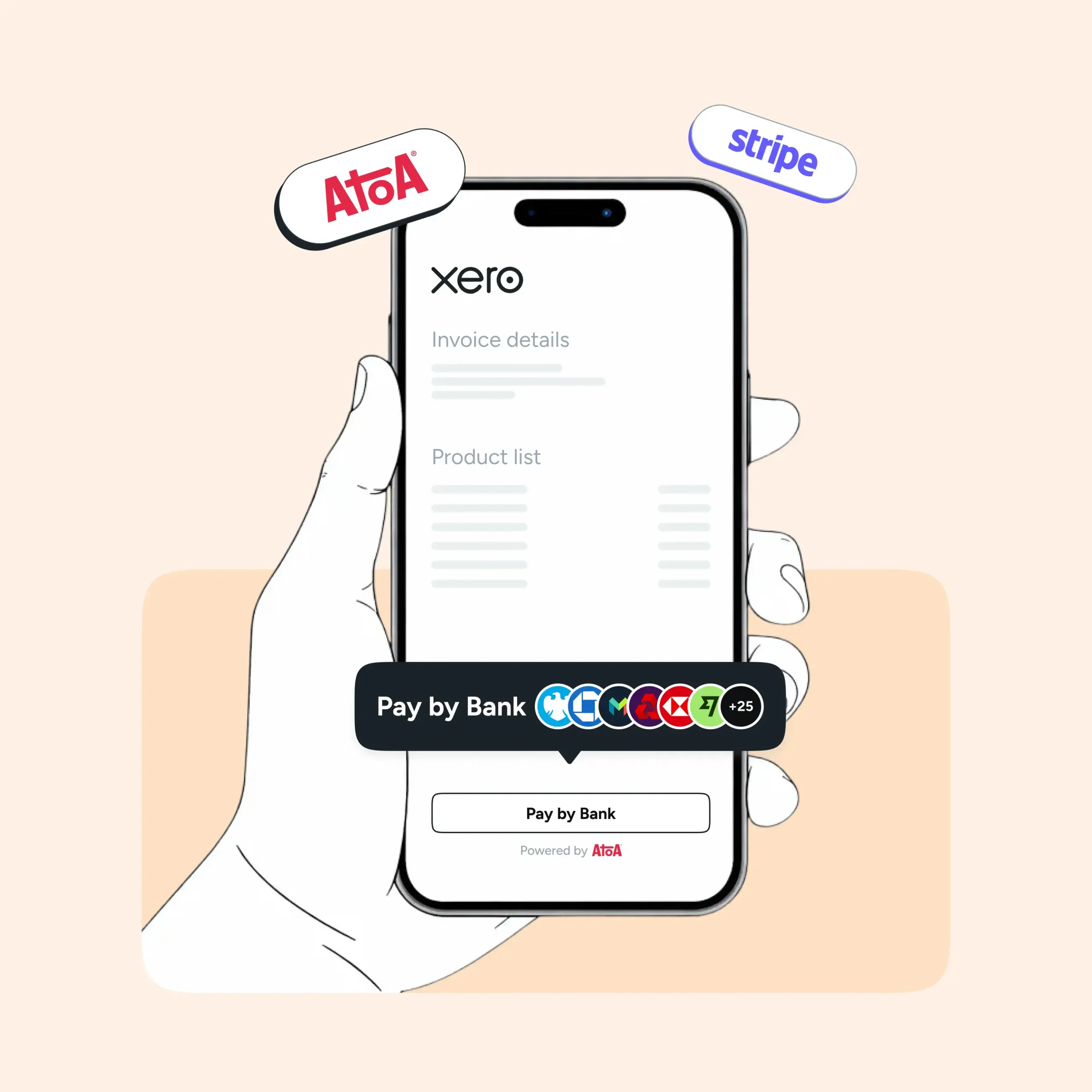
Pay by Bank allows customers to approve a bank payment through their banking app. Depending on the provider, salons can request payments using links or QR codes.
For example, a salon could send a payment link when confirming a lengthy appointment. The customer approves the payment, and reception records the deposit against the booking.
Solutions such as Atoa’s payment links can support this type of payment collection alongside a salon’s existing booking software.
However, accepting a payment alongside salon software is not the same as having a direct integration. Without an integration, staff may still need to match the payment to the appointment and update the outstanding balance manually.
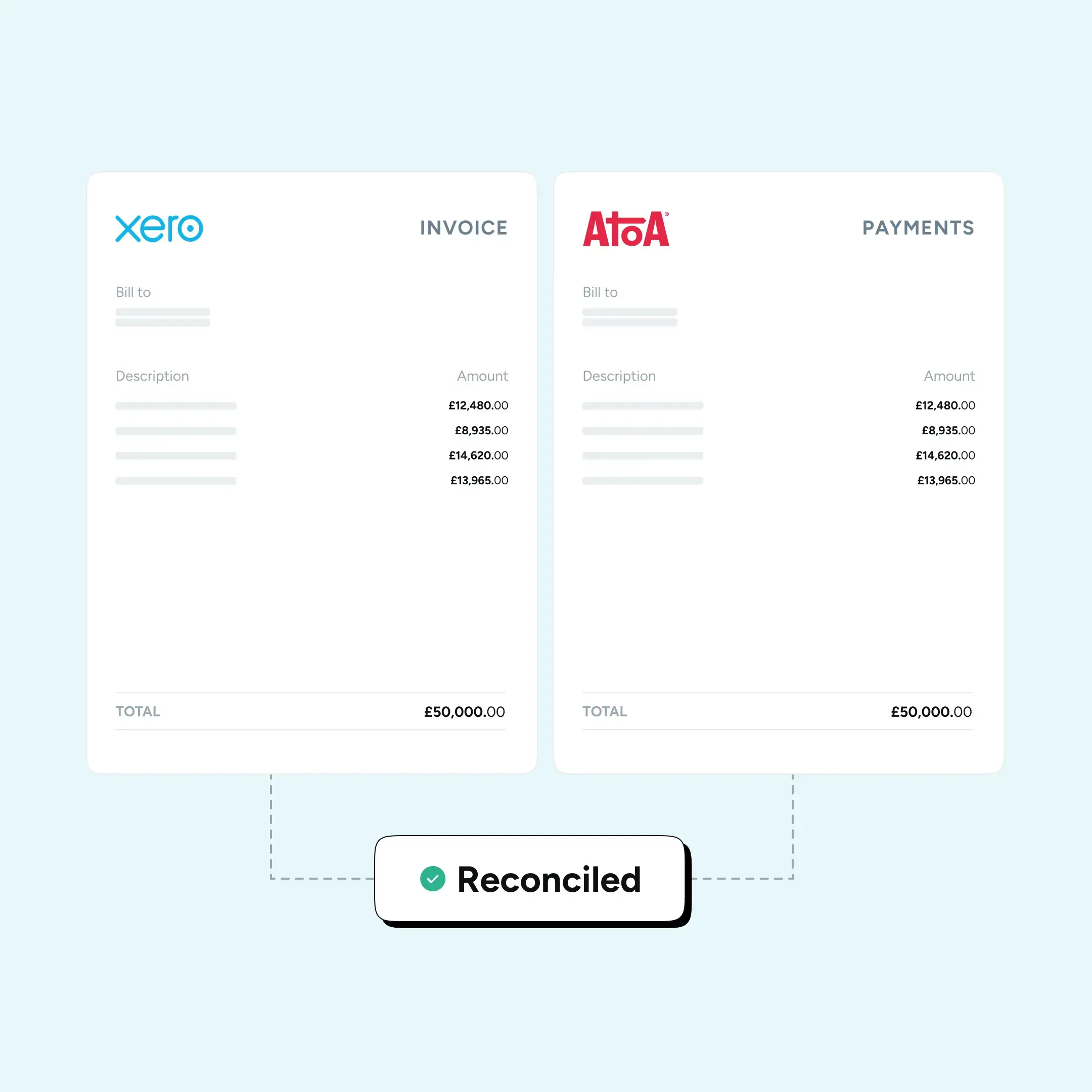
Before using a separate payment solution, check how payment confirmation, refunds, and reconciliation will work.
Tips and Staff Commission
Tips and commission should be recorded separately because they serve different purposes.
A commission payment may be calculated from a stylist’s service or product sales. Tips are amounts received from customers that must be handled in line with applicable tipping legislation.
A useful salon POS system should identify the relevant staff member, record the tip, and provide information needed for payroll and reporting.
For UK businesses, the Employment (Allocation of Tips) Act 2023 and associated guidance are important considerations when designing the process.
Multi-Location Salon Management and Reporting
Managing several salons introduces problems that a single-location booking system may not reveal.
A stylist could work at two branches. A customer might book at one location but purchase a gift card at another. Stock may need to move between sites, while head office needs a consistent view of sales and staff performance.
The software should support these situations without creating duplicate records or requiring staff to maintain separate spreadsheets.
Shared Client Records and Appointment History
For a salon group, customer records should be accessible to authorised staff where needed. A customer visiting another branch may expect the stylist to have access to relevant appointment history, preferences, and consultation information.
Access should still be controlled appropriately, especially where records contain sensitive consultation or treatment information.
Inventory Across Salon Locations
Multi-location inventory management should distinguish between products held at different branches.
A central stock figure is not enough if a particular shampoo is sold out in Leeds but available in York.
Look for location-level stock counts, transfers between branches, purchase orders, and records of damaged or missing products.
Reporting by Salon, Stylist, and Service
A salon group needs more than total monthly revenue.
Useful reporting should show service revenue, retail sales, appointment cancellations, staff performance, discounts, and payment methods by location.
It should also distinguish between completed appointments and money actually received.
That difference becomes important when customers pay deposits in advance or use prepaid packages and gift cards.
How Much Does Salon POS Software Cost in the UK?
The advertised monthly subscription is only one part of the cost of running salon management software.
A realistic budget should include:
- Software subscriptions: Base plans, additional staff accounts, bookable team members, and extra locations.
- Payment processing: In-person card fees, online payments, stored-card transactions, and any applicable minimum charges.
- Marketplace commissions: Charges for acquiring new customers through booking platforms.
- Hardware: Card terminals, tablets, receipt printers, and other reception equipment.
- Setup and migration: Importing customer records, appointment histories, services, and retail stock.
- Additional features: Marketing, advanced reporting, loyalty programmes, consultation forms, and integrations.
- Support and contracts: Setup fees, training, cancellation notice periods, and paid support services.
How to Switch Salon POS Systems Without Losing Important Records
Changing salon management software can affect appointments booked weeks in advance, outstanding gift cards, deposits, and customer records.
A careful migration plan reduces the risk of disruption.
Prepare Customer and Booking Data
Before importing records, check for duplicate customers, outdated contact details, incomplete appointment histories, and inconsistent service names.
Confirm which information can be transferred, including consultation forms, treatment notes, and existing bookings.
Where personal data is involved, ensure the migration follows your data protection obligations.
Account for Deposits, Gift Cards, and Memberships
Customers may have already paid for appointments or packages that will be used after the new system goes live.
Make sure the opening balances are accurate and that staff know how to redeem or refund purchases made through the previous platform.
Test Payments Before Switching Fully
Run a small number of transactions through the new checkout process before migrating every location.
Include a card payment, a deposit, a refund, a tip, and an end-of-day reconciliation.
If you operate several salons, moving one branch first can help identify issues before a wider rollout.
Train Staff on Exceptions
Routine appointments are usually easy to demonstrate. Problems tend to arise when a client cancels, a payment confirmation is delayed, or a gift card balance doesn’t match.
Staff should know what to do in these situations before the system becomes part of daily operations.
Conclusion
The best salon POS system depends on how your business takes bookings, manages staff, and collects payments.
Booksy and Square Appointments are worth considering for smaller teams that want straightforward booking and checkout tools. Fresha and Treatwell add marketplace visibility, although acquisition commissions need to be considered. Phorest and SalonIQ offer broader salon management features, while Zenoti is geared towards larger, multi-location operations.
Begin with the tasks that currently create the most work for your team. Compare two or three providers using real appointment, deposit, checkout, and reporting scenarios, then request written quotes covering the full cost of running each system.
FAQs
What Is the Difference Between Salon POS Software and Salon Booking Software?
Salon booking software primarily manages appointments, staff availability, and customer reservations. Salon POS software also handles checkout, payments, sales records, and often retail stock. Many modern salon management platforms combine both functions.
How Much Does Salon POS Software Cost in the UK?
Costs vary by provider, number of staff, locations, and features. Some providers offer free entry plans, while others charge monthly subscriptions, per-user fees, or custom rates. Payment processing, marketplace commissions, hardware, and setup may cost extra.
Which Salon POS System Is Best for Multiple Locations?
The right choice depends on whether you need shared customer records, stock transfers, central reporting, staff management, and consistent payment reconciliation.
Can Salon POS Software Work With an Existing Card Machine?
It depends on the provider. Some salon systems require their own payment processing service for integrated checkout, while others may support external payment methods.
Can Salons Accept Deposits Without an Integrated Payment System?
Yes. Salons can collect deposits using payment links, bank transfers, or standalone payment solutions, depending on their arrangements.
Do Salon POS Systems Charge Commission on Bookings?
Not all systems do. Some charge only software subscriptions, while marketplace-based providers may charge commission on qualifying new customers acquired through their platforms.
Disclaimer: Product names belong to their respective owners. Atoa is not affiliated with or endorsed by the salon software providers discussed unless expressly stated. Pricing, features, and payment arrangements are based on October 2026 research and may change. Readers should verify current terms and compatibility directly with each provider before purchasing.
SHARE ARTICLE
Share link copied!