
Ready to get started?
Easily integrate next-generation payments and financial data into any app. Build powerful products your customers love.
SHARE ARTICLE


 Share link copied!
WooCommerce powers a significant share of UK online stores, and one of its biggest advantages is also one of its least understood: it does not lock you into a single way to take payments. You choose the gateway, you decide which methods to offer, and you can run several side by side. Get that decision right and it has a direct impact on your margins, your cash flow, and how many customers make it through checkout without dropping off.
This guide covers what a WooCommerce payment gateway actually is, how to choose the right one for your store, and how to set it up with a focus on keeping fees down without turning anyone away at checkout.
What is a WooCommerce payment gateway
WooCommerce core is free and open source, and it does not process payments itself. Instead it connects to a gateway, the service that takes the money from your customer and moves it to you. Every fee you pay per transaction comes from that gateway, not from WooCommerce.
The useful thing about WooCommerce is that it is not tied to one provider. You can run several methods side by side, for example cards through one gateway and Pay by Bank through another, and let the customer pick at checkout. That flexibility is why choosing well matters: the combination you offer shapes both your fees and your conversion.
The payment methods you can offer
Most successful WooCommerce stores offer two or three payment methods. Here is how the main families compare.
Cards
Credit and debit cards are still what most shoppers reach for first, processed through a card gateway or payment service provider. They are familiar and instant for the customer, but they are the highest-fee option and may incur chargebacks in case of disputes.
Digital wallets
Apple Pay, Google Pay and PayPal turn checkout into a tap for returning shoppers, which reduces abandonment. They usually ride on the same card rails, so the fees are similar to cards.
Pay by Bank
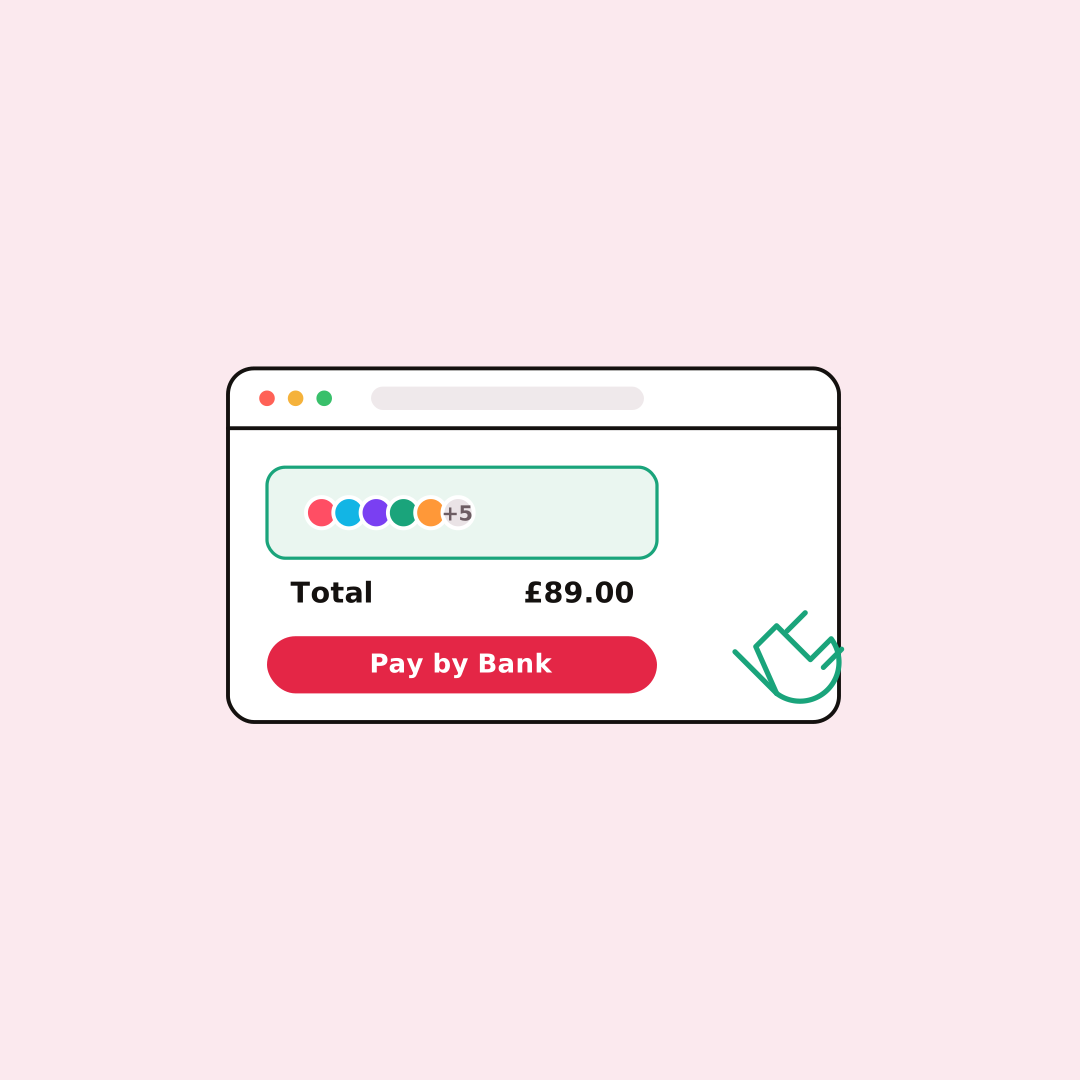
With open banking, the shopper approves an account-to-account payment in their own Bank app. The money lands in seconds, there are no card details to enter, and there are no card-style chargebacks. It is typically a way to get paid with lower fees, which is why more UK stores now offer Pay by Bank next to cards.
Buy Now Pay Later
Letting customers spread the cost can lift conversion and average order value on higher-value baskets, with the lender carrying the credit risk once the customer is approved.
Offering a card option plus Pay by Bank tends to be the sweet spot: nobody is turned away, and a good share of orders move to the lower-fee method.
How to choose the right gateway for your store
There is no single best gateway, only the best fit. Weigh these against how your store actually trades:
Total cost, not the headline rate: A percentage plus a fixed fee, with monthly fees, chargeback fees or currency conversion on top, is the number that matters. On thin margins or larger baskets the percentage dominates, so a lower-fee method makes the biggest difference; on small baskets, fixed per-order fees hurt more. It is worth modelling this on your own order sizes, which our guide to WooCommerce transaction fees walks through with a worked example.
Payout speed: If cash flow is tight, favour methods that settle quickly. Pay by Bank settles in seconds, while card payouts typically take a few working days.
Chargeback and fraud exposure: Card volume brings disputes and their fees. Bank-approved payments cannot be charged back, which removes a cost and a headache.
Security and PCI scope: A hosted or redirect checkout keeps card data off your servers and reduces your PCI burden compared with handling it on-site.
What your customers actually use: Offer the methods your audience expects. A card-led customer base needs cards and wallets; many UK shoppers now also expect a bank-payment option.
Pricing transparency and lock-in: Prefer published pricing and no long contract, so you can change your mix as the store grows.
What it costs, in short
WooCommerce itself charges no transaction fees; your gateway does. Card gateways in the UK generally run from around 1.5% plus a fixed fee upwards, wallets are similar, and Pay by Bank is usually the most affordable at well under 1%. Because rates and add-ons change and stack up in different ways, we keep the full breakdown current in a dedicated piece rather than repeat the numbers here.
Setting a gateway up
Adding a payment method is straightforward for most gateways. The general process is: install a plugin from the WordPress plugin directory or WooCommerce extension store, connect your provider account with an API key, and enable the method at checkout. Always test in sandbox mode before going live.
For Atoa specifically, the setup takes five steps:
- Sign up on Atoa, complete business verification, and generate an API access key in Settings
- Install the free Atoa Pay plugin from the WordPress plugin directory and activate it
- Go to WooCommerce, then Payments, then Atoa Pay, click Manage, paste your API key and save
- If you have V2 webhook signing enabled in the Atoa dashboard, paste your webhook signing secret into the Webhook Signing Key field
- Test the full payment flow in sandbox mode, then switch to Production
Most stores are live the same day. The plugin works with both Classic and Block checkout on WooCommerce.
Rethinking the default: Beyond Stripe
Stripe is WooCommerce’s default card integration and a solid one, but it is card-only, so it leaves the lower-fee, no-chargeback bank-payment option on the table. Plenty of stores keep a card gateway for familiarity and add Pay by Bank to bring the average fee down. If you are actively reviewing options, it is worth reading the alternatives to Stripe for WooCommerce before you commit.
Why UK stores are adding Pay by Bank
The pattern we see most often in 2026 is stores keeping cards for choice and adding Pay by Bank to protect margin. Because the customer approves the payment in their banking app, the money arrives in seconds, there are no chargebacks to dispute, and the fee is a fraction of a card rate. On a higher-value basket, where a percentage card fee climbs quickly, that difference is significant, and it also feeds cleanly into your online checkout alongside the methods you already run.
Frequently asked questions
What is a WooCommerce payment gateway?
The service that takes payments on your store and moves the money between the shopper, their bank or card, and you. WooCommerce can run several at once.
What payment methods can I offer on WooCommerce?
Cards, digital wallets such as Apple Pay, Google Pay and account-to-account Pay by Bank, and Buy Now Pay Later. Most stores combine two or three.
What is the best WooCommerce payment gateway?
The one that fits your basket sizes, margins, customers and cash flow. Compare methods on total cost, payout speed and chargeback exposure rather than the headline rate.
Does WooCommerce charge transaction fees?
No. WooCommerce core is free. The fees come from the gateway you connect.
Can I offer Pay by Bank on WooCommerce?
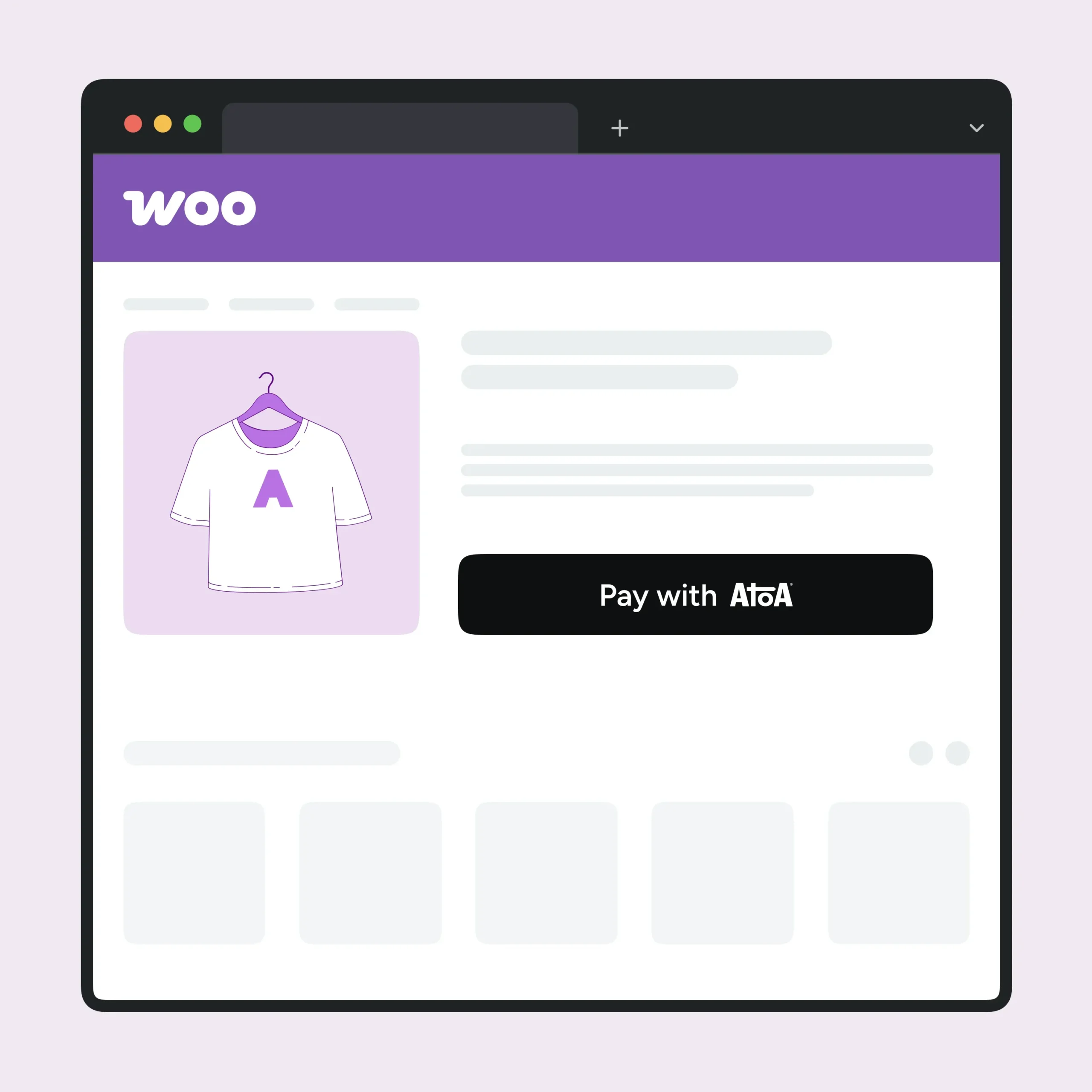
Yes. The free Atoa Pay plugin adds Pay by Bank alongside cards, Apple Pay, and Google Pay in a single integration.
Sources
- WooCommerce payments and gateways: WooCommerce payments documentation.
- Stripe as WooCommerce’s default card option and UK card pricing: Stripe UK pricing.
- Atoa Pay by Bank and pricing: Atoa Pay by Bank; Atoa pricing. Reconcile Atoa card rate (1.25% vs 1.3%).
SHARE ARTICLE
Share link copied!