
Ready to get started?
Easily integrate next-generation payments and financial data into any app. Build powerful products your customers love.
SHARE ARTICLE


 Share link copied!
Quick summary: QR code scams, known as quishing, are on the rise across the UK, costing victims millions of pounds each year. This article explains what quishing is, how to spot a fake QR code, what to do if you’ve already scanned one, and how to protect your business and personal finances from this increasingly common type of fraud.
QR codes are everywhere. You scan one to pay for parking, check a menu, or connect to Wi-Fi. Most of the time, perfectly fine. But there’s a catch: you can’t tell where a QR code is going just by looking at it. That’s exactly what fraudsters are banking on.
What is quishing?
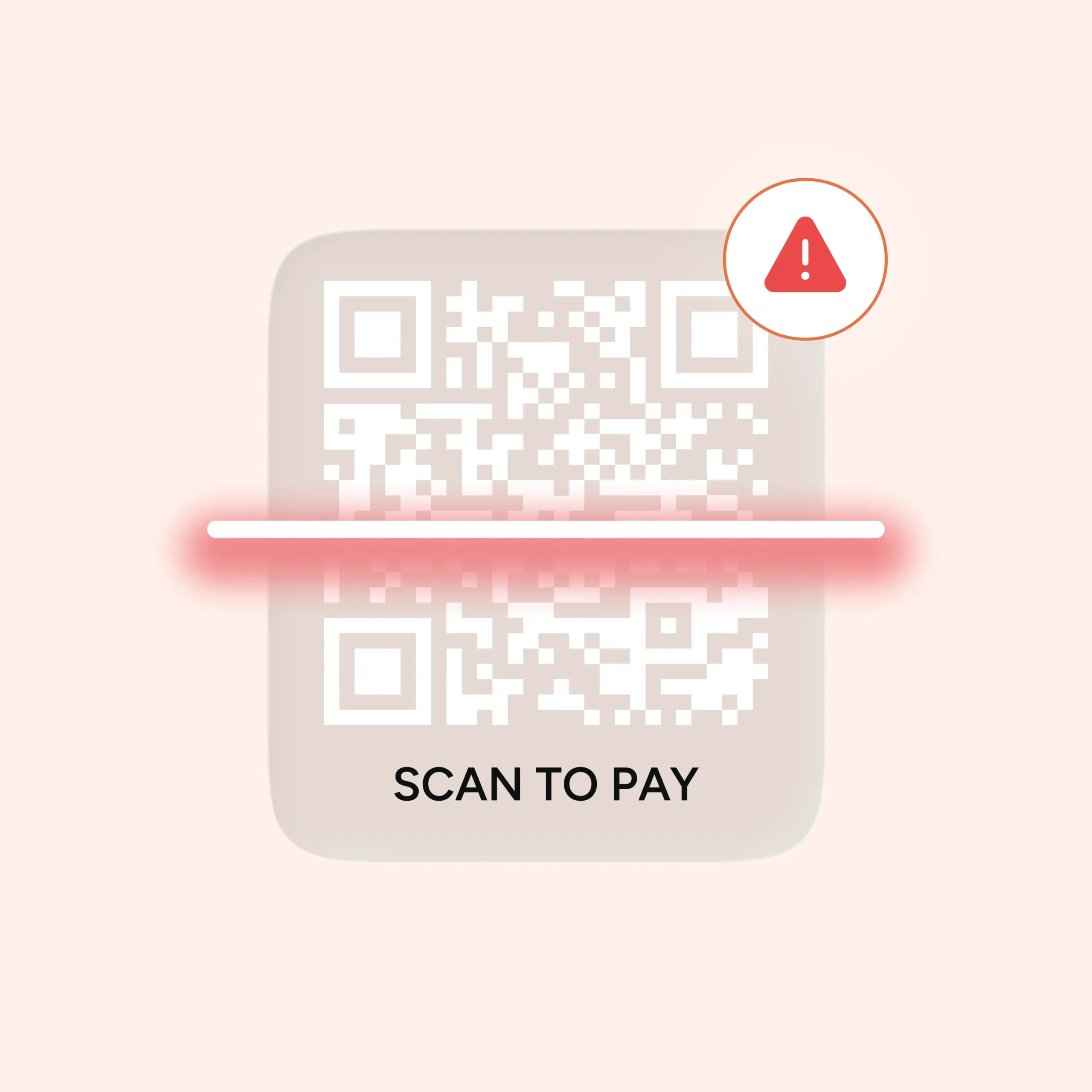
Quishing is a combination of “QR code” and “phishing.” Instead of a suspicious link in an email, scammers use a fake QR code. Scan it, and you’re taken to a convincing imitation of a real website: a bank login page, a parking payment portal, a delivery tracking site. Enter your details, and they go straight to the scammer.
Between April 2024 and April 2025, Action Fraud received 784 reports of quishing scams in the UK, with victims losing nearly £3.5 million, more than £10,000 every single day. And those numbers are almost certainly an undercount, since most victims don’t realise a QR code was the cause until unexpected charges appear.
Where do quishing scams happen?
Quishing scams turn up in more places than most people expect. Here are the most common ones to know about.
Car parks are the biggest hotspot. Fraudsters place fake QR code stickers on ticket machines, leading drivers to a site that mimics the real payment page. Of 373 local authorities that responded to freedom of information requests from the Bureau of Investigative Journalism, 123 confirmed their car parks had been targeted in the past year.
Emails are the other main route. A quishing attack email typically impersonates a trusted brand and asks you to scan a code to verify your account or confirm a payment. These slip through most security filters because the malicious link isn’t visible until after you scan.
Hospitals, train stations, and public buildings have also been targeted, anywhere people are likely to be in a hurry.
How to tell if a QR code is legit
There’s no way to tell just by looking, which is what makes this type of scam so effective. But a few habits help.
Before you scan: Check whether the code looks tampered with. A sticker placed slightly over an existing code is a classic sign. Run your fingernail across payment machines. If it peels or has a raised edge, walk away. For QR code scam emails, look for urgency, and mismatched sender addresses.
After you scan, before you tap: Check the URL preview that appears on your screen. On the iPhone, it shows as a banner at the top. A legitimate council car park will use a .gov.uk address, not a random .com with odd characters. If it looks off, close it.
On iPhone specifically: Use the built-in camera app, not a third-party QR scanner. Apple’s native scanner shows a URL preview before opening anything, giving you a moment to check.
What to do if you’ve scanned a fake QR code
Move quickly.
- Switch to aeroplane mode immediately to stop any data transmission
- Run a security scan using a reputable antivirus app
- Change passwords for any accounts you may have compromised
- Call your bank using the number on the back of your card and report it
- Report the scam to Action Fraud at actionfraud.police.uk or call 0300 123 2040
Is it safer to use Pay by Bank?
For businesses taking payments, QR codes come with an inherent risk: a static code on a counter or receipt can be tampered with, and your customers won’t necessarily know. Pay by Bank with Atoa works differently. Payment requests are generated dynamically and completed through the customer’s own Bank app via the Faster Payments network. There’s no static QR code to tamper with, no card details to intercept, and authentication is handled by the bank itself. Compared to card payments, it removes one of the most common fraud targets entirely.
FAQs
What is the new scam with QR codes?
Quishing uses fake QR codes to direct people to fraudulent websites that steal login credentials or payment details. It’s growing fast in the UK, with reports rising nearly 50% in early 2025.
What happens if I scan a QR code that’s a scam?
The danger comes from what you do next. If you enter any details on the page it takes you to, that information goes straight to the scammer. Switch to aeroplane mode, contact your bank, change your passwords, and report it to Action Fraud.
Can someone take my money with a QR code?
Not from the scan alone, but if you enter card details on a fake payment page, then yes. Some fake sites also set up recurring subscriptions. Always check the URL before entering any payment information.
Can someone get your information from a QR code?
Yes, if it takes you to a phishing site and you enter information there. In some cases, malicious codes can also prompt downloads that install malware. Always check the URL before interacting with the page.
SHARE ARTICLE
Share link copied!