
Ready to get started?
Easily integrate next-generation payments and financial data into any app. Build powerful products your customers love.
SHARE ARTICLE


 Share link copied!
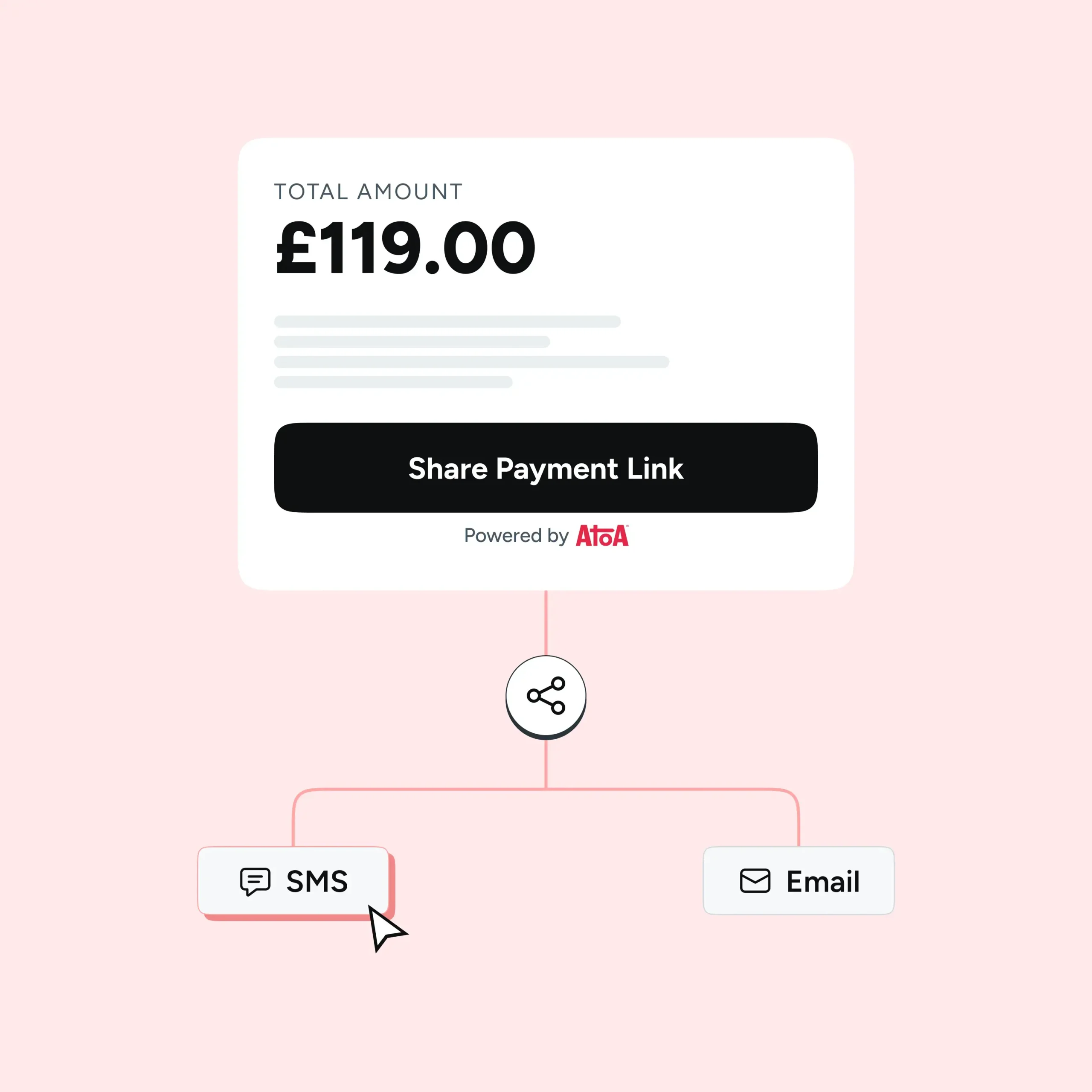
If you want to know how to send a payment link in the UK without a card machine, a payment terminal, or any technical setup, this is the guide for you. It takes about a minute to create a payment link with Atoa. And your customer can pay the moment they receive it – by SMS, email, or WhatsApp.
Here is exactly how it works.
Before you start
You will need an active Atoa account with your business bank account connected and your identity verified. Once that is in place, you can start creating and sending payment links straight away from the Atoa Business Dashboard or the Atoa Business app.
How to create and send a payment link
- Log into your Atoa Business Dashboard or open the Atoa Business app
- Tap the Links icon from the navigation menu
- Click or tap New Link or Create payment link
- Enter the payment amount, your customer’s phone number and/or email address
- Add an optional note — this is a good place to put what the payment is for, the customer’s name, or a reference number
- Click Create and send payment link
That is it. The link is sent to your customer via SMS and/or email, straight from the Atoa platform.
Note: You can set a payment reminder when creating the link. So customers receive a prompt to pay if they have not done so by a certain time. Useful for chasing deposits or invoices without the need to make that awkward phone call.
What your customer sees
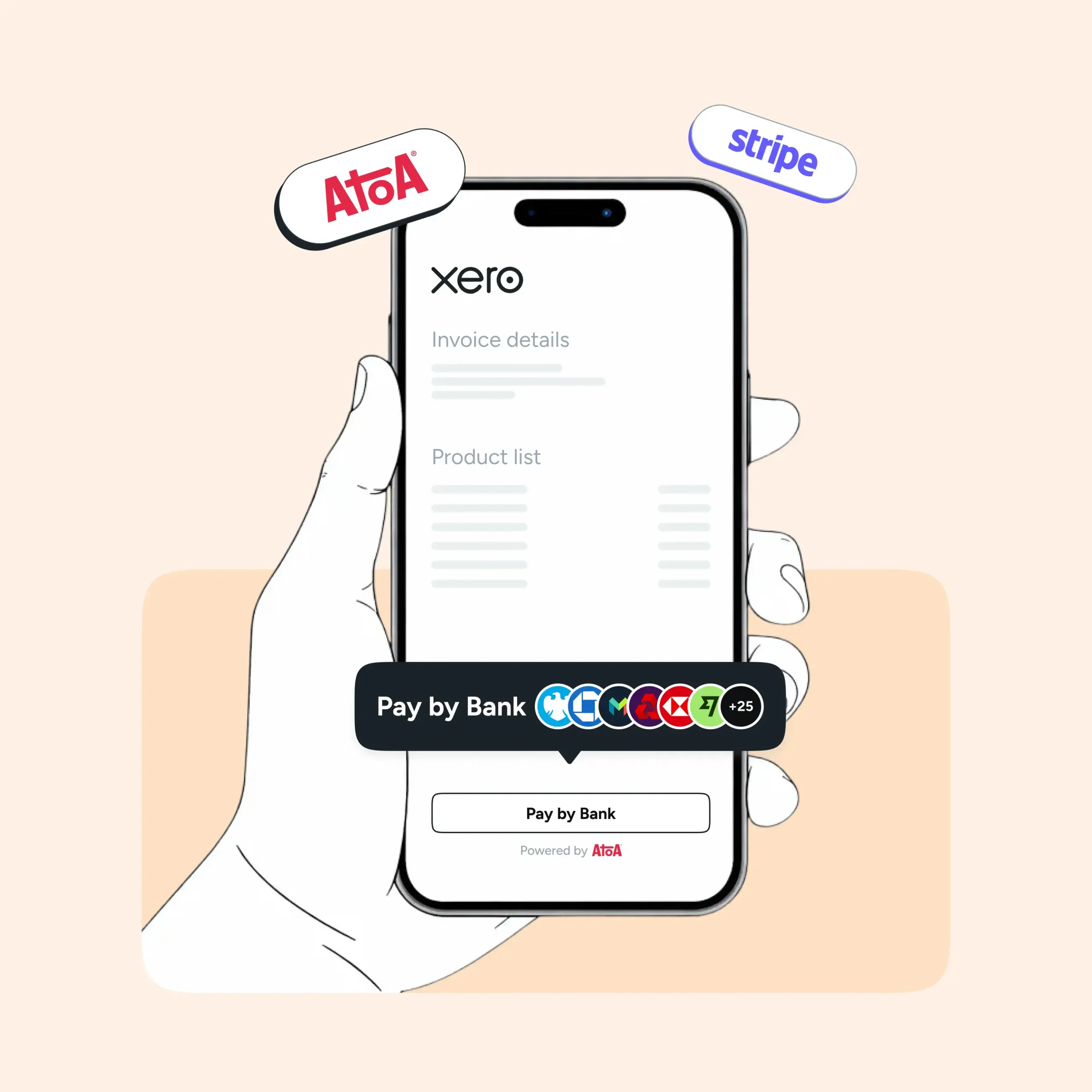
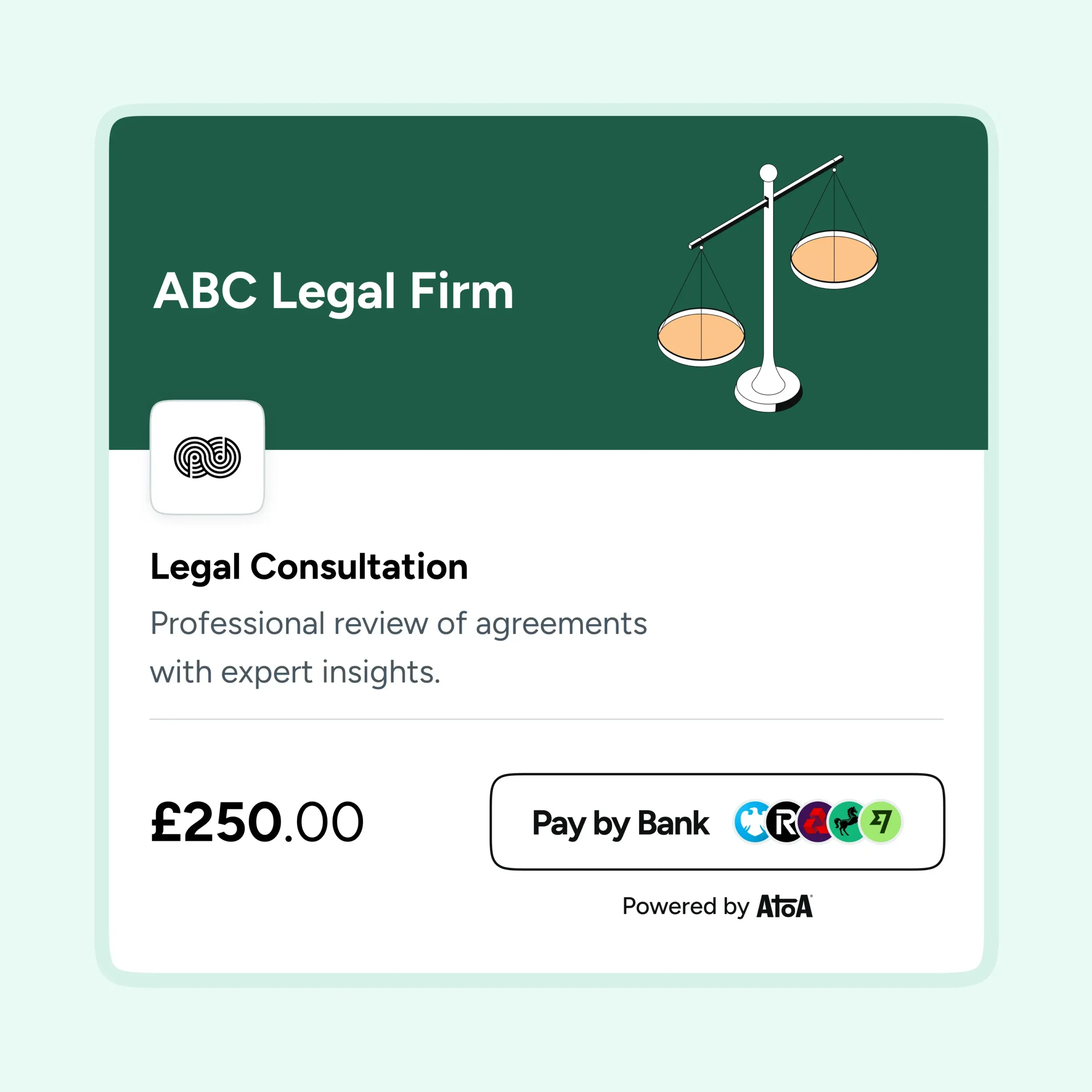
When the customer receives the link and taps it, they land on a secure payment page. From there they choose how they want to pay: Pay by Bank or card.
- Pay by Bank: The customer selects their bank, is redirected to their Bank app, and approves the payment using Face ID, fingerprint, or passcode. The money arrives in your account instantly.
- Card payments: The customer enters their card details as usual, including Visa, Mastercard, American Express, Apple Pay, and Google Pay. Payment is processed securely and confirmed in real time.
Either way, you both receive a confirmation the moment the payment goes through. No chasing, no guessing.
Why SMS works so well for payment links
Most businesses default to email for invoices and payment requests, and email has its place. But for getting paid quickly, SMS has a clear advantage. According to Attentive’s 2025 UK SMS and Email Marketing Report, 97% of UK consumers who subscribed to a brand’s SMS programme also engaged with that brand’s emails. This suggests that the two channels work best together rather than in competition. Businesses can send the invoice by email for the formal record, and the payment link by SMS as the prompt to act. Atoa supports both from a single platform.
The most effective approach for many businesses is to use both: a formal invoice by email for the paper trail, and a payment link by SMS as the actual prompt to pay.
Tracking payments and chasing unpaid links
Once your links are out, you can track their status in the Atoa dashboard by toggling between paid and unpaid. You will also receive a real-time notification as soon as a customer pays. So there is no need to log in and check manually.
For any links that have not been paid, Atoa lets you send a polite reminder. This is done directly from the app or dashboard, without picking up the phone.
In conclusion
Payment collection does not have to be the most time-consuming part of running a business. With the right setup, sending a payment link takes seconds. Tracking whether it has been paid takes a glance, and following up on anything outstanding happens without a phone call.
Whether you are collecting a deposit before a job starts, settling an invoice after it is done, or requesting a retainer from a new client, the process is the same every time. Create a link, send it, get paid. That consistency is what makes knowing how to send a payment link in the UK one of the more straightforward improvements any business can make to how it gets paid.
Want to see Atoa’s payment links in action? Book a free demo with the UK-based team for a guided walkthrough.
SHARE ARTICLE
Share link copied!