
Ready to get started?
Easily integrate next-generation payments and financial data into any app. Build powerful products your customers love.
SHARE ARTICLE


 Share link copied!
They Work for UK Businesses?If you run a UK business and you are still chasing payments by phone or waiting on bank transfers, payment links for business are one of the simplest upgrades you can make. You generate a link, send it to your customer by SMS or email, and they pay in seconds. No card machine, no back and forth, no waiting.
So what exactly is a payment link?
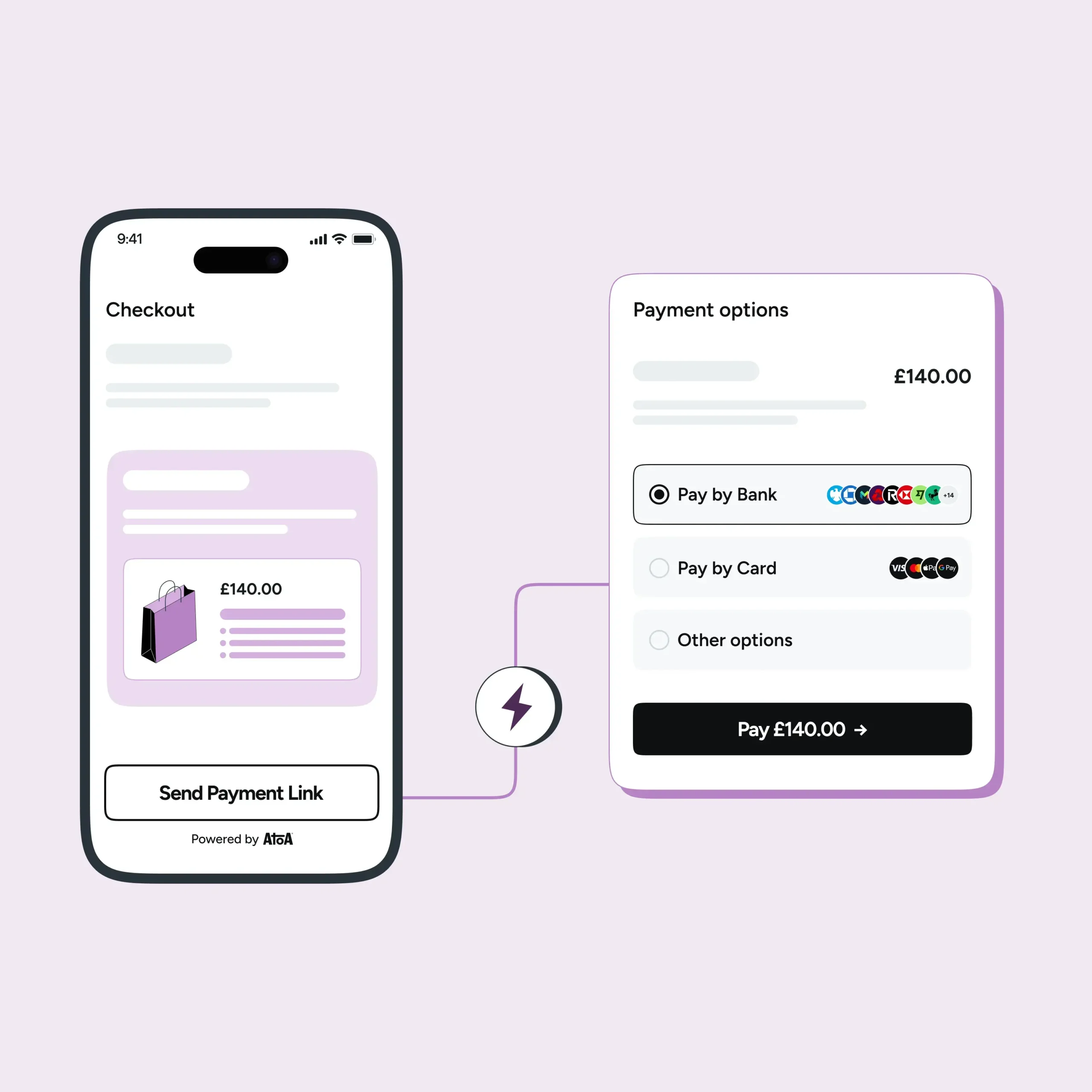
A payment link is a unique, shareable URL generated from your payment provider’s platform and sent to a customer by SMS or email. The customer taps the link, lands on a secure payment page, and chooses how they want to pay. With Atoa, that means Pay by Bank or card.
If they choose Pay by Bank, they are redirected to their own Bank app to approve the payment. If they choose a card, they pay by card on the page. Either way, both parties get a confirmation the moment it goes through, and there is no card machine, invoice chasing, or awkward phone call involved.
Why are UK businesses switching to them?
The short answer is that customer behaviour has moved on. According to UK Finance’s Payment Markets Report, mobile banking became the most common way for UK adults to access their accounts in 2024, used by 75% of the population, overtaking desktop banking for the first time. Customers are already living on their phones. Payment links meet them there.
For businesses, the appeal is just as clear. Payment links for business in the UK mean:
- Faster collection — customers can pay the moment they receive the link, rather than when they remember to do a bank transfer
- No hardware needed — there is nothing to buy, rent, or carry
- Works anywhere — in-person, remote, online, over the phone, or on the move
- Every payment is tracked — you can see exactly who paid, when, and for what, all in one place
- No card details shared over the phone — the customer handles everything securely on their own device
How does a Pay by Bank payment link work?
Most payment links process a card payment in the background. But a growing number of UK businesses are using Pay by Bank payment links instead, and the difference is worth understanding.
With a Pay by Bank link, the customer is not entering card details on a payment page. Instead, they are redirected to their own banking app, where they approve the payment using their face ID or fingerprint. The money moves directly from their bank account to yours via the UK’s Faster Payments network, settling instantly.
For the business, this means lower processing fees, instant access to funds, and no chargeback risk. For the customer, it is fast, familiar, and does not require sharing any card information.
How Atoa handles payment links for UK businesses
Atoa is a UK-based, FCA-authorised payment provider that offers payment links with both Pay by Bank and card payment options. From the Atoa dashboard or app, you can generate a payment link in seconds, set the amount, and send it directly to a customer by SMS or email. When the customer pays, you receive real-time confirmation and the funds settle instantly into your account.
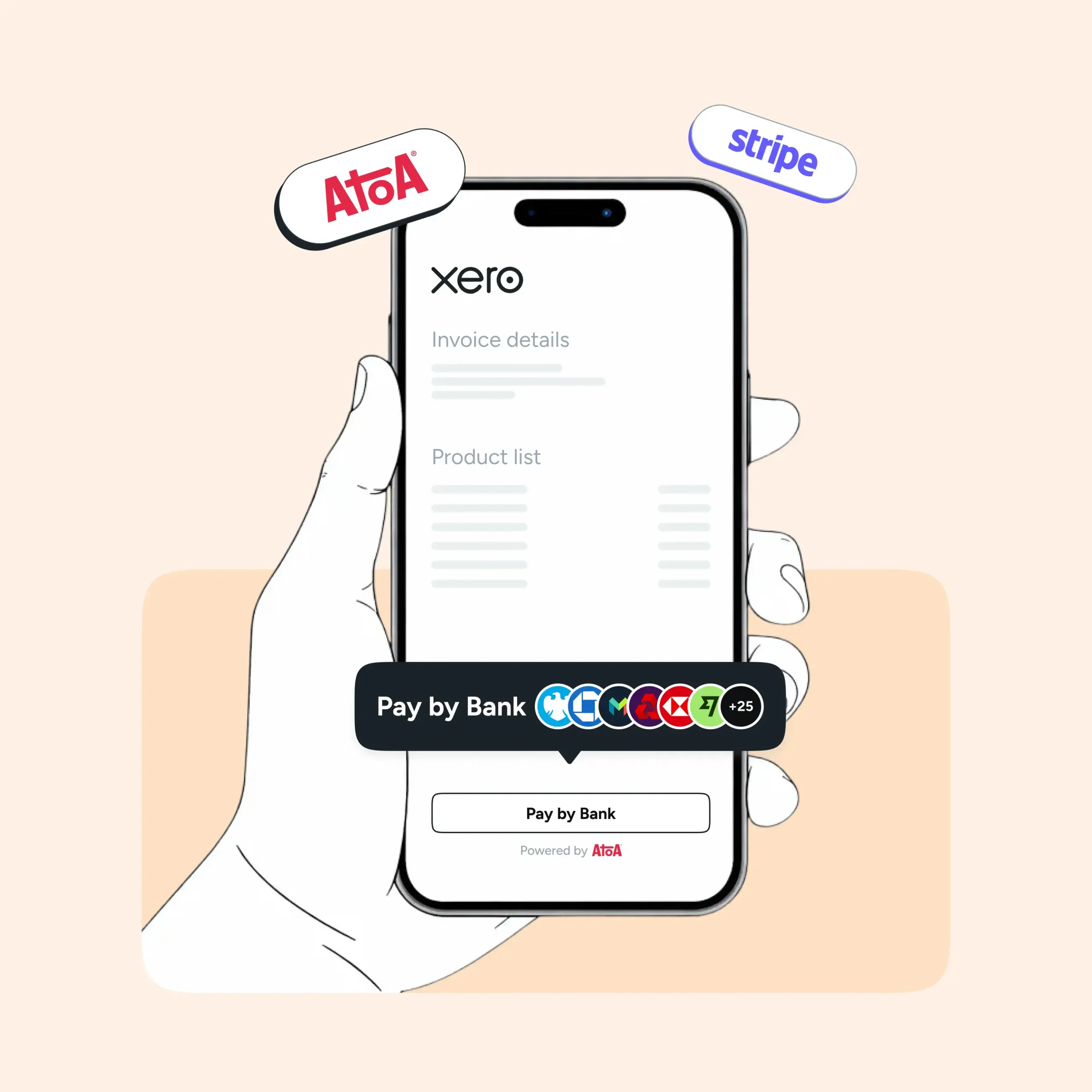
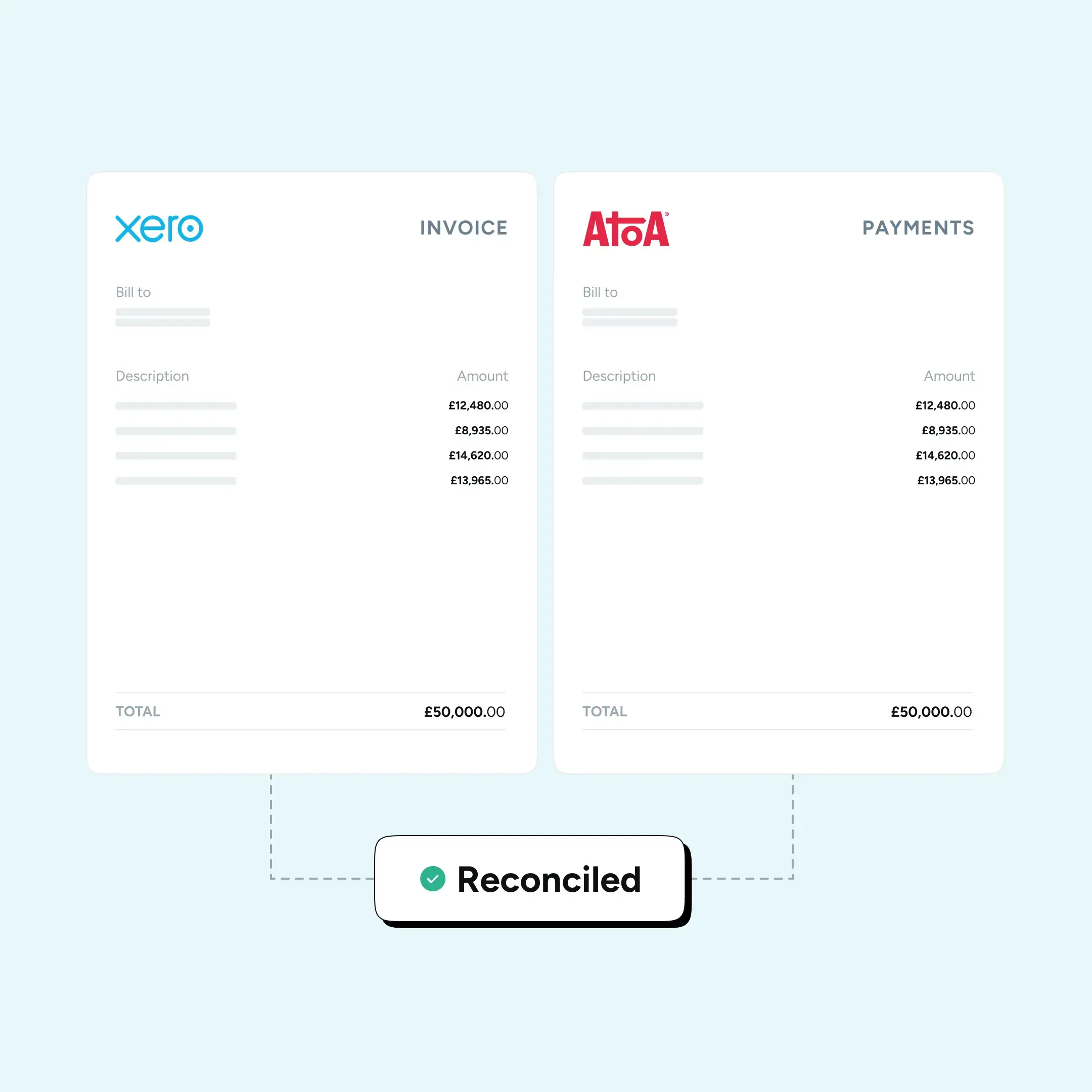
The payment is trackable, secure, and visible in your dashboard alongside all your other transactions. If you use Xero, QuickBooks, or Sage, Atoa integrates with all three, so your accounts reconcile without any extra work on your part.
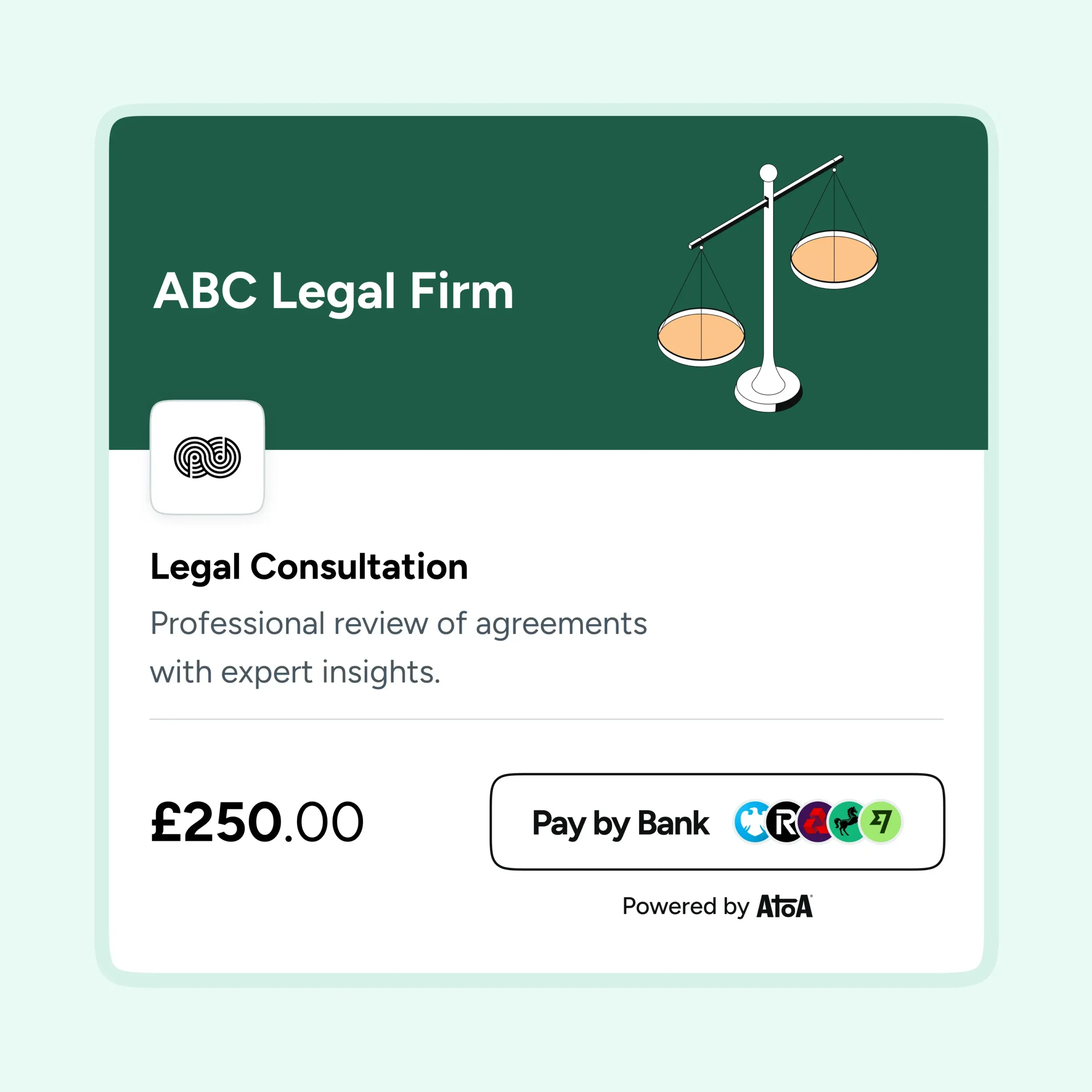
Payment links for business in the UK work well across a wide range of scenarios — from sending a retainer request to a new client, to collecting a deposit before a job, to following up on an outstanding invoice. Any situation where you need to get paid remotely, quickly, and without friction is a good use case.
Is there anything a payment link cannot do?
For in-person payments where a customer is standing in front of you, you might prefer a QR code or tap-to-pay setup instead. Payment links are best suited to remote or pre-arranged transactions where you are not physically present with the customer at the time of payment. That said, they can also work perfectly well in-person. For example, texting a link to a customer while they are on site so they can pay before they leave. The flexibility is the point. A payment link works however and wherever your business works.
Want to see how Atoa’s payment links work in practice? Get in touch with the team for a walkthrough.
SHARE ARTICLE
Share link copied!