
Ready to get started?
Easily integrate next-generation payments and financial data into any app. Build powerful products your customers love.
SHARE ARTICLE


 Share link copied!
Just imagine that you run a theatre with multiple shows, each with different ticket prices, filling up at different times. Or maybe you’re managing an online course, juggling dozens of students across various cohorts. Payments are coming in from all directions. Some via bank transfers, some in cash, and some through online payments, making it hard to keep track. Accepting and managing payments shouldn’t feel like another production of its own, right? That’s where Payment Pages come in.
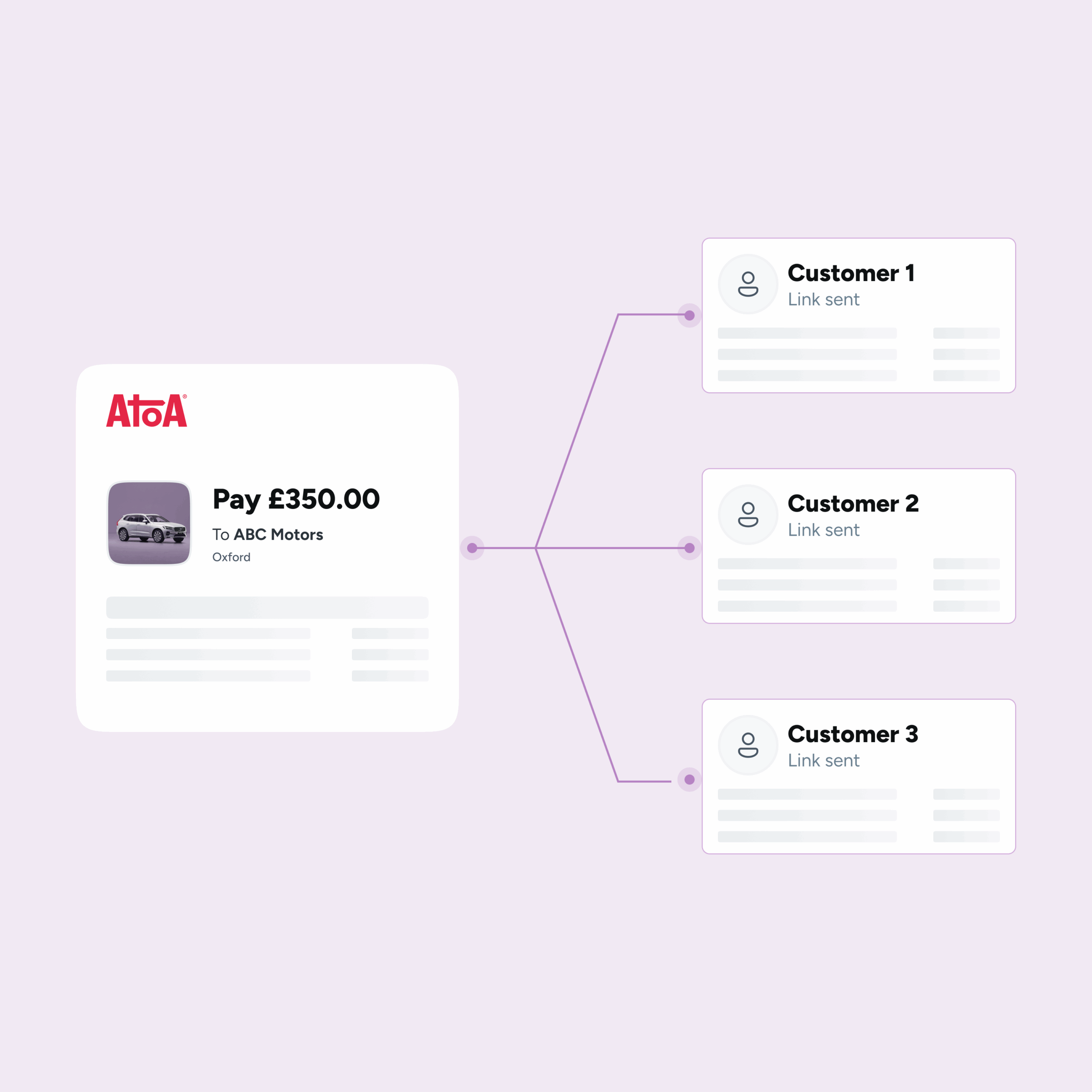
Atoa’s Payment Pages bring structure to the chaos, letting you create a single, reusable payment link or QR code that anyone can use to pay. You decide what to collect – names, emails, phone numbers, even custom details, and every payment is tracked in real time, all in one place.
Why this changes everything
Let’s say you’re running a theatre production. Instead of manually sharing payment links for each booking, you just send out one Payment Page for the event. As people book, you collect not only their payment, but also their details, automatically. You see who’s paid, who hasn’t, and what exactly they’ve signed up for, without sifting through DMs or invoices.
The same logic applies whether you’re:
- Hosting workshops or fitness classes
- Managing school or college fee collections
- Collecting deposits for trips or events
- Running clubs, summer camps, or property viewings
If multiple people are paying for the same thing, this is the tool you’ve needed.
Made for scale, not spreadsheets
Payment Pages are built for businesses that are ready to scale without multiplying admin. You can create as many pages as you need, keep them live or turn them off as things change, and track everything in real time. It’s a self-serve setup for your customers and a stress-free one for your team.
All of this is available with Atoa’s Advanced Add-on, which unlocks a range of powerful features designed to give you more control, better tracking, and smoother operations.
Want to see it in action?
Head to the Help Centre for a step-by-step guide on setting up your first Payment Page. And if you ever get stuck or need a hand, our friendly UK-based support team is just an email away at hello@paywithatoa.co.uk. We’re here to help.
Frequently asked Questions
What are Atoa Payment Pages?
Atoa Payment Pages are reusable payment links or QR codes that let multiple customers pay for the same thing, while you collect their details and track every payment in real time. They suit events, courses, workshops, fitness classes and school fees. Payment Pages are available with Atoa’s Advanced Add-on.
How do I create a reusable payment link?
You create a reusable payment link by setting up a Payment Page in your Atoa dashboard, choosing what details to collect, and generating a single link or QR code to share. Multiple customers can then use the same link to pay. A step-by-step guide is available in Atoa’s Help Centre.
Can I collect payments from multiple customers with one link?
Yes, one Payment Page link or QR code can be reused by any number of customers, and each payment and set of details is tracked separately on your dashboard. This removes the need to send individual links for every booking. It suits theatres, courses and events where many people pay for the same thing.
How do I track group payments in real time?
You track group payments in real time from your Atoa dashboard, which shows who has paid, who has not, and the details each customer submitted. Everything updates live in one place, so there is no need to sift through invoices or messages. Payment Pages record each payment separately.
Which Atoa plan includes Payment Pages?
Payment Pages are available with Atoa’s Advanced Add-on, which unlocks additional tracking and control features. You can check the Atoa pricing page to see what else the add-on includes. There is a 7-day free trial to try Atoa.
SHARE ARTICLE
Share link copied!