
Ready to get started?
Easily integrate next-generation payments and financial data into any app. Build powerful products your customers love.
SHARE ARTICLE


 Share link copied!
Late payments are not just frustrating. They are expensive. UK government research estimates that around £26 billion is tied up in late payments to small businesses at any given time. That is working capital sitting in someone else’s account instead of funding growth, hiring, or investment.
For businesses using Xero, the goal is simple: reduce late payments Xero users experience and turn invoices into cash faster.
Why Xero invoice payment delays still happen
Xero makes it easy to send professional invoices. But payment delays are rarely about formatting. They are about behaviour.
Common causes of Xero invoice payment delays include:
- Customers needing to log into online banking separately to make a manual transfer
- Card payments failing due to limits or authentication issues
- Invoices being opened but not acted on immediately
- Payment reminders being ignored or delayed
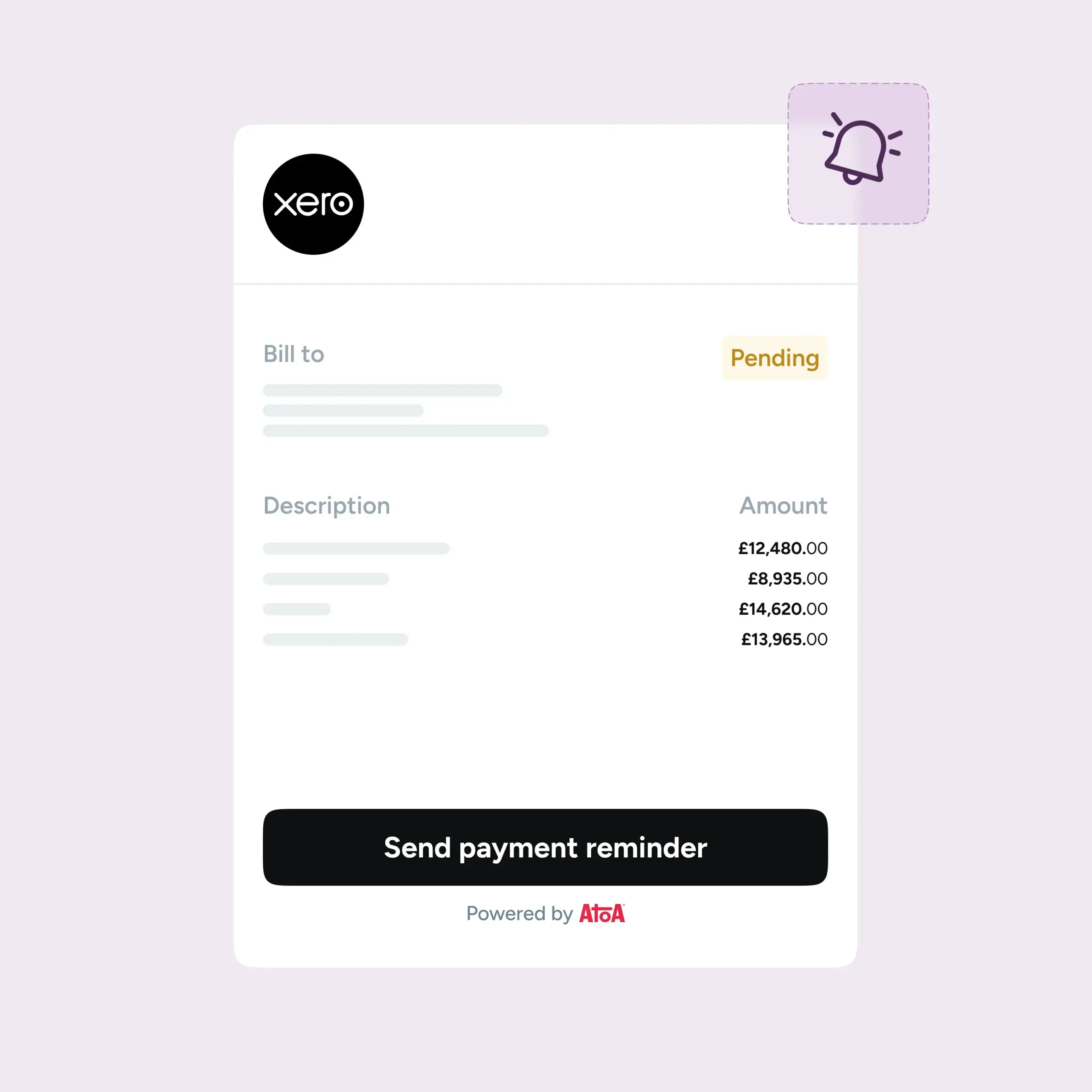
Even with automated Xero payment reminders, friction at the payment stage can slow things down. If paying feels like an extra task rather than a one-click action, it gets postponed.
How instant bank transfer changes the timing
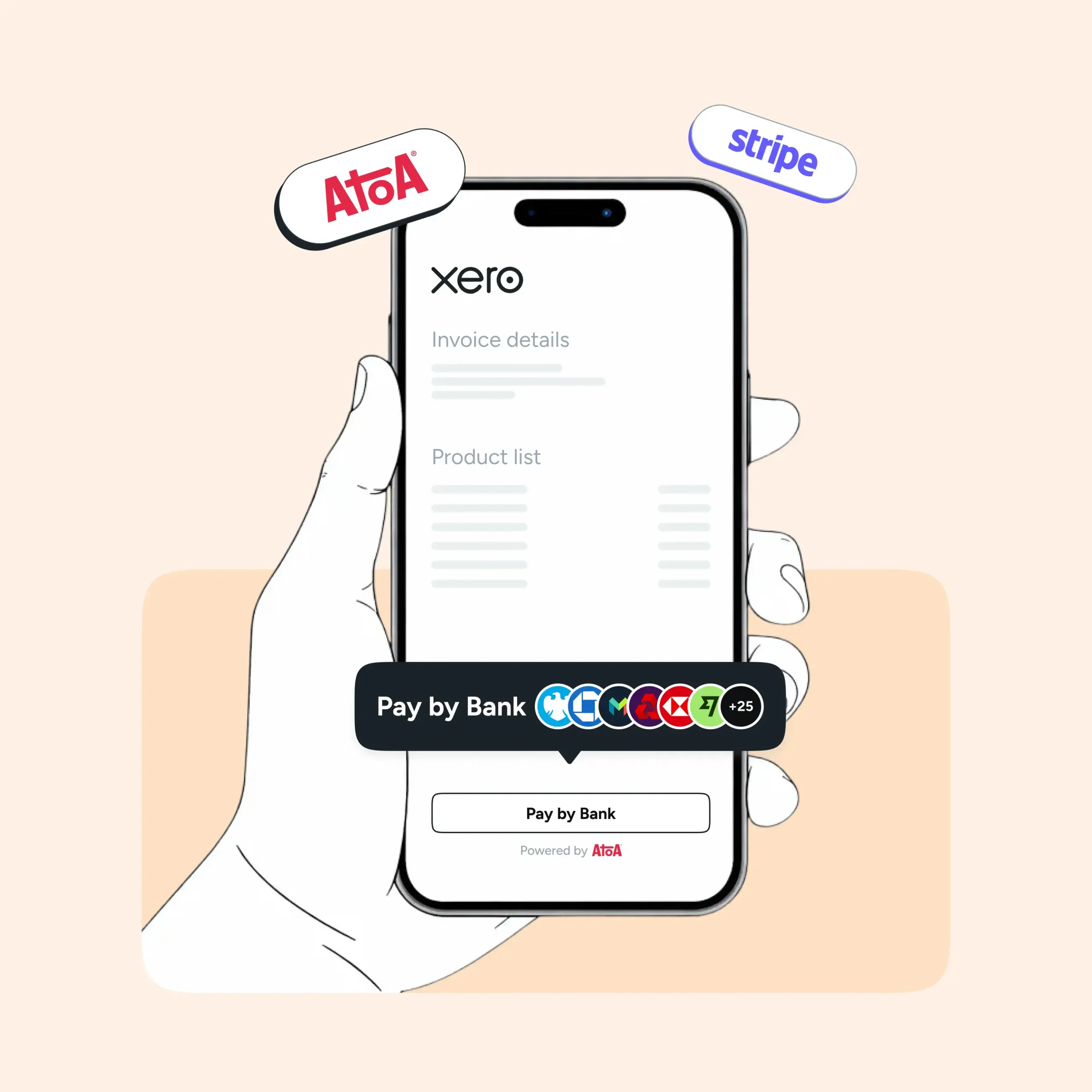
A Pay by Bank transaction or instant bank transfer Xero setup removes that friction. Instead of asking customers to manually move money or enter card details, the invoice includes a secure payment option that connects directly to their banking app.
The customer:
- Clicks “Pay now”
- Selects their bank
- Approves the payment in their banking app
Funds move immediately, and confirmation is clear. There is no waiting for batch processing and no ambiguity about whether payment has been made.
This is where faster invoice payments Xero users care about start to become realistic. When payment happens at the moment of intent, delays reduce dramatically.
Why Pay by Bank makes a difference
Using Pay by Bank Xero invoices changes the dynamic between sending and receiving payment. Because the customer authorises the transaction inside their own banking app, the experience feels secure and final. That reduces excuses like “I will transfer it later” or “I thought I had already paid”.
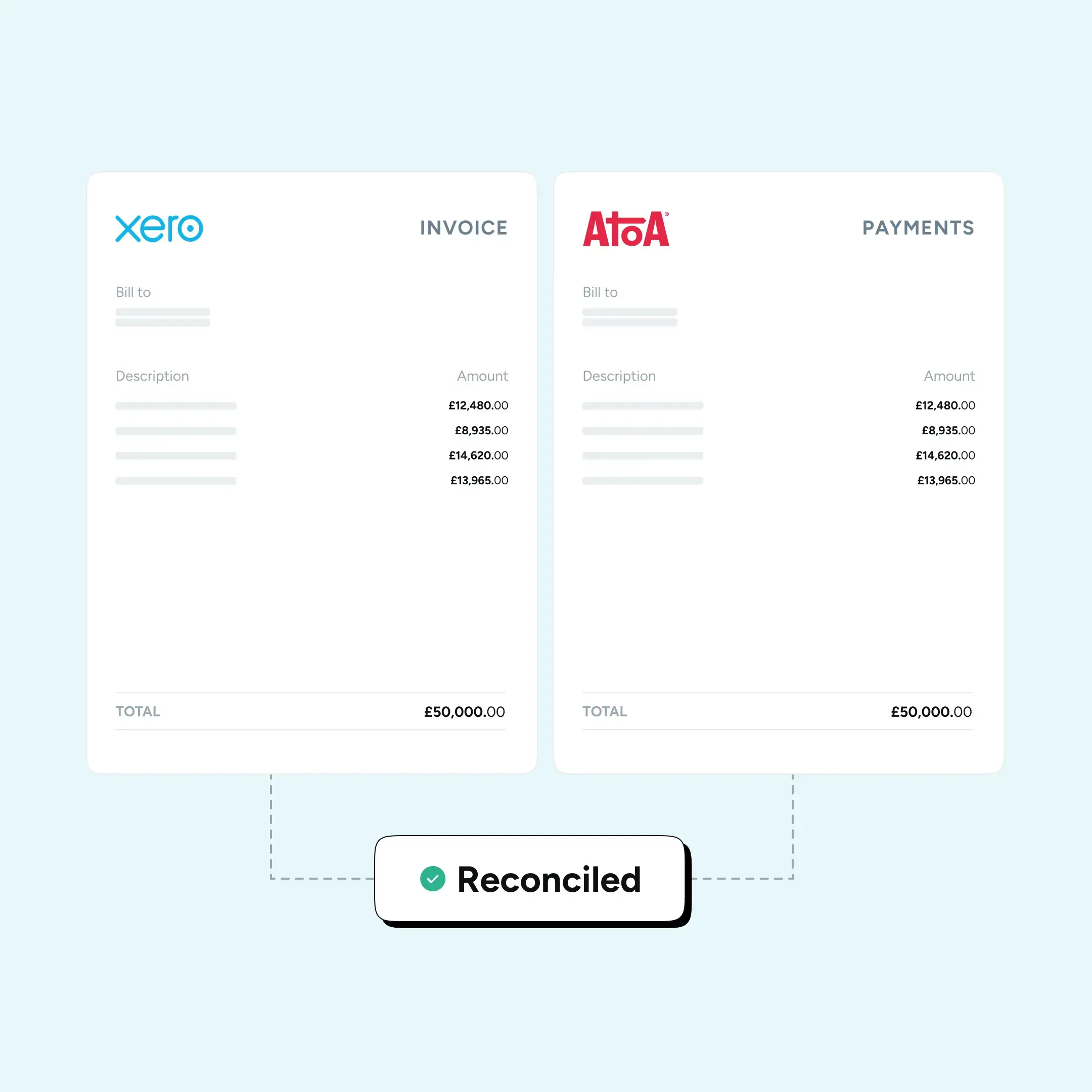
Bank-to-bank payments also reduce failed attempts and minimise reconciliation work. For finance teams, that means fewer manual checks and fewer awkward follow-up calls.
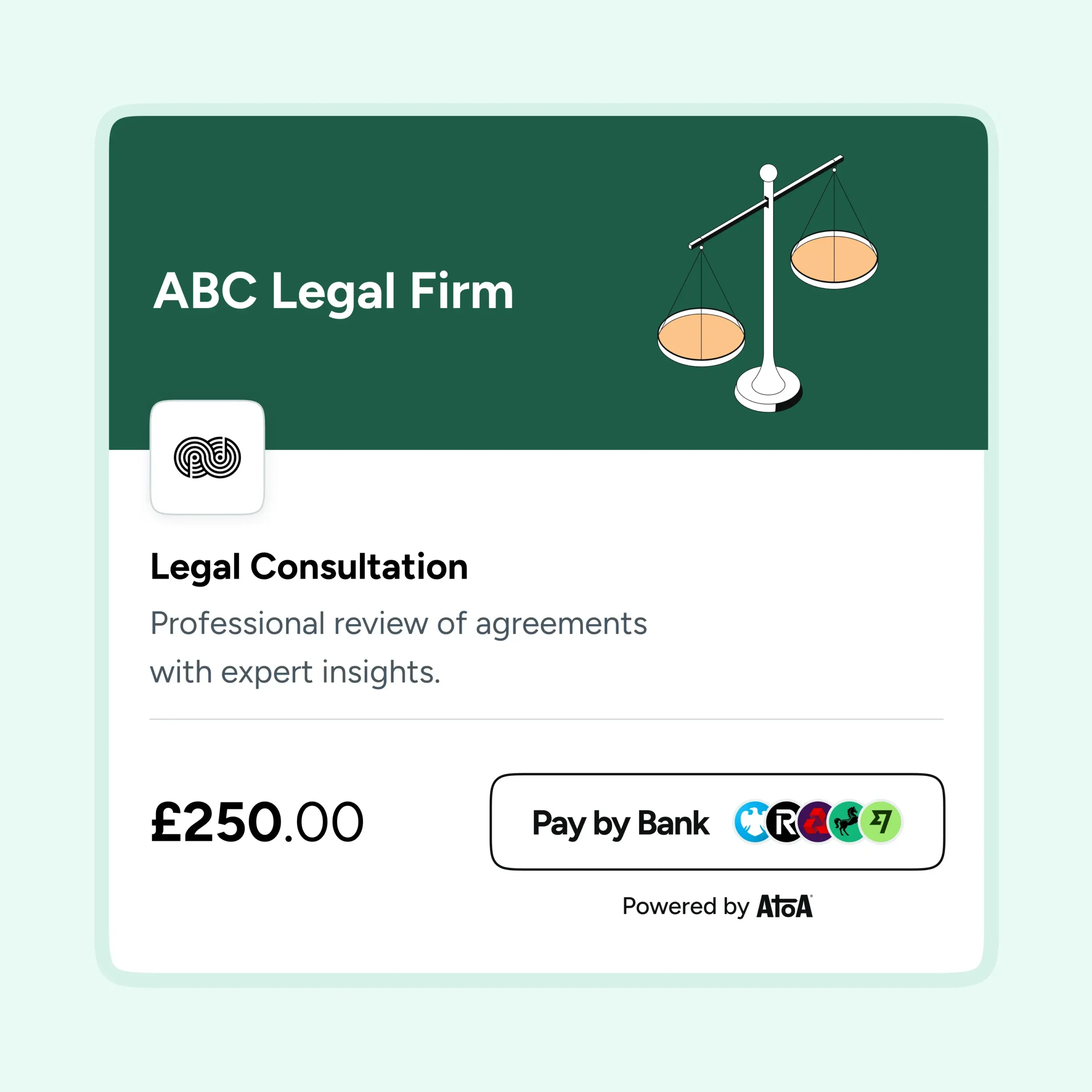
Businesses working with providers such as Atoa, which integrates with Xero, can embed Pay by Bank directly into their invoicing flow. This allows them to offer both card and bank payment options while nudging customers towards faster, lower-friction settlement.
Combining reminders with instant payments
Automated Xero payment reminders still matter. They keep invoices visible and reinforce due dates. But reminders work best when the payment method itself is effortless.
Reducing late payments in Xero is not just about sending more emails. It is about removing barriers between invoice and settlement.
Final thoughts
Late payments strain cash flow, distort forecasting, and waste time. To reduce late payments Xero users face in 2026, the focus should shift from chasing payments to making them easier to complete.Instant bank transfer options inside Xero invoices shorten the gap between “invoice sent” and “money received”. When payment is immediate, reminders become backup rather than necessity, and cash flow becomes more predictable.
Sources: UK government research estimates
Frequently asked Questions
How do I accept invoice payments in Xero?
You accept invoice payments in Xero by connecting a payment provider that adds a pay now option to your invoices. Customers then pay directly from the invoice rather than making a manual transfer. Atoa is certified by Xero and lets you embed Pay by Bank and card payment options into Xero invoices.
How does instant bank transfer reduce late payments?
Instant bank transfer reduces late payments by letting customers pay at the moment of intent, straight from the invoice, instead of logging into online banking separately. Removing that friction means fewer invoices are set aside and forgotten. UK government research estimates around £26 billion is tied up in late payments to small businesses at any time.
Can you make payments through Xero?
Yes, customers can pay through a Xero invoice when you add a payment option such as Pay by Bank or card. They click pay now, select their bank, and approve in their banking app. Atoa integrates with Xero so payment and reconciliation happen within the invoicing flow.
How does Pay by Bank speed up invoice settlement?
Pay by Bank speeds up invoice settlement by moving money account-to-account in seconds via Faster Payments, with the customer approving in their banking app. There is no wait for batch processing and no ambiguity about whether payment was made. Atoa embeds Pay by Bank into Xero invoices so cash arrives sooner.
How do I add a Pay by Bank link to a Xero invoice?
You add a Pay by Bank link to a Xero invoice by connecting Atoa to your Xero account, after which a payment option is included on the invoices you send. The customer taps it, chooses their bank, and approves the payment. Atoa is certified by Xero, so it fits your existing invoicing.
SHARE ARTICLE
Share link copied!