
Ready to get started?
Easily integrate next-generation payments and financial data into any app. Build powerful products your customers love.
SHARE ARTICLE


 Share link copied!
Picture this: A patient walks up to your reception desk, ready to settle their bill. Your receptionist opens three different tabs, copies the patient’s details from your practice software, pastes them into a payment portal, sends a link, then manually updates the payment status back in the system. The patient waits. You lose five minutes. This happens twenty times a day.
Sound familiar? The UK dental market is valued at £8.3 billion in 2026, yet many practices still lose hours each week to payment admin. The practices winning on efficiency aren’t using better software. They’re using software that actually talks to each other.
Why most dental practice payment systems waste your time
Here’s the truth: your practice management software probably does a brilliant job managing appointments, clinical notes, and patient records. But when it comes to actually collecting money? That’s where things fall apart.
Most practices end up with a payment processor that exists in its own separate universe. Your team logs in to one system to check appointments, another to send payment requests, and a third to reconcile what’s been paid. Patient details get entered twice. Payment statuses don’t sync. Someone forgets to mark an invoice as paid, and you end up chasing a patient who already settled their bill.
This isn’t just annoying. According to UK dental marketing research, practices implementing comprehensive digital workflows report efficiency improvements of 30-50% within the first operational year. The difference isn’t that patients suddenly want to pay faster. It’s that staff can actually see what needs collecting without playing detective.
How proper payment integration actually works
The difference between basic integration and proper integration is night and day. Basic integration means your payment system and practice software exchange data occasionally, usually through a nightly sync or manual export. Proper integration means payments live inside your workflow.
Let’s say you’re using software like Dentally. With the right dental payment gateway, a payment panel appears directly within your patient records. Not in a separate tab. Not in another system. Right there, next to the clinical notes and appointment history.
Your receptionist opens Mrs. Johnson’s file to book her next appointment. The payment sidebar shows she has £180 outstanding from her last visit. Two clicks later, a payment link goes to her phone. She pays while walking to her car. The system updates automatically. No switching screens. No double-checking. No forgotten follow-ups.
This is what modern practice management payments should look like. The plugin approach means payment functionality lives inside the software you already use, rather than forcing you to work around it.
The plugin that changed everything
Browser extensions have quietly revolutionised how dental software payments work. Instead of building payment features directly into every practice management system (which takes years), plugins bring those features to whatever system you’re already using.
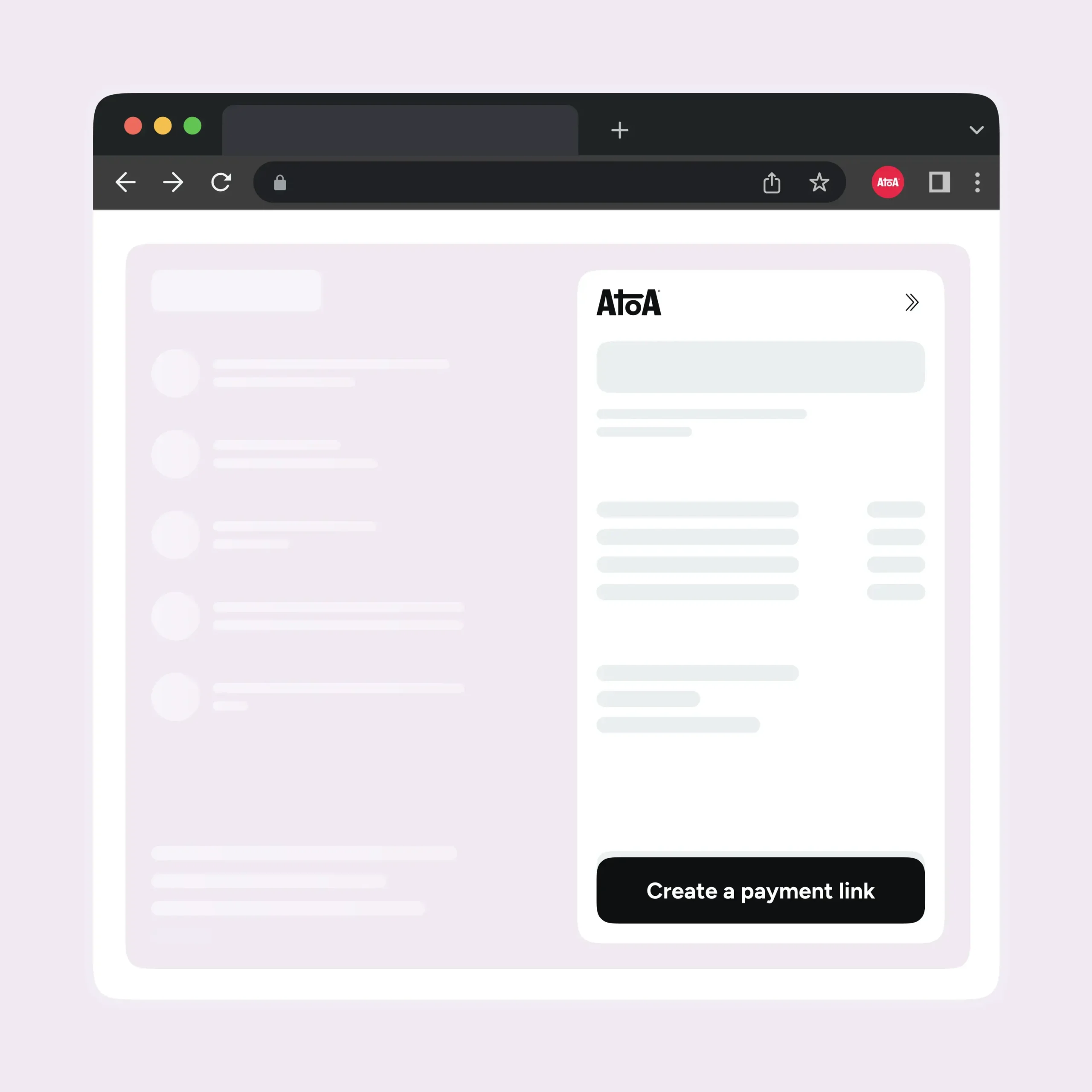
Here’s what happens: you connect your payment account to your practice software using an API key, then install a Chrome extension. When you open any patient record, the extension recognises where you are and displays relevant payment information in a sidebar. Outstanding balances. Payment history. The ability to create new payment requests.
The clever bit? Your practice software doesn’t need to change at all. The plugin reads what’s on screen, shows you the payment context you need, and syncs everything back automatically. Your team works exactly how they always have, but with payment tools right where they need them.
For practices using systems like Dentally, this means Dentally payment options appear seamlessly alongside patient information. No training on a new system. No changing established workflows. Just better tools in the places you’re already looking.
Beyond cards: why payment flexibility matters
Let’s talk about payment methods. Traditional card processing costs between 1.5% and 3% per transaction. On £50,000 of monthly payments, that’s £750 to £1,500 in fees walking out the door.
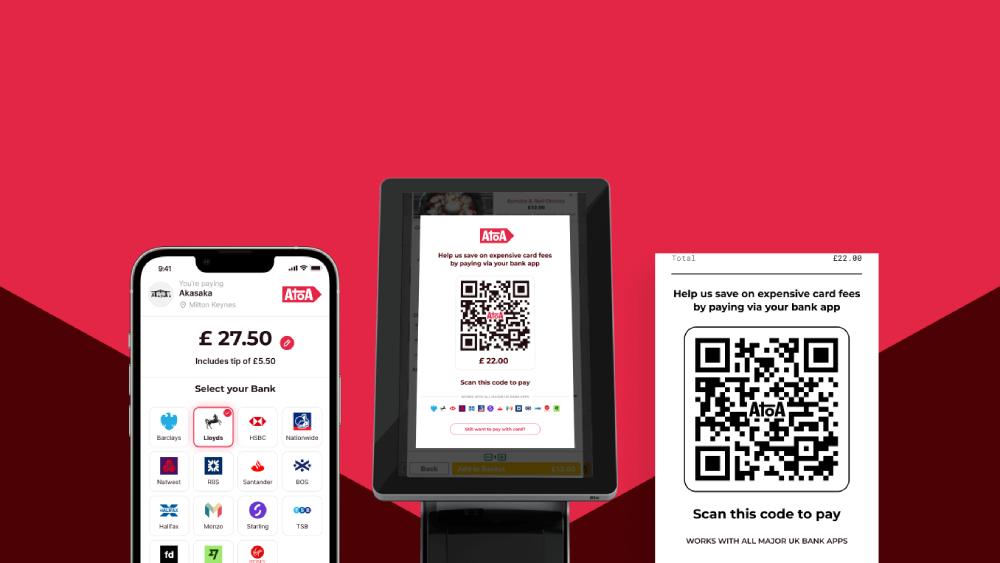
Pay by Bank offers an alternative. Patients pay directly from their bank account using open banking technology, which powers the secure connection between banks. The experience is simple: they receive a payment link, select their bank, and approve with Face ID or fingerprint in their banking app. The payment completes instantly, and it costs significantly less than card processing.
But here’s what matters most: flexibility. Some patients prefer cards. Others are happy to use bank payments when they understand it’s instant and secure. The best dental practice payment systems give you both options, letting patients choose while you benefit from lower costs when they pick Pay by Bank.
This isn’t about forcing everyone away from cards. It’s about having the right mix of payment methods so your practice saves money without limiting patient choice.
What makes integration actually useful
Some systems claim to integrate but really just export data once a day. Others require your team to manually trigger syncs. The kind of integration that actually saves time has these features:
- Real-time updates mean payment status changes the moment a transaction completes. Your receptionist shouldn’t need to refresh anything or wait for a sync.
- Automatic reminders handle the follow-up you’d otherwise forget. The system sends payment reminders at the intervals you set, without anyone having to remember.
- Clear visibility means everyone on your team can see payment status at a glance. No hunting through menus or checking separate systems.
- Zero double-entry because patient details flow automatically from your practice software to payment requests. If you’re typing the same information twice, your integration isn’t working properly.
The practices getting this right
The dental practices with the smoothest payment processes aren’t necessarily using the fanciest software. They’re using software that integrates properly with their workflow.
Their front desk staff open patient records and see payment information immediately. They create payment requests without switching tabs. When patients pay, the update happens automatically. Reconciliation at month-end takes minutes instead of hours because every transaction is already matched to the right patient account.
This level of efficiency isn’t complicated to achieve. It just requires choosing dental software payments tools that were built to work together, not exist in isolation.Modern dental practice payment systems should fade into the background. Your team shouldn’t think about whether they’ve updated the payment status or wonder if a reminder went out. It should simply happen, leaving them free to focus on patients rather than admin.
SHARE ARTICLE
Share link copied!