
Ready to get started?
Easily integrate next-generation payments and financial data into any app. Build powerful products your customers love.
SHARE ARTICLE


 Share link copied!
For UK small and medium-sized enterprises (SMEs) using Xero, choosing the right payment method can significantly impact your bottom line. Whilst both Pay by Bank and Stripe integrate seamlessly with Xero, they differ substantially in cost, speed, and customer experience.
This guide breaks down the key differences to help you make an informed decision.
Understanding your payment options
When it comes to accepting payments through Xero invoices, you have two primary options:
Option 1: Stripe
Stripe is a global payment processor that enables you to accept credit and debit card payments. It’s particularly popular amongst businesses that need to accept international payments and those requiring advanced customisation. Stripe integrates with Xero to automatically reconcile card payments, saving you hours of manual bookkeeping.
Option 2: Pay by Bank
Pay by Bank utilises open banking technology to allow direct bank-to-bank transfers. This newer payment method allows customers to pay directly from their bank account without needing to enter card details, offering a streamlined experience for domestic UK transactions.
The cost comparison: Where Pay by Bank wins
Cost is often the deciding factor for UK SMEs, and the difference between these two payment methods is substantial.
Transaction fees breakdown
| Payment method | UK domestic | International | Per-transaction fee |
|---|---|---|---|
Stripe | 1.5% + 20p (UK cards) 1.9% + 20p (premium UK cards) | 2.5% + 20p (EEA) 3.25% + 20p (international) | 0.4% per transaction chargeback fee |
Pay by Bank | Typically 0.5% – 1% (or flat fee structure) | Limited availability | Minimal to none |
Let’s look at real-world examples. For a £1,000 invoice:
Stripe:
- £16.20 for standard UK cards (1.5% + 20p)
- £21.20 for premium UK cards (1.9% + 20p)
- £25.20+ for EEA or international cards (2.5–3.25% + 20p)
- Plus a 0.4% chargeback fee if a dispute occurs
Pay by Bank:
- £5 to £10 (typically 0.5%–1%, or flat fee)
- Minimal to no chargeback risk
So for a business processing £10,000 a month in UK invoices, switching from Stripe to Pay by Bank could save £800–£1,200 a year, money that goes straight to your bottom line.
The cheapest way to accept payments in Xero
If you mostly deal with UK clients, Pay by Bank is often the lowest-cost way to get paid in Xero. It’s fast, secure, and usually cheaper than cards. That said, if you serve international clients who prefer using cards, it’s worth balancing costs with customer convenience.
Speed and cash flow considerations
For small and mid-sized businesses, how quickly you get paid can make all the difference. Here’s how Stripe and Pay by Bank compare:
Stripe typically settles funds to your UK business account in 7–14 business days for initial transactions. Once your account is established, this usually speeds up to 2–3 business days. While the customer sees the payment as immediate, the delay in settlement can impact cash flow, especially for businesses with tight margins.
Pay by Bank, on the other hand, settles payments directly and almost instantly into your business account, often within minutes or a few hours. This makes it ideal for businesses that need real-time access to funds to cover daily operations or stock purchases.
Both options are significantly faster than traditional BACS transfers or cheque payments, which can take anywhere from 5 to 10 working days, and often involve more manual admin.
Customer experience and acceptance
While cost matters to your business, payment convenience matters to your customers.
Stripe’s customer experience is familiar to most online shoppers. Customers can pay with any major credit or debit card, use digital wallets like Apple Pay or Google Pay, or save their payment details for future purchases. This familiarity can improve conversion rates, especially for B2C businesses.
Pay by Bank is growing in adoption but may still be unfamiliar to some customers. The process is simple, customers are redirected to their online banking portal (or banking app), authenticate, and approve the payment. However, those less comfortable with online banking may hesitate.
For B2B transactions where customers are already accustomed to bank transfers, Pay by Bank offers a faster, more automated alternative that many appreciate.
The verdict: Which should you choose?
The best Xero invoice payment method depends on your specific business needs:
Choose Stripe if you:
- Have international clients who pay with cards
- Need to accept various payment methods (cards, digital wallets, BNPL)
- Require advanced features like subscription billing or payment links
- Value customer familiarity with card payments
Choose Pay by Bank if you:
- Primarily serve UK domestic clients
- Want to minimise transaction fees on larger invoices
- Need faster access to settled funds
- Process high volumes of B2B transactions
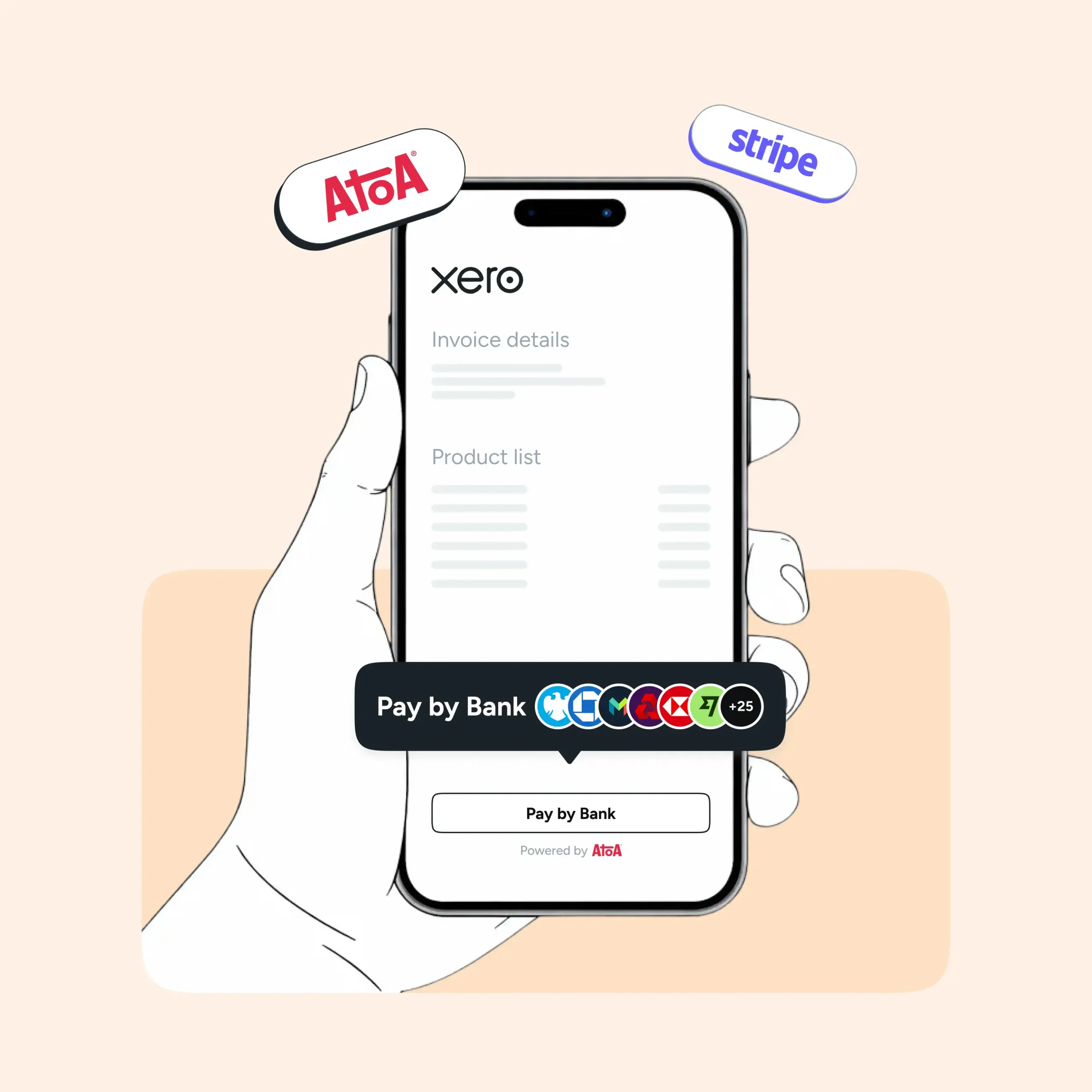
The smart strategy? Many UK SMEs use both. Set up Pay by Bank as your default payment with brands like Atoa, to minimise costs on domestic transactions. At the same time, keep Stripe available for international customers or those who prefer card payments. This hybrid approach gives you maximum flexibility whilst controlling costs.
Making the Switch
If you’re currently using only Stripe for Xero invoices and want to explore Pay by Bank, the integration is straightforward. Most Pay by Bank providers offer simple Xero integrations that can be set up in minutes, similar to how Stripe connects.
Book a demo with team Atoa where you can easily integrate with Xero, which is super easy to do. They’ll walk you through the setup and help you start saving on transaction fees right away.
SHARE ARTICLE
Share link copied!