
Ready to get started?
Easily integrate next-generation payments and financial data into any app. Build powerful products your customers love.
SHARE ARTICLE


 Share link copied!
According to Xero, sending invoices immediately after completing work rather than waiting for weekly or monthly cycles can improve cash flow and reduce payment collection time by up to 40%. Adding online payment options like ‘Pay Now’ buttons can cut collection time by up to 50%. Automated invoice tracking and reminder systems can boost collection rates by 45%, and contacting customers within 24-48 hours of a missed due date can help resolve 85% of payment issues and recover 67% of late payments.
These figures show that small process improvements can have an outsized impact on how quickly money moves from customer accounts to your bank account. For many UK businesses, improving payment workflows is the difference between constant cash flow pressure and smooth financial operations.
In this article we explore how to tighten your payment workflows in Xero so you turn invoices into settled balances faster. We then look at ways tools like Atoa, which partners with Xero Payments, make this even easier in daily practice.
How traditional payment workflows lose time
A typical payment path for many small businesses goes like this. You create an invoice in Xero. You email it to a customer. They pay later through card or bank transfer. You wait. Then you reconcile the money when it appears.
At each of these steps there is both time and effort lost. Customers may forget to pay. Manual reminders take time. Waiting for settlement slows cash flow. Reconciliation takes resources. When payments are slow, businesses spend more time chasing invoices than serving customers.
The cost of slow payments
Slow invoice payments do more than clutter your accounts receivable. They put pressure on working capital, make it harder to forecast cash flow, and increase admin and accounting overhead. For UK small and medium businesses, late payments are a persistent problem. According to the Federation of Small Businesses, 50% small firms experience late payments as part of doing business.
Converting invoices to payments quickly is not only about money. It is about freeing up your time to focus on your customers and on growing the business.
When to send invoices
Timing matters. Xero data shows that sending invoices as soon as work is complete improves cash flow. Waiting for a weekly or monthly billing cycle can delay payment by up to 40%. It is better to send billing right after delivery of service or product.
Here are common schedules and their effects on cash flow:
- Project completion: invoice immediately after the work ends
- Milestone billing: invoice at logical phases for longer jobs
- Recurring services: bill weekly or monthly via automation
- Subscription services: use recurring billing features
Weekly billing rather than monthly billing helps keep money flowing rather than piling up and paying customers deciding to delay until the next cycle.
What to include in your invoice
A professional invoice makes it easier for customers to process and pay quickly. Clear invoices significantly reduce confusion and delays.
Key elements every invoice should include:
- Your business information such as name, address and contact details
- Customer details including name and billing address
- A unique invoice number and date
- A clear description of goods or services provided
- A total amount due, due date and accepted payment methods
- Any applicable tax or VAT information
Xero’s invoicing tools help you create professional templates with all of these elements.
How to send your invoice
Email delivery is the fastest and most reliable way to send invoices. Email invoices arrive instantly and cannot get lost like physical mail. They are also easier to verify and much lower in cost.
Best practices when sending invoices by email include:
- Following up to confirm receipt
- Attaching the invoice as a PDF to prevent editing
- Including a direct “Pay Now” link or button
Payment options that speed up collection
Offering a variety of payment methods reduces friction for customers and speeds up collection.
Effective options include:
- Online payment gateways through brands like Atoa
- Credit and debit card payments
- Automated clearing house (ACH) or bank transfers
- ‘Pay Now’ buttons embedded in digital invoices
The easier it is for customers to pay, the less likely payment will be delayed.
Track your invoice status and automate reminders
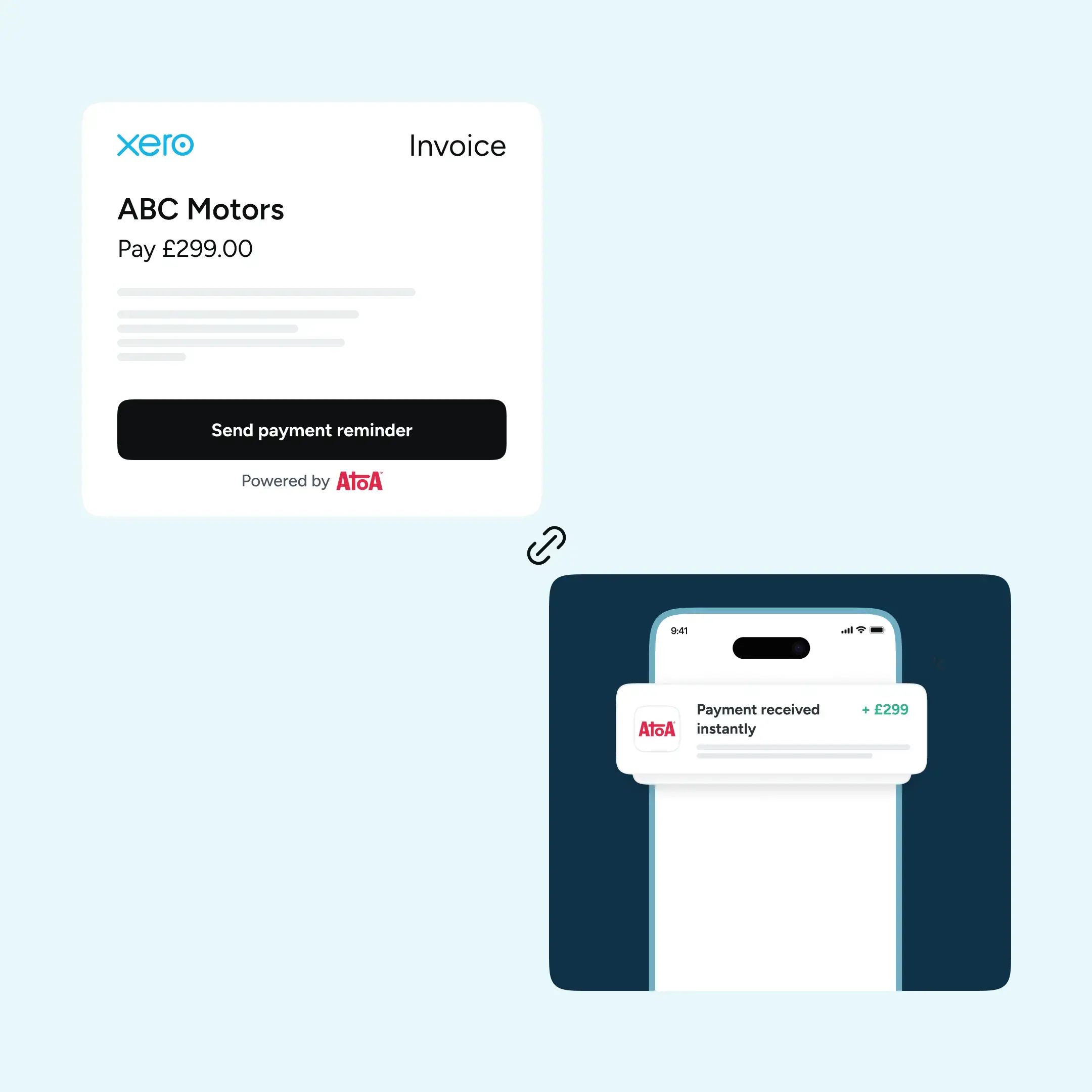
Automated invoice reminders take the burden of follow-ups off your shoulders. Software like Xero can track payments, match bank deposits and send reminders on preset schedules.
How automation works:
- Software monitors bank deposits and matches payments to invoices
- Automatic reminder emails go out on due dates
- Follow-up sequences escalate if needed
- Only exceptions require personal attention
Key benefits include major time savings and consistent communication. Prompt follow-up on overdue payments also makes a significant difference, too.
Conclusion
Getting paid faster is about designing your payment workflows to reduce friction and encourage immediate action. Xero’s invoicing features give you the building blocks. Using them with clear timing, professional formatting, automation and smart payment options can dramatically shorten the time from invoice sent to money received.
If you want to streamline your invoicing and payment process even further, consider how connected tools like bank feeds and payment pages can help. They reduce repetitive work and give customers easier ways to pay.Book a demo with Atoa’s team and you can get a hands-on experience of how smoothly you can run one of the most repetitive aspects of business and free up time to focus on growth. Thousands of businesses are already benefiting from it.
SHARE ARTICLE
Share link copied!